Archive the SYSLOG with XWTR
These first steps are optional. I do them so the archived SYSLOGs are kept on a volume of their own.
- Create a new volume
- Create a catalog on that volume
- Create an ALIAS pointing to that catalog
Create a volume to archive the SYSLOG - Optional
Create a new volume
Before archiving the SYSLOG, I am going to create and initialize a volume to keep it all in one place.
In ZD&T, the disk file is created with the “alcckd” command. In my case, a model 3. For example:
alcckd /mnt/1TB2/ADCD/3.1_B_acc/SLOG00 -d3390-3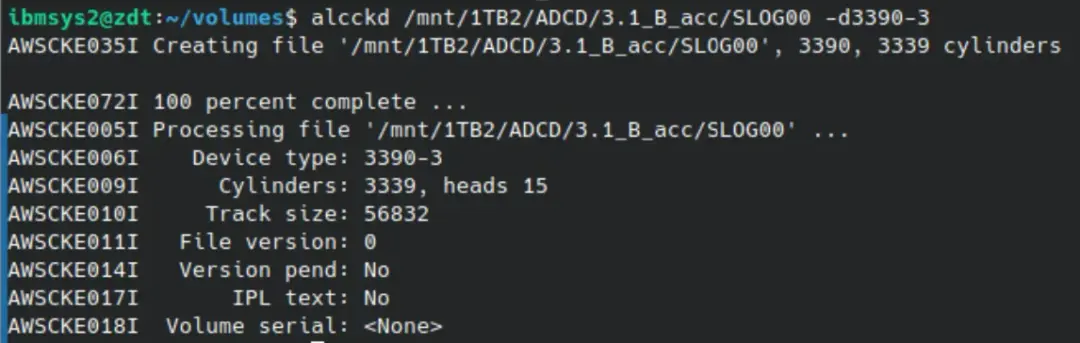
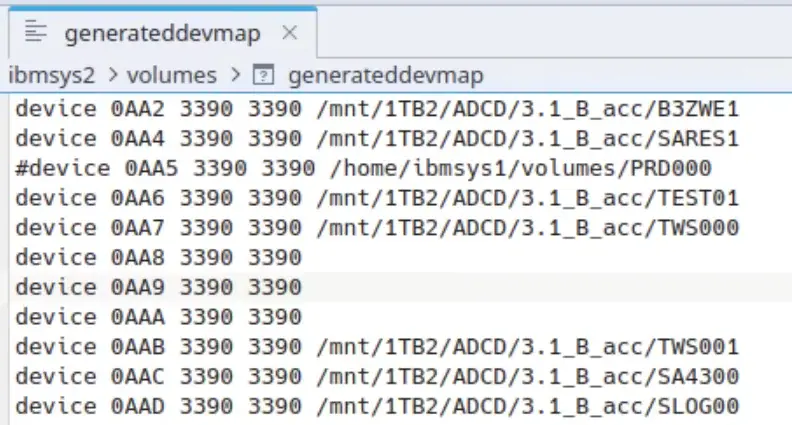
Optionally, we can mount it dynamically. Or add it to the configuration file and restart the system.
awsmount 0AA8 -m /mnt/1TB2/ADCD/3.1_B_acc/SLOG00To mount it dynamically, I would use unit 0AA8 because it is one of the units I keep free for dynamic mounts.
On z/OS, we vary the device offline:
V 0AAD,OFFLINE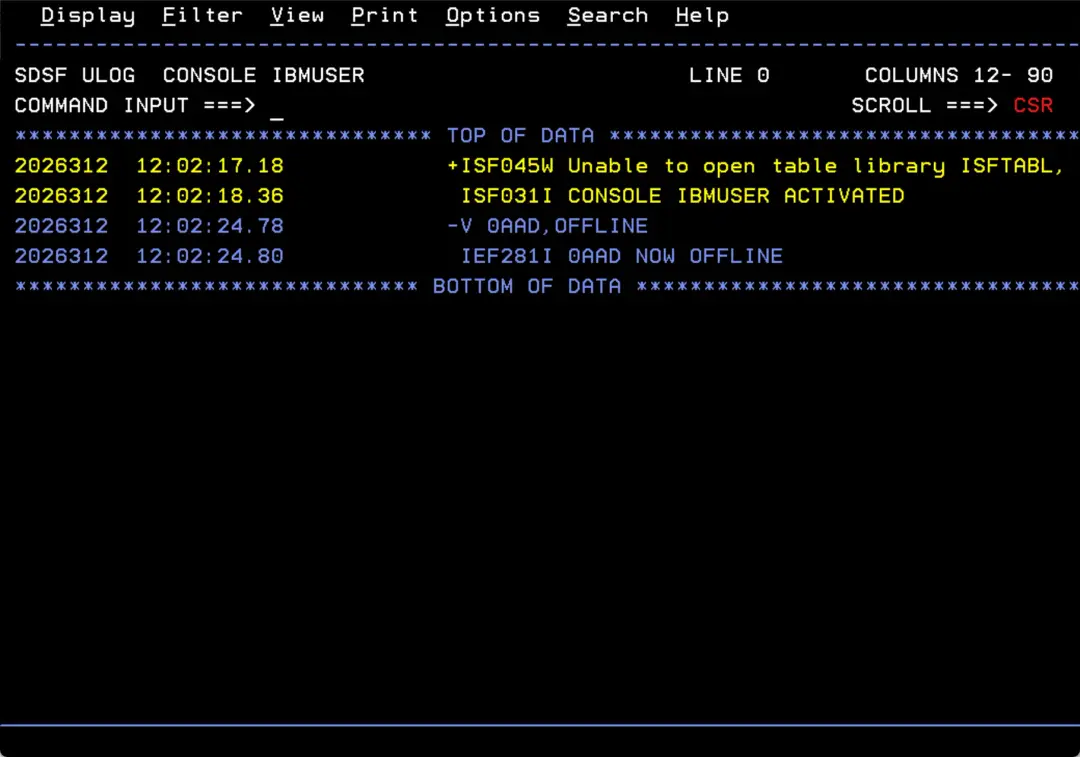
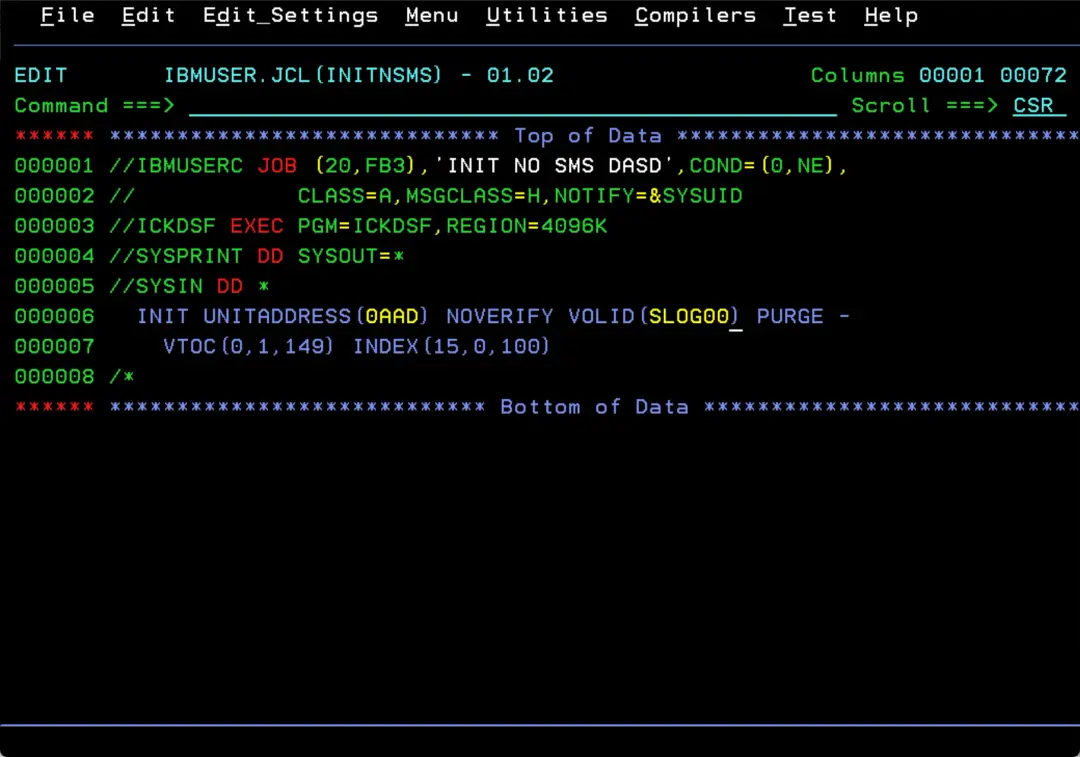
With a job like this one, we initialize the volume as non-SMS:
//IBMUSERC JOB (20,FB3),'INIT NO SMS DASD',COND=(0,NE),
//            CLASS=A,MSGCLASS=H,NOTIFY=&SYSUID
//ICKDSF EXEC PGM=ICKDSF,REGION=4096K
//SYSPRINT DD SYSOUT=*
//SYSIN DD *
  INIT UNITADDRESS(0AAD) NOVERIFY VOLID(SLOG00) PURGE -
    VTOC(0,1,149) INDEX(15,0,100)
/*
We answer the reply this job issues:
nn,U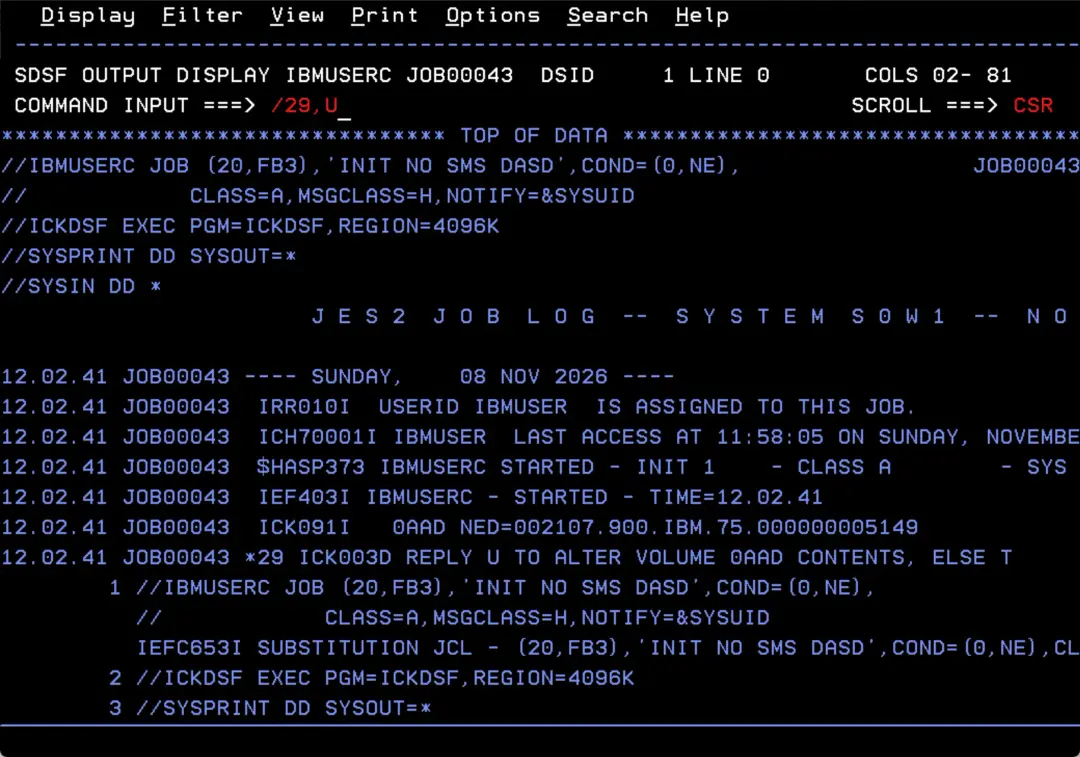
It ends successfully.
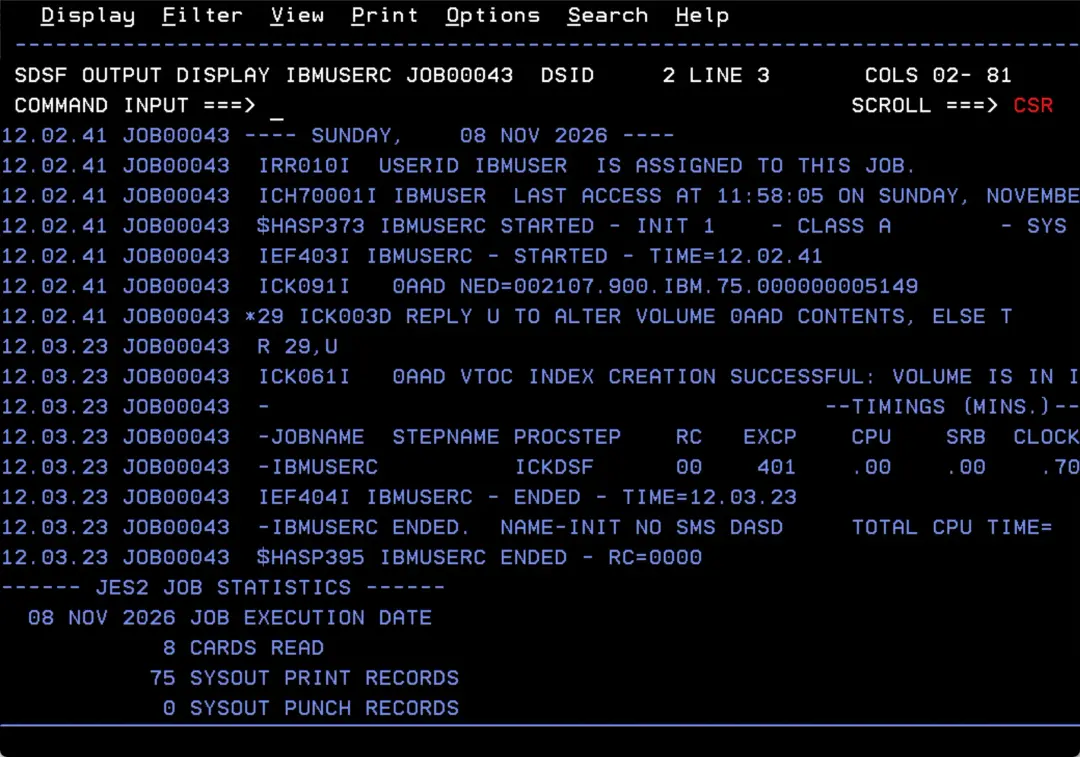
We vary the volume online:
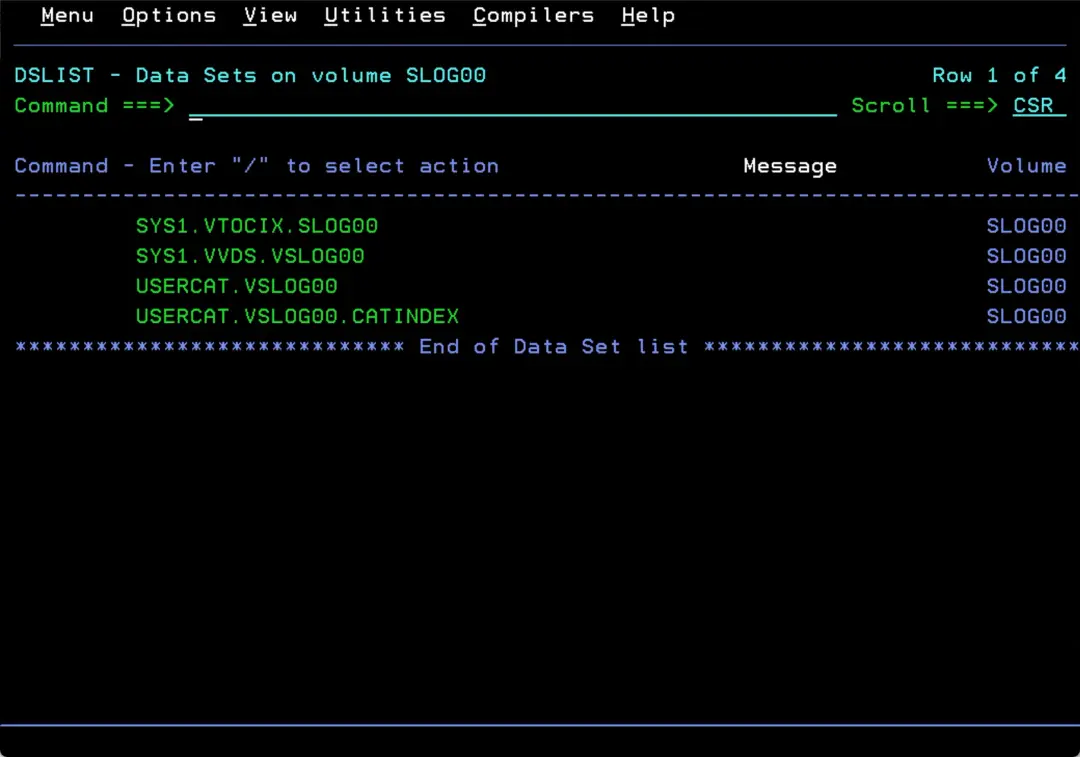
V 0AAD,ONLINEIn 3.4 we check that it is accessible and correctly defined.
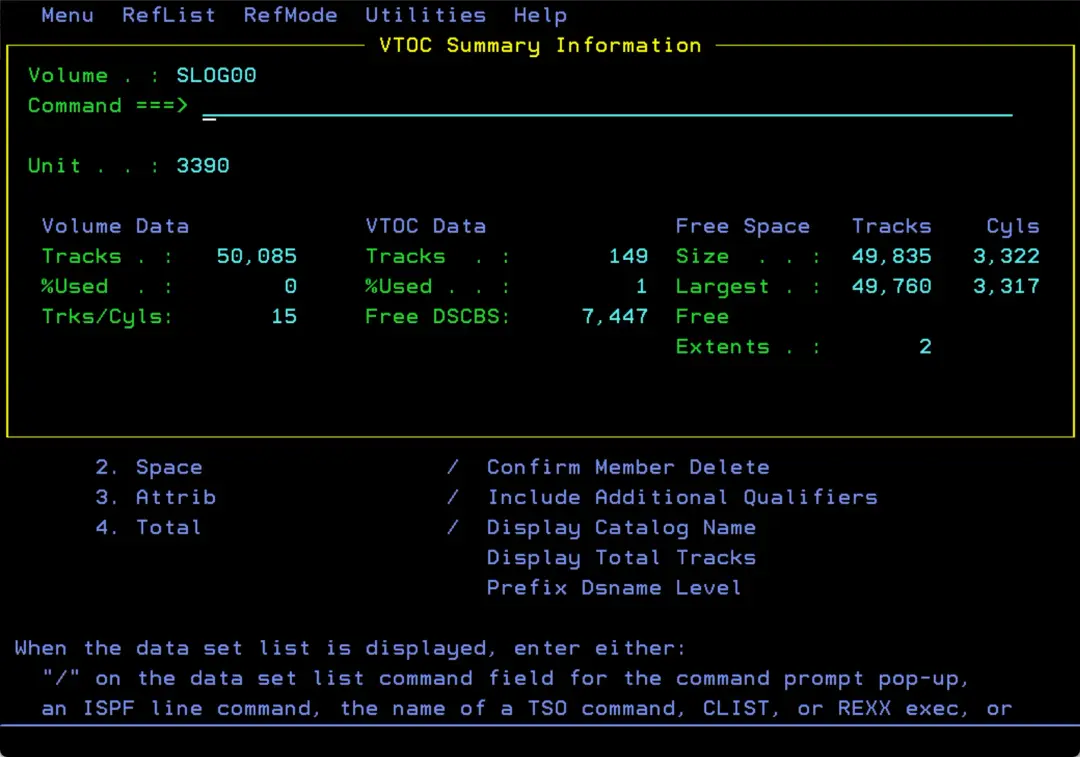
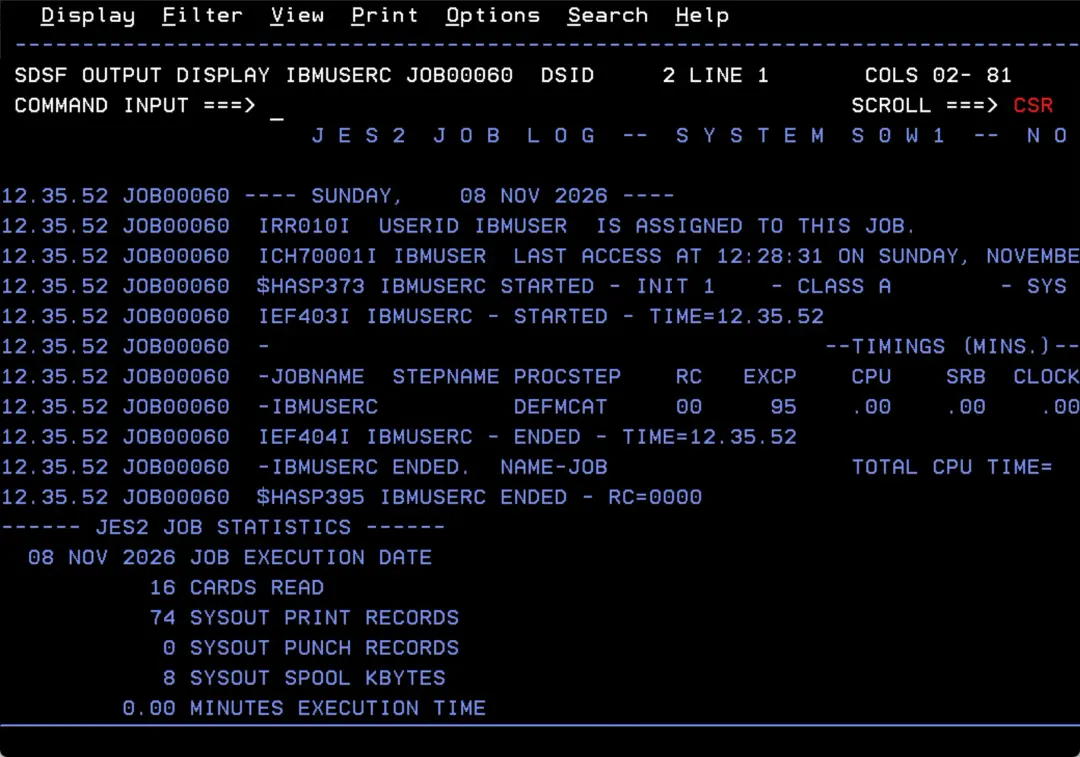
Create a catalog on the volume
You can use the following job. Just set the volume in the SET P1='SLOG00' parameter:
//IBMUSERC JOB (20,FB3),'JOB',COND=(0,NE),
//            CLASS=A,MSGCLASS=H,NOTIFY=&SYSUID
//E1  EXPORT SYMLIST=(P1)
//   SET P1='SLOG00'
//DEFMCAT  EXEC PGM=IDCAMS
//SYSPRINT DD SYSOUT=*
//CATVOL1  DD UNIT=3390,VOL=SER=&P1.,DISP=SHR
//SYSIN    DD *,SYMBOLS=JCLONLY
  DEFINE   USERCATALOG (    -
               NAME(USERCAT.V&P1.                    ) -
               VOLUME(&P1.)                            -
               ICFCATALOG                              -
               CYL (1 1)                               -
               SHAREOPTIONS(3 4)                       -
               STORCLAS(SCNOSMS)                       -
               NWCK NOIMBED NOREPLICATE)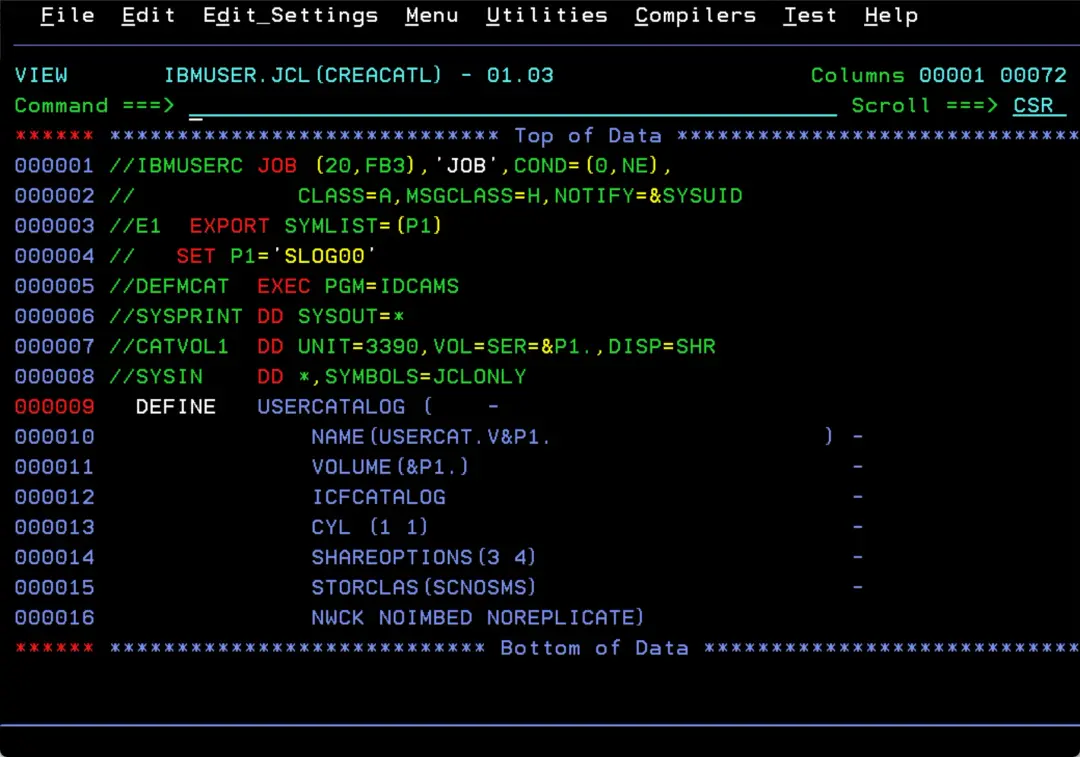
It will end successfully.
Create an ALIAS pointing to that catalog
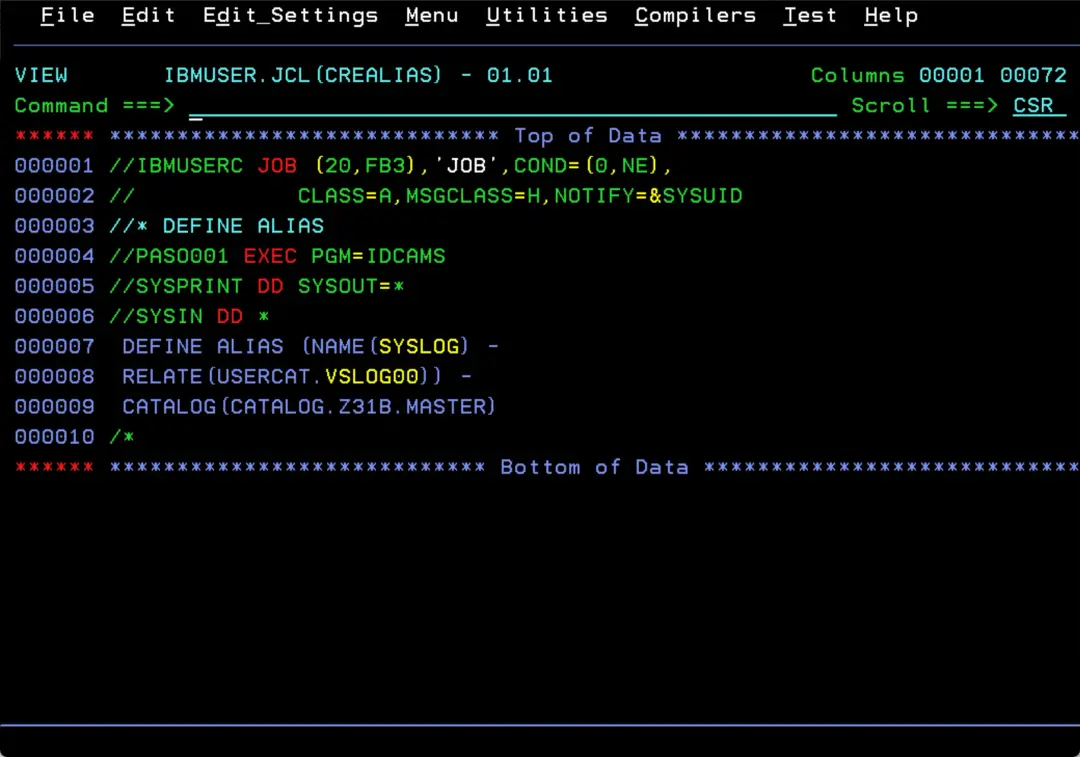
We use a job like this one to define an ALIAS for SYSLOG:
//IBMUSERC JOB (20,FB3),'JOB',COND=(0,NE),
//            CLASS=A,MSGCLASS=H,NOTIFY=&SYSUID
//* DEFINE ALIAS
//PASO001 EXEC PGM=IDCAMS
//SYSPRINT DD SYSOUT=*
//SYSIN DD *
 DEFINE ALIAS (NAME(SYSLOG) -
 RELATE(USERCAT.VSLOG00)) -
 CATALOG(CATALOG.Z31B.MASTER)
/*
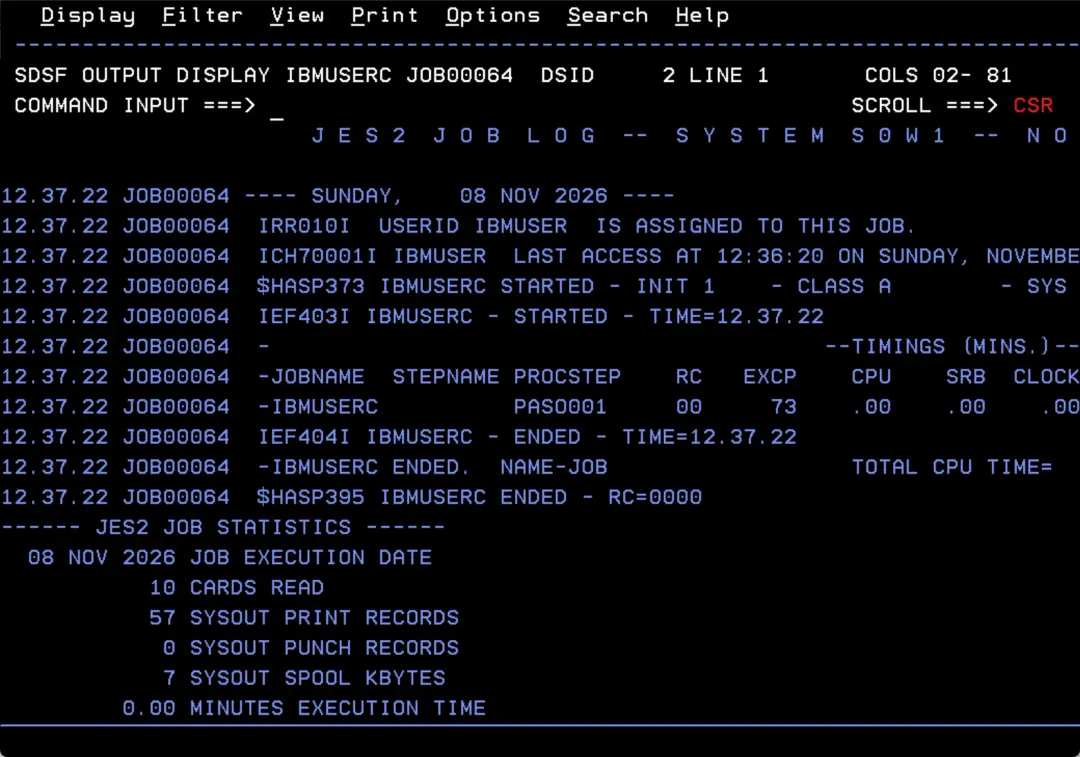
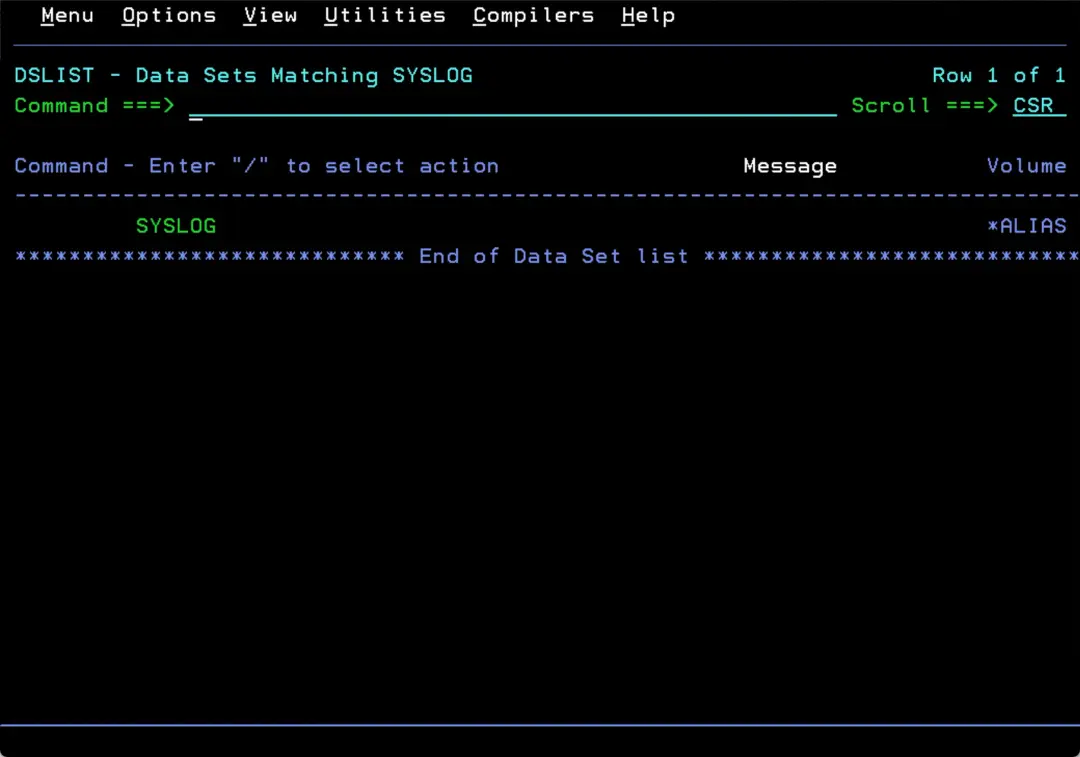
Now the “SYSLOG” ALIAS is defined and the catalog is created.
Configure the XWTR task
To save the system SYSLOG to a data set we can use the XWTR task.
In my case, it is in SYS1.PROCLIB.
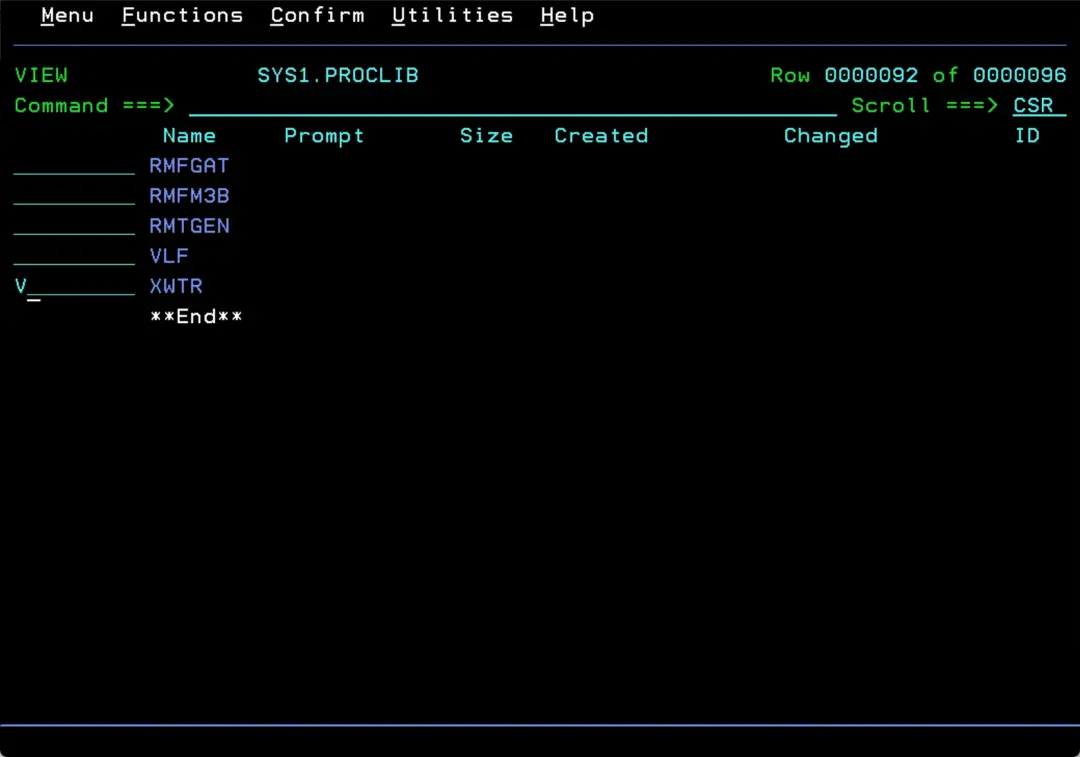
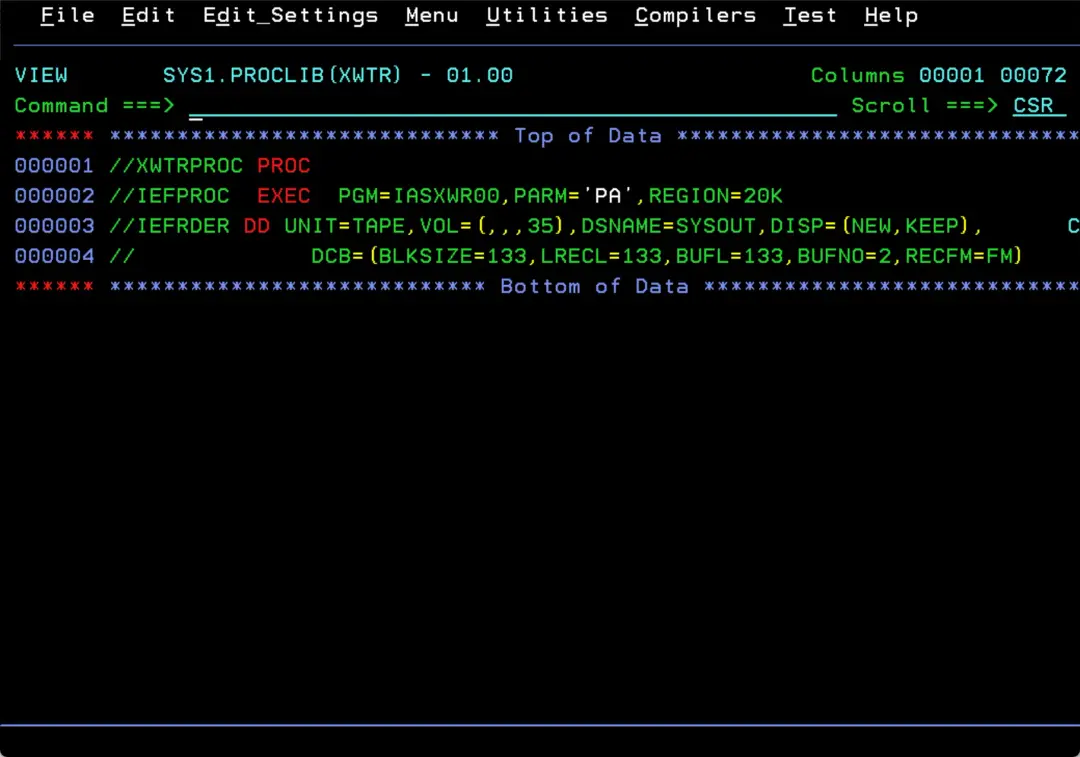
By default, it is defined like this:
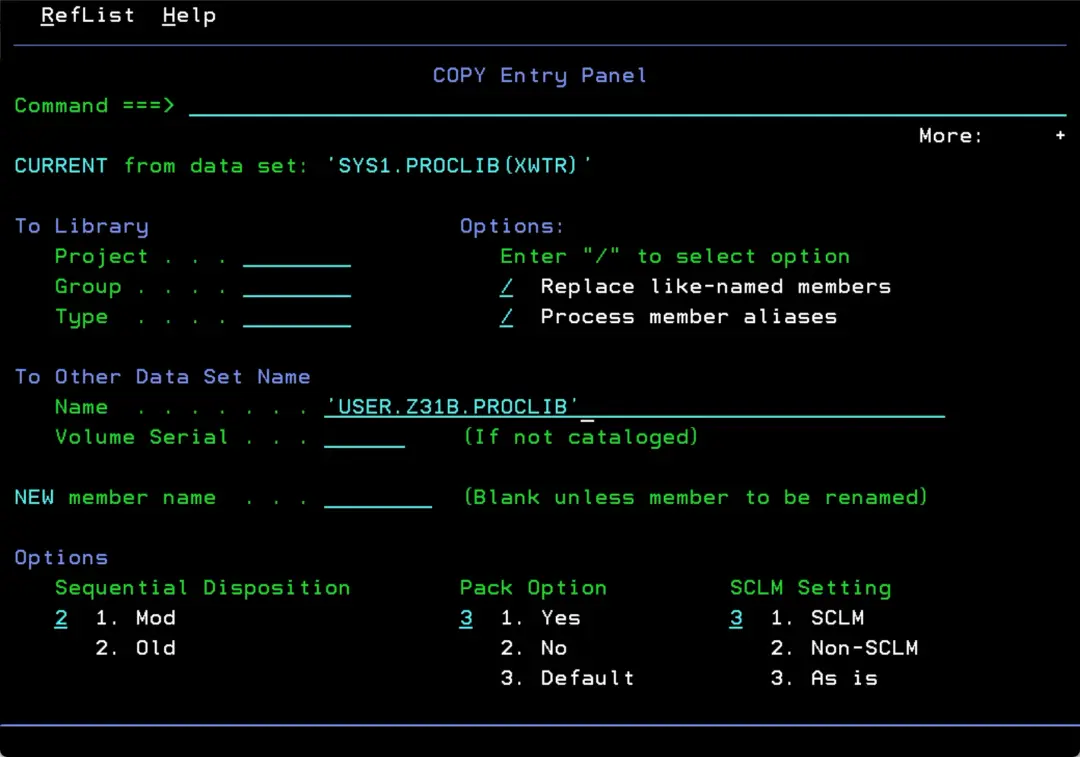
To modify it, I copy it to USER.Z31B.PROCLIB, which comes earlier in the PROCLIB concatenation on my system.
The WRITELOG (or W) command with no parameters writes (PRINT) the SYSLOG to its defined class, class L in my case.
That way, the XWTR task can capture it afterwards.
https://www.ibm.com/docs/en/zos/3.1.0?topic=wc-syntax
Keep in mind that each WRITELOG lets us capture what happened in the log since the previous WRITELOG. If, for example, we issue several WRITELOGs during the day, we must think about how the XWTR task will capture them, so we lose nothing, get a complete log for the day and do not end up with the same day split across different data sets.
One way is to point the XWTR task to an existing data set and write the log data to it (using DISP=MOD) so each capture is appended.
Then a separate job, once a day, copies whatever is in that data set (which has been collecting data during the day) to a GDG and clears it, so the log is not duplicated.
Create the archive data set
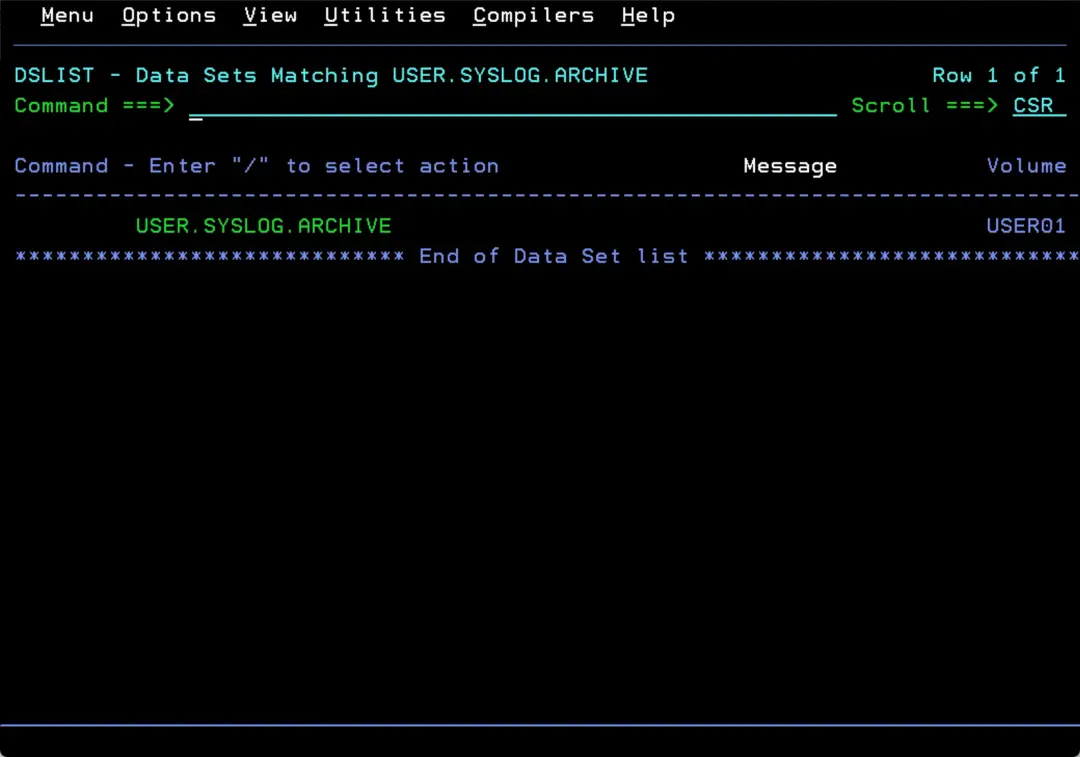
We can start by creating the data set that will hold the log with this job:
//CREASYSL JOB (CUENTA),'CREAR FICHERO',CLASS=A,MSGCLASS=X,
//         MSGLEVEL=(1,1),NOTIFY=&SYSUID
//*-----------------------------------------------------------------
//* EJEMPLO PARA CREAR UN DATASET FB 133
//*-----------------------------------------------------------------
//STEP01   EXEC PGM=IEFBR14
//SYSOUT   DD SYSOUT=*
//FICHERO  DD DSN=USER.SYSLOG.ARCHIVE,
//            DISP=(,CATLG),
//            UNIT=3390,
//            SPACE=(TRK,(500,300)),
//            DCB=(DSORG=PS,RECFM=FB,LRECL=133,BLKSIZE=133)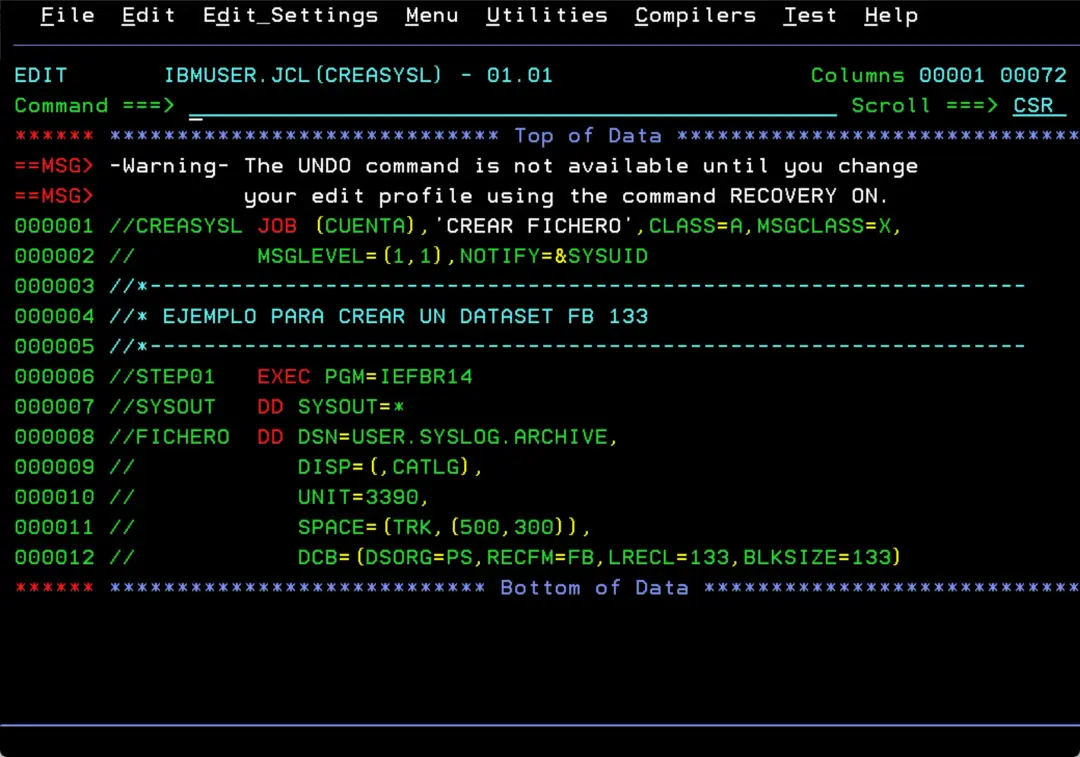
The “PARM=PL” parameter means “PRINT” class L.
Then, with the WRITELOG (or W) command, we send the SYSLOG to class L so it gets captured.
//XWTRPROC PROC
//IEFPROC  EXEC PGM=IASXWR00,PARM='PL',REGION=4M
//IEFRDER  DD   DISP=MOD,DSNAME=USER.SYSLOG.ARCHIVE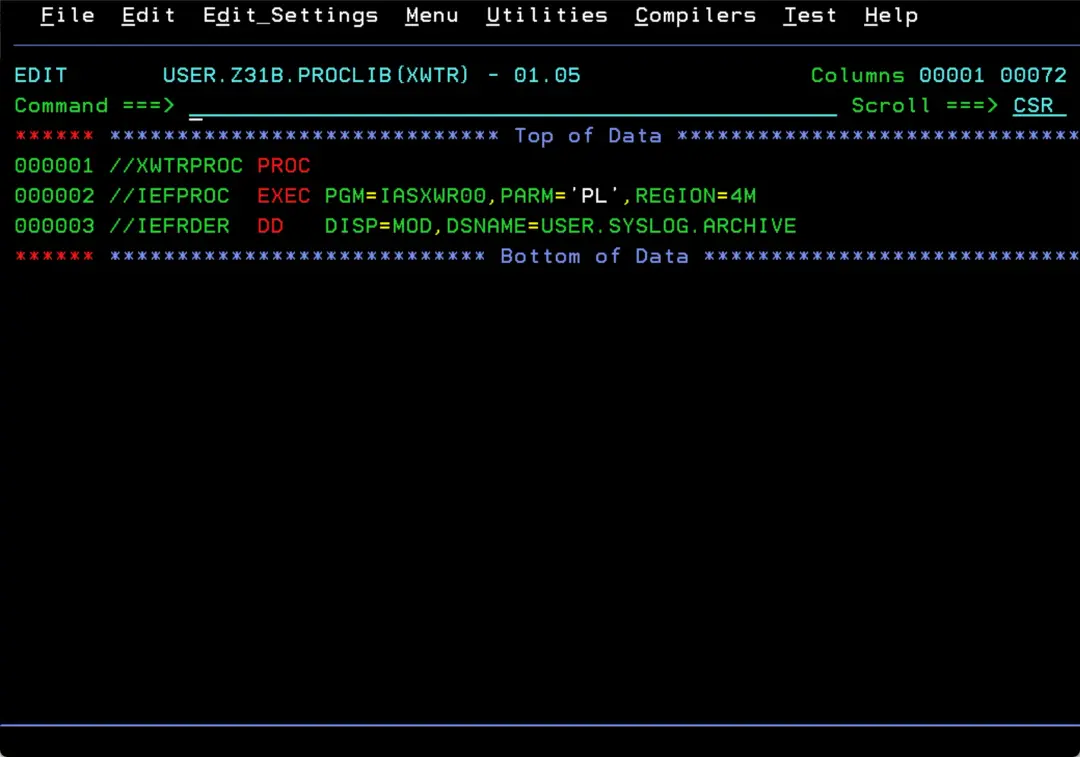
Send the SYSLOG to class L with WRITELOG
If we open the SYSLOG task with a question mark, we can see that it goes to class L by default.
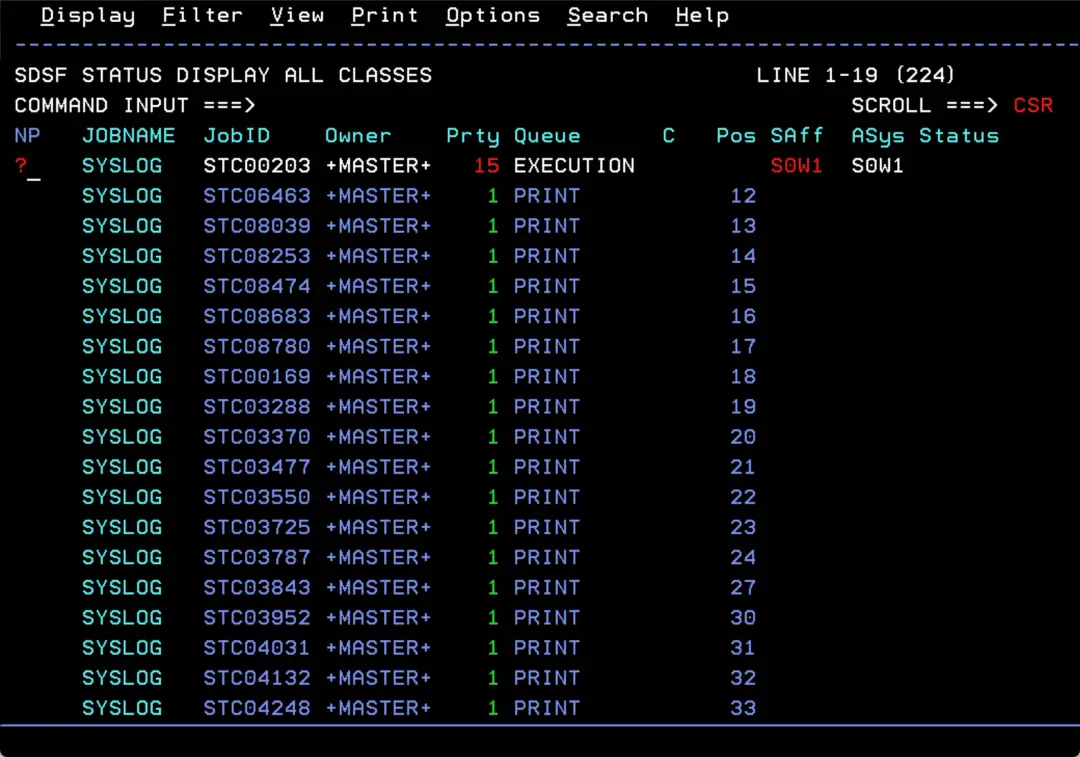
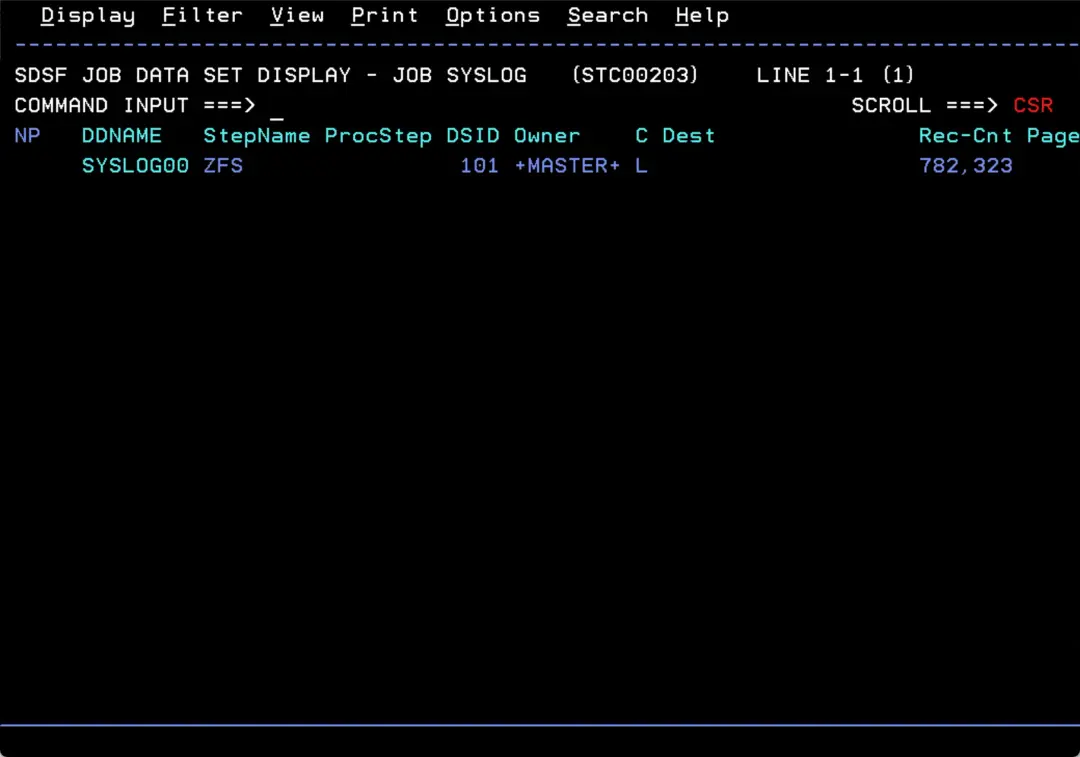
With “WRITELOG L” we force the output to class L (or whichever we want). What matters is that the SYSLOG is written to the same class the XWTR task will then capture.
WRITELOG L

IEF196I IEF237I JES2 ALLOCATED TO SYSLOG01
IEE042I SYSTEM LOG DATA SET INITIALIZED
IEF196I IEF285I   +MASTER+.SYSLOG.STC00203.D0000101.?          SYSOUT
IEE043I A SYSTEM LOG DATA SET HAS BEEN QUEUED TO SYSOUT CLASS L 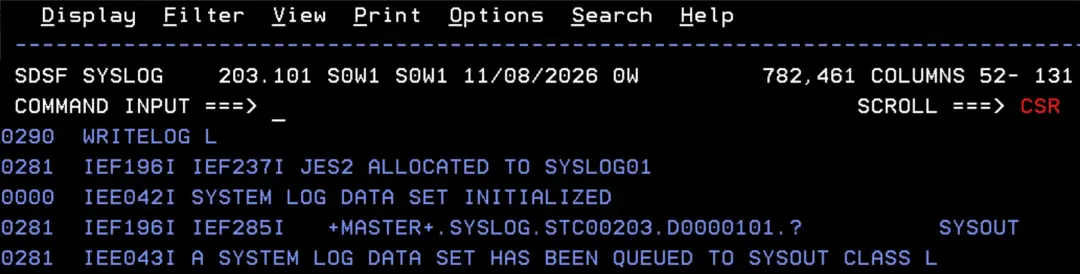
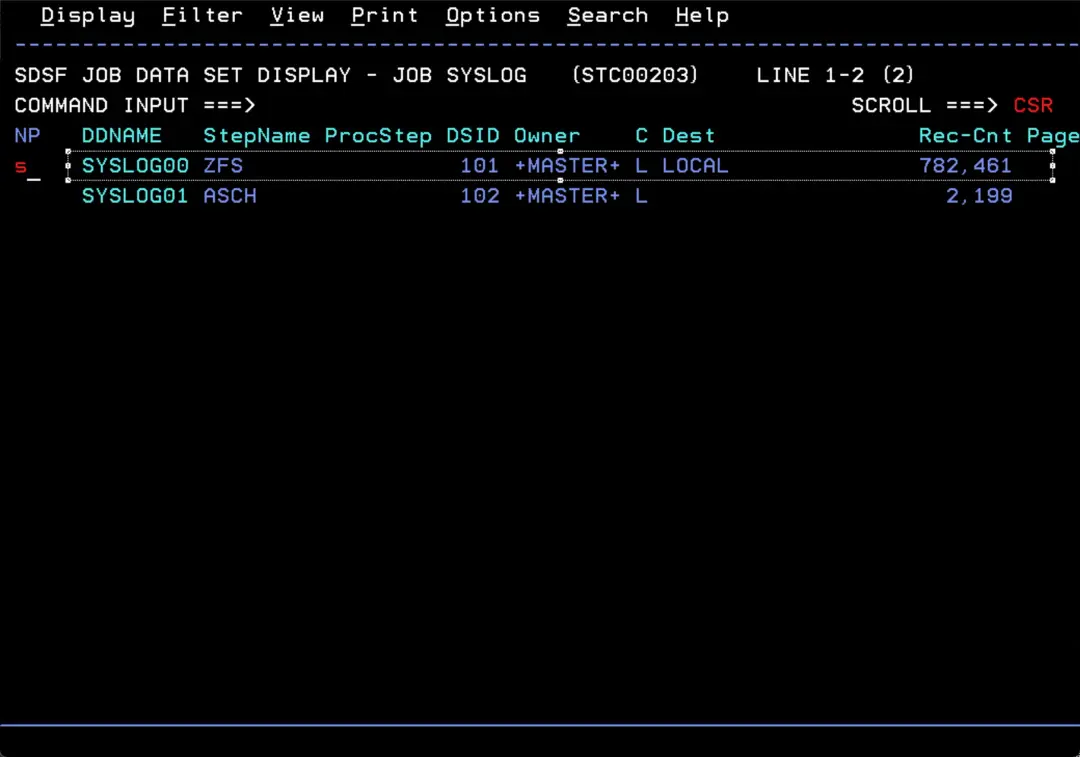
Now the SYSLOG00 DDNAME will have Dest LOCAL and a new one is created to keep recording the log.
Start XWTR
Now we start the XWTR task. This is how to start it:
S XWTR.XWTRJESSPOOL security error
In my case, some security errors showed up when it tried to capture the SYSLOGs.
$HASP186 SYSLOG OUTGRP=1.1.1 NOT SELECTED BY STC07595/XWTR.XWTR DUE 518
         TO SECURITY POLICY
$HASP186 SYSLOG OUTGRP=1.1.1 NOT SELECTED BY STC07595/XWTR.XWTR DUE 519
TO SECURITY POLICY 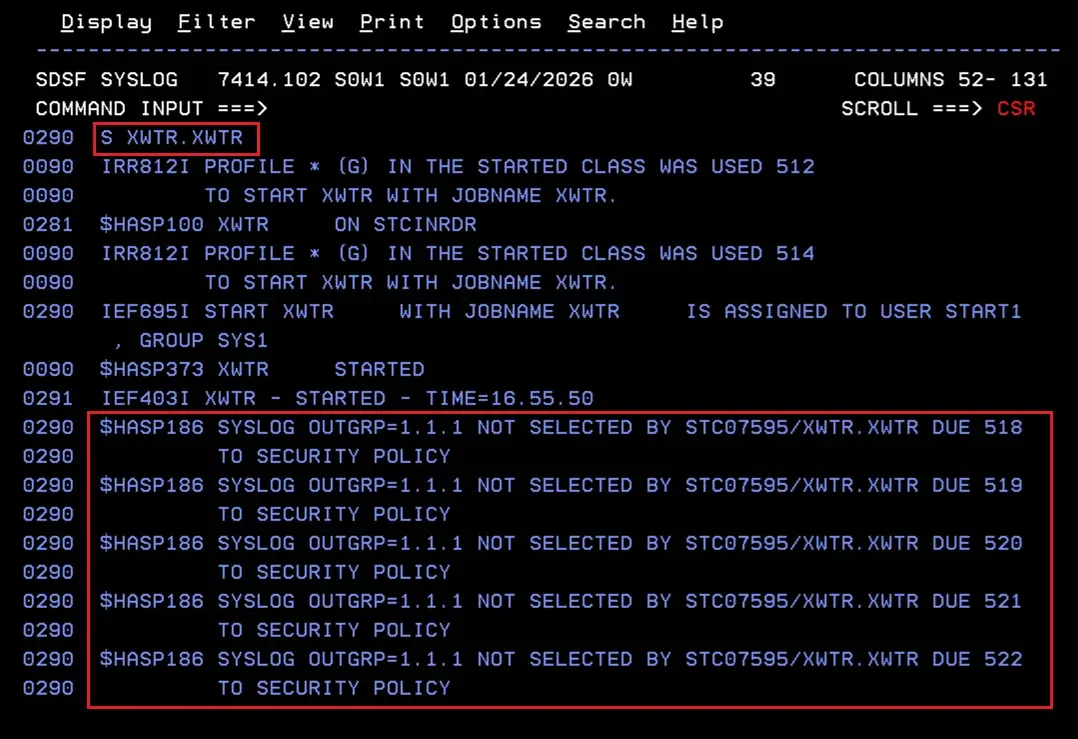
These errors are related to the RACF JESSPOOL class, but they do not give much detail.
See the details with $T DEBUG
To find out exactly which permission is missing, we are going to use the following command:
$T DEBUG,SECURITY=YESMore information about this command:
https://www.ibm.com/docs/en/zos/3.1.0?topic=option-parameter-description-debug
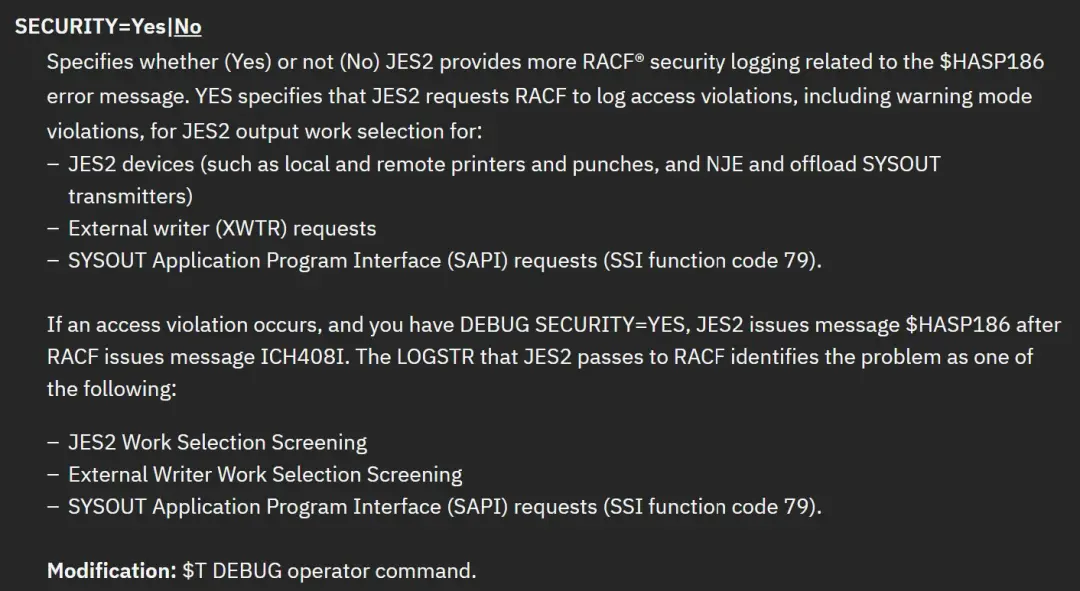
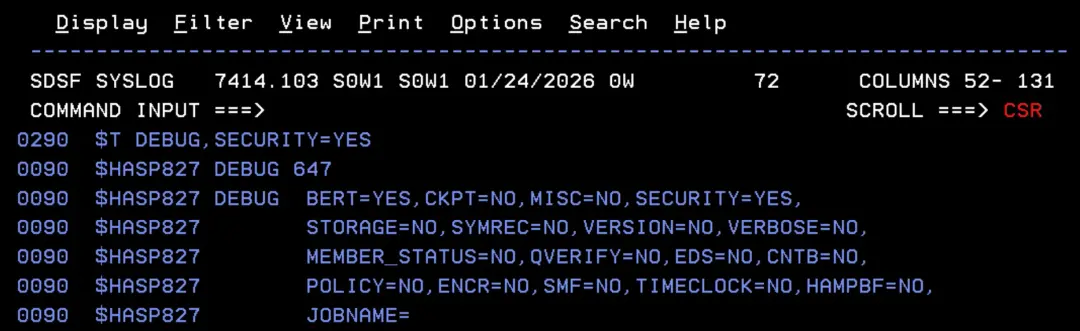
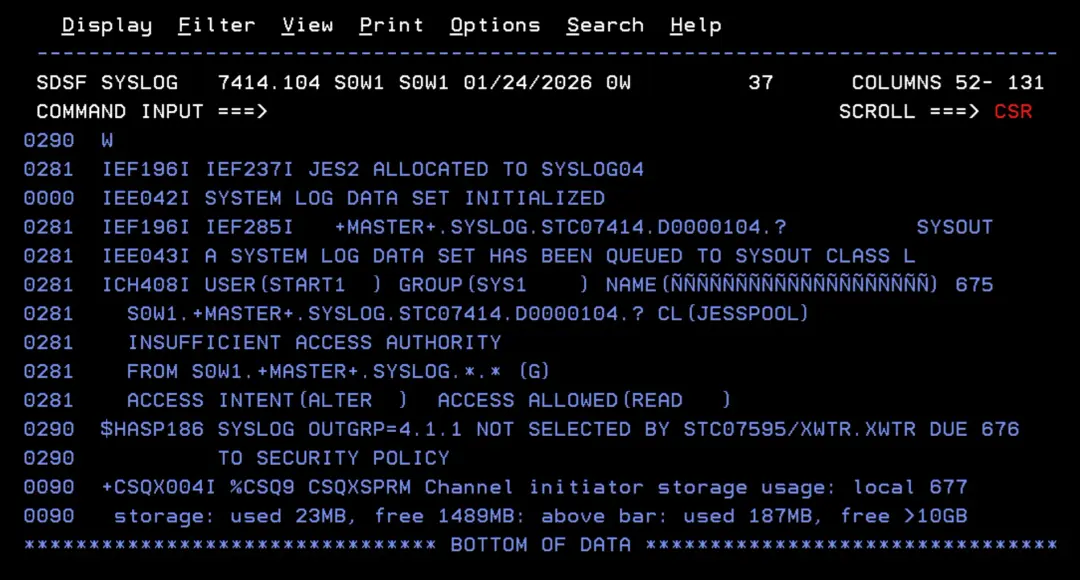
Now we issue the WRITELOG (or W) command again and we will see the error details:
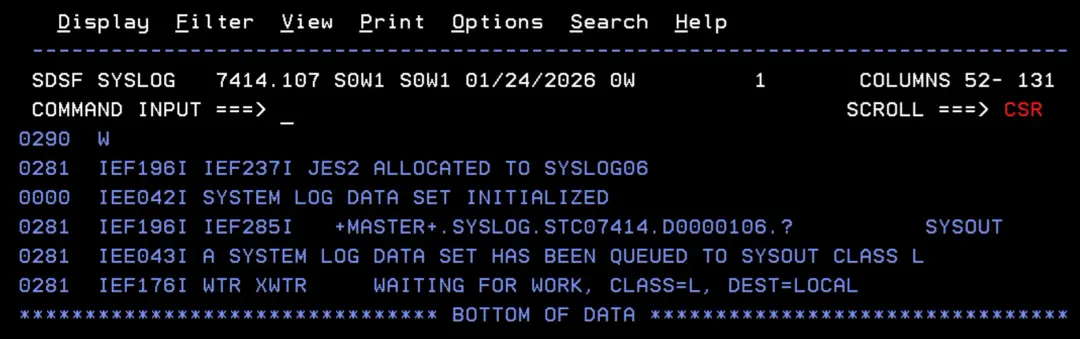
 W

 IEF196I IEF237I JES2 ALLOCATED TO SYSLOG04
 IEE042I SYSTEM LOG DATA SET INITIALIZED
 IEF196I IEF285I   +MASTER+.SYSLOG.STC07414.D0000104.?          SYSOUT
 IEE043I A SYSTEM LOG DATA SET HAS BEEN QUEUED TO SYSOUT CLASS L
 ICH408I USER(START1  ) GROUP(SYS1    ) NAME(ÑÑÑÑÑÑÑÑÑÑÑÑÑÑÑÑÑÑÑÑ) 675
   S0W1.+MASTER+.SYSLOG.STC07414.D0000104.? CL(JESSPOOL)
   INSUFFICIENT ACCESS AUTHORITY
   FROM S0W1.+MASTER+.SYSLOG.*.* (G)
   ACCESS INTENT(ALTER  )  ACCESS ALLOWED(READ   )
 $HASP186 SYSLOG OUTGRP=4.1.1 NOT SELECTED BY STC07595/XWTR.XWTR DUE 676
          TO SECURITY POLICY
I need ALTER access and I have READ.
Give ALTER access to the STC user
With this command we give ALTER access to the STC user (START1).
We can also give access to the group with ID(SYS1).
PERMIT S0W1.+MASTER+.SYSLOG.*.* CLASS(JESSPOOL) ID(START1) ACCESS(ALTER)

SETROPTS GENERIC(JESSPOOL) REFRESH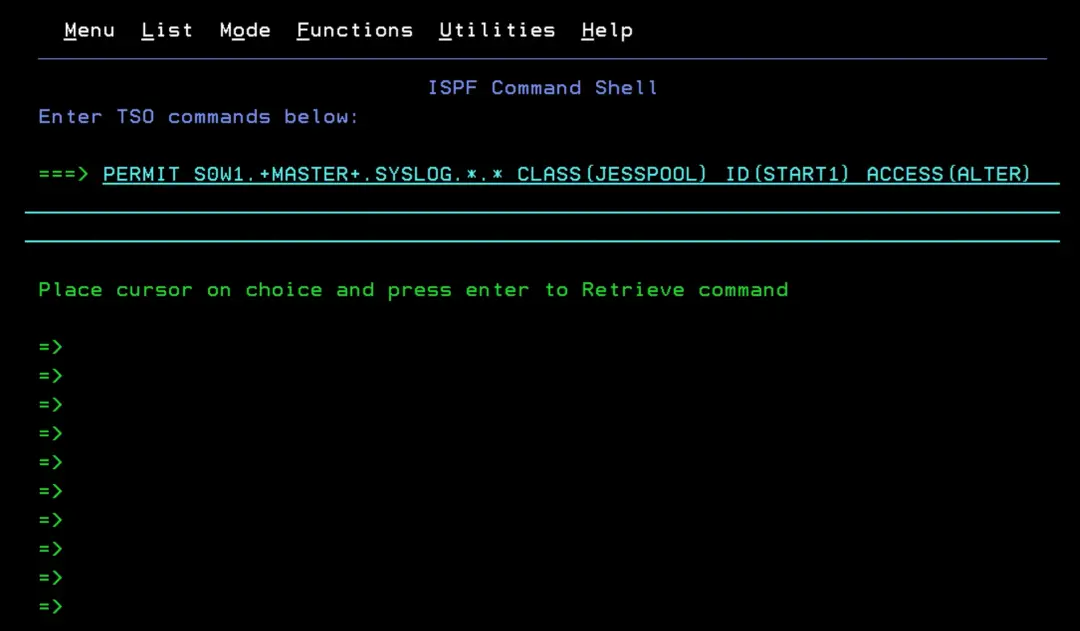
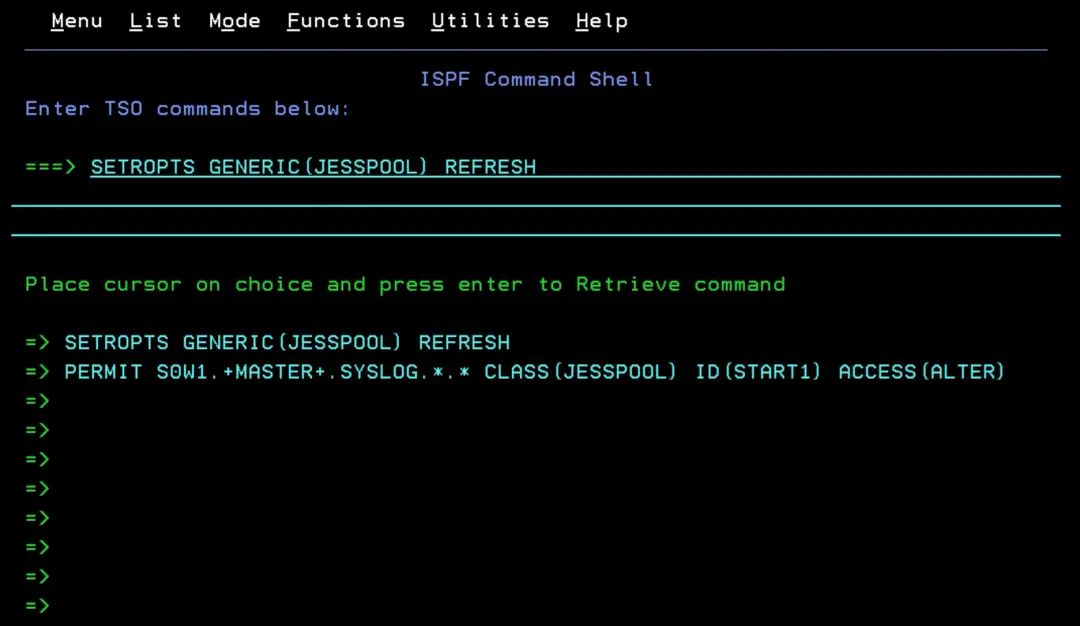
Now we issue the WRITELOG (or W) command again and the permission errors are gone.
We turn DEBUG off, since the error is fixed.
$T DEBUG,SECURITY=NO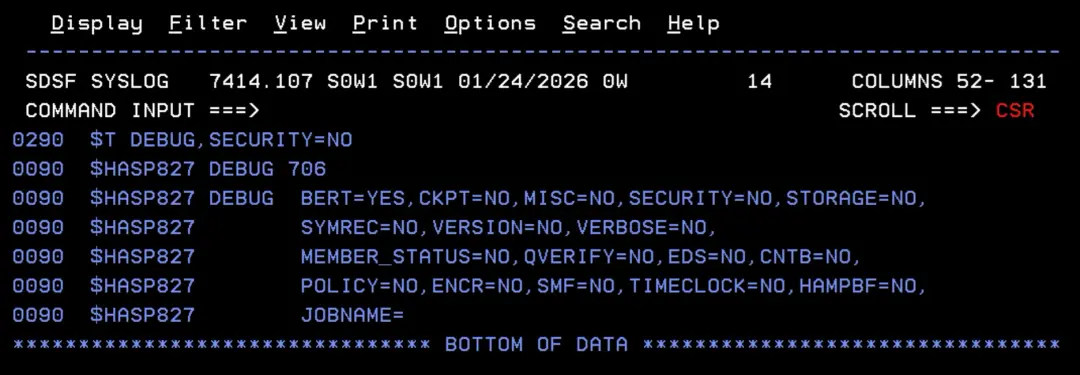
If the data set fills up (B37)
If there is too much “pending” log, the data set may fill up.
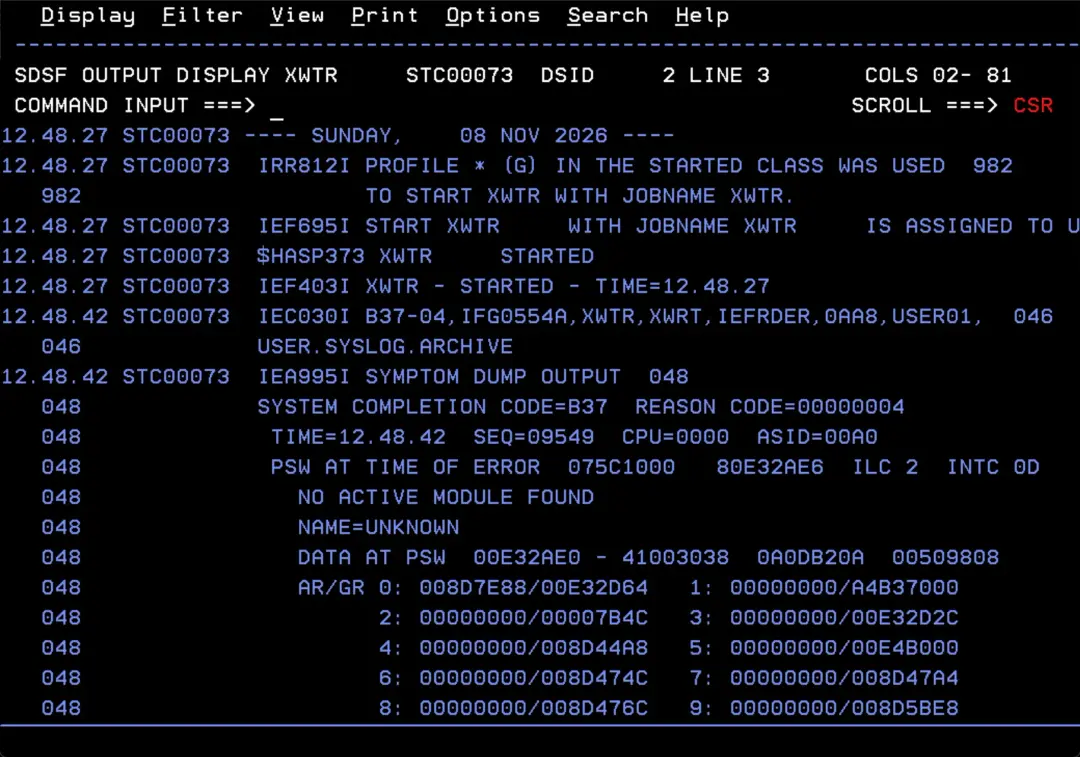
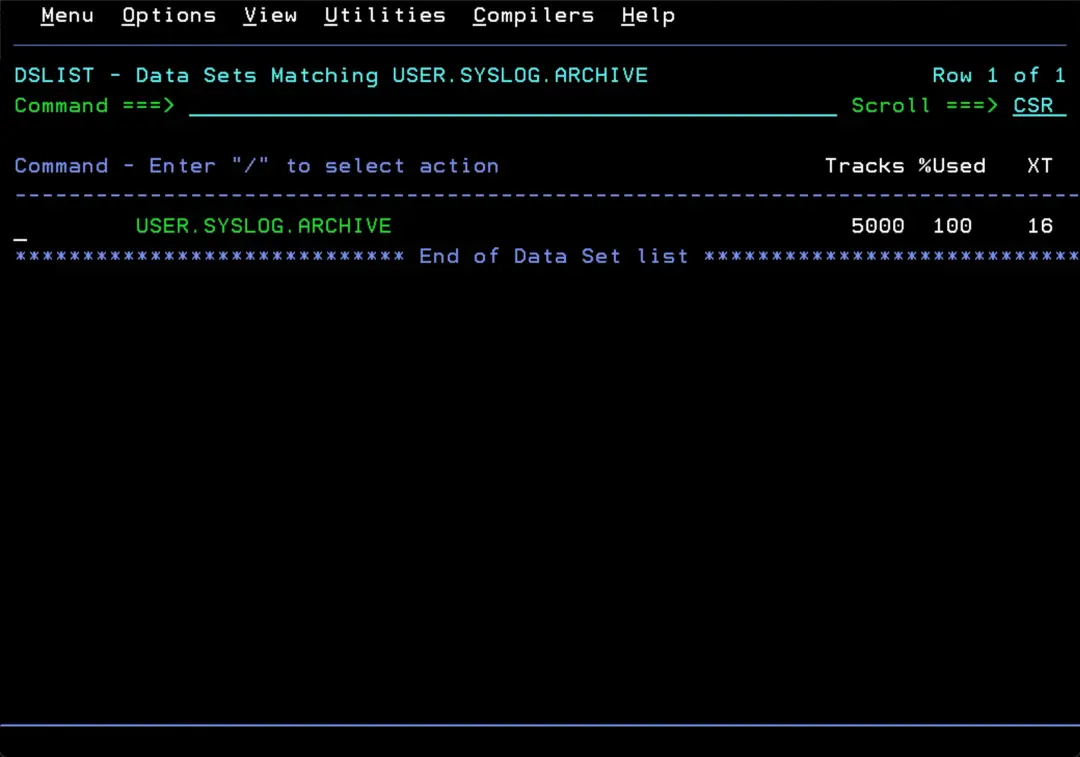
In this case, be careful: if we delete the USER.SYSLOG.ARCHIVE data set, we can lose part of the collected log.
Better rename the old one to OLD and create a new one (we can make it bigger if we think it is needed).
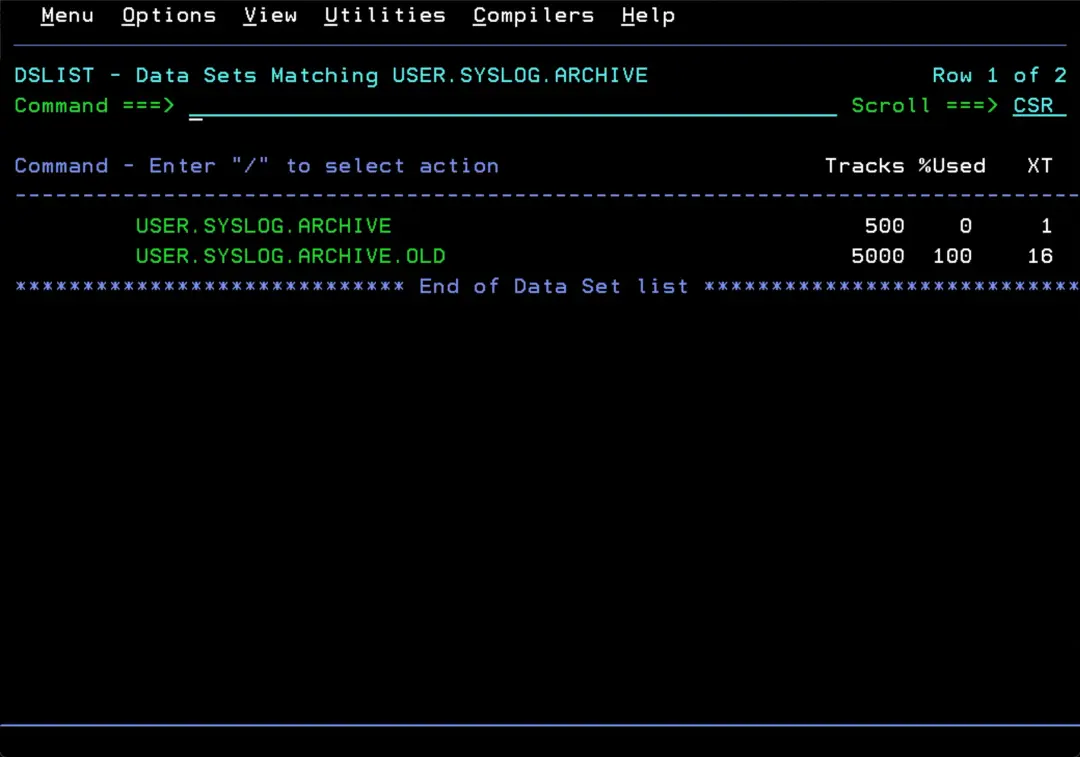
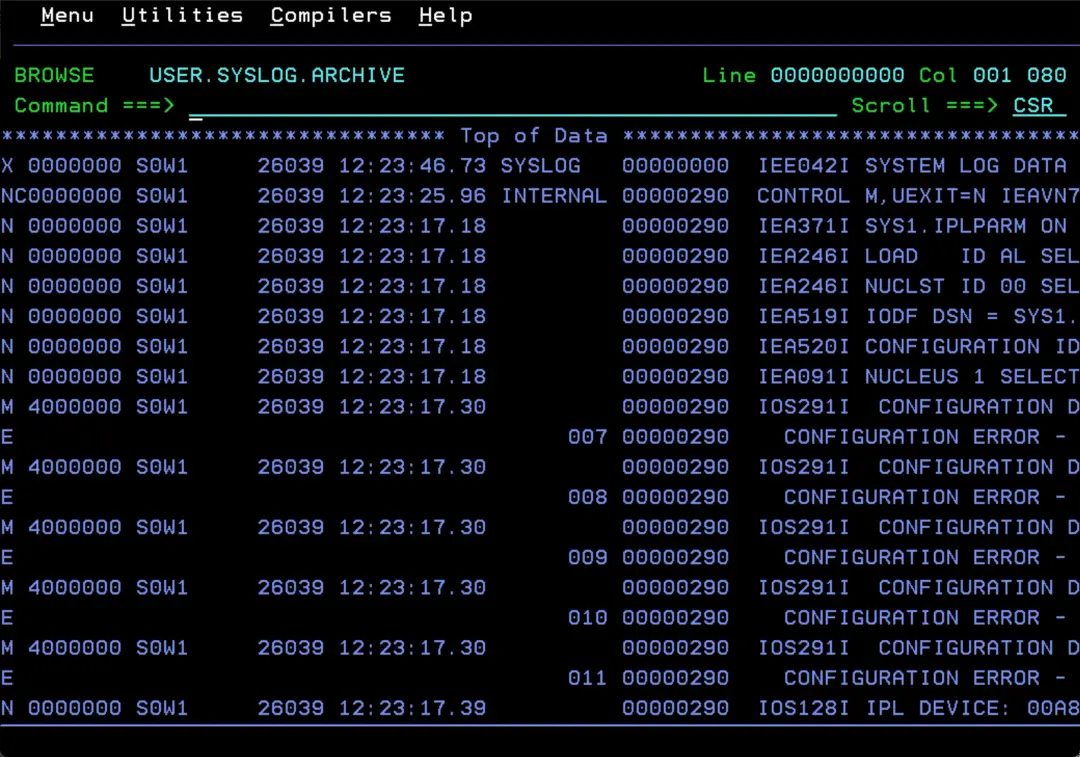
For example, the USER.SYSLOG.ARCHIVE.OLD data set starts on day 39 (Feb 8) at 11:54.
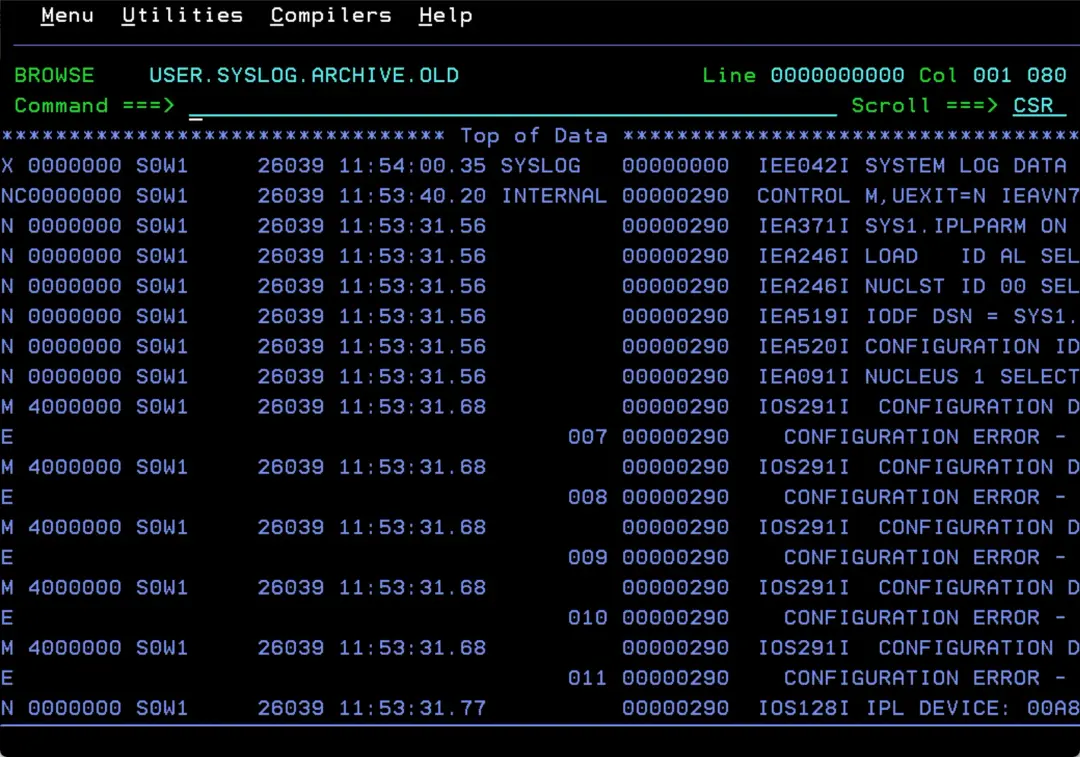
And it ends on day 39 (Feb 8) at 15:31:
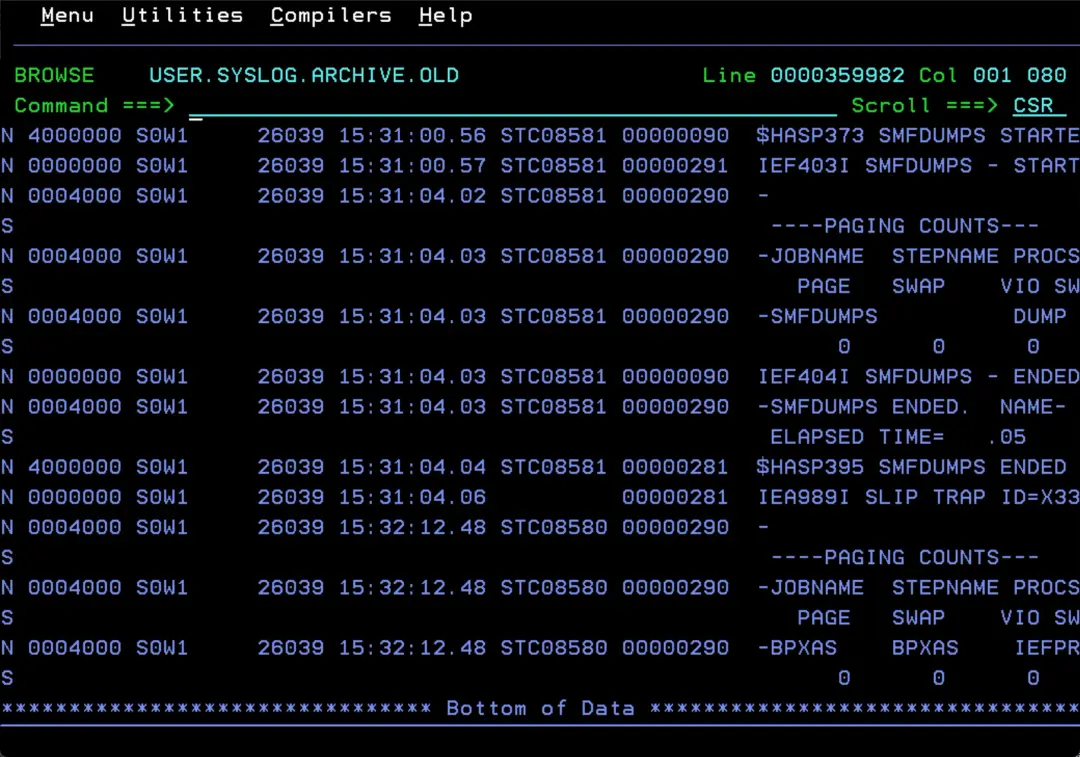
But the new one we created (after running S XWTR.XWTR again) starts on day 39 at 12:23. In other words, had we deleted the previous data set, we would have lost part of the log (from 11:54 to 12:23).
The new USER.SYSLOG.ARCHIVE log data set ends on day 98 (Apr 8) at 22:46.
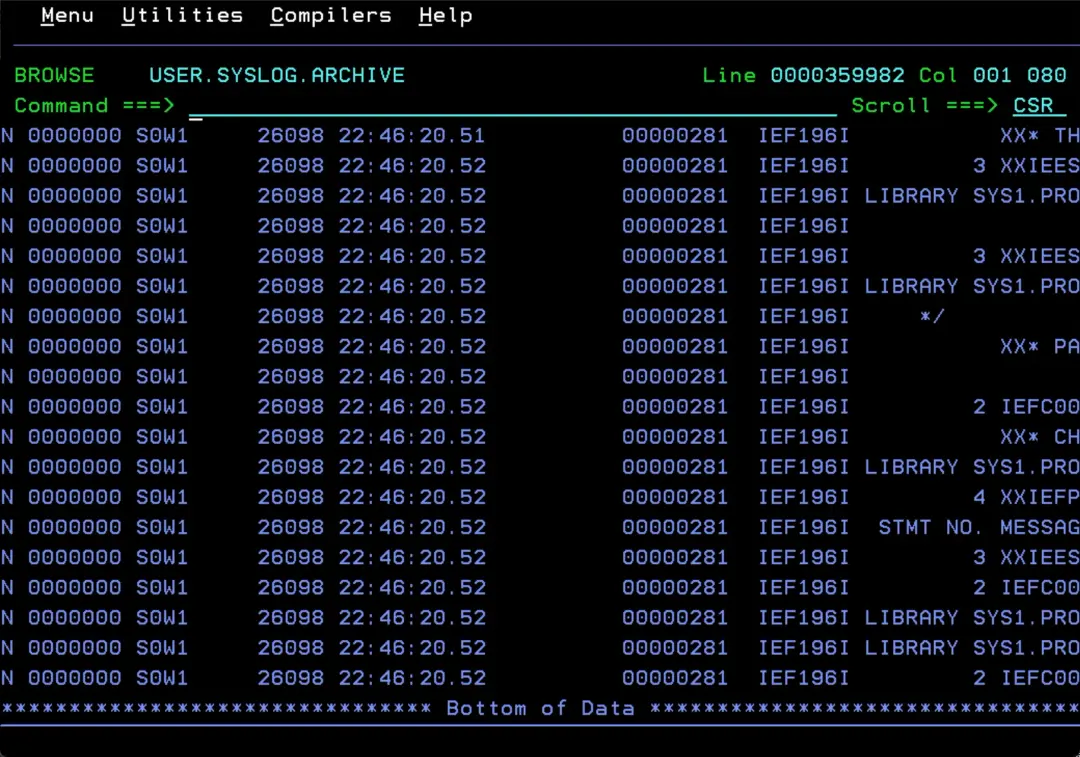
This happens when there are several SYSLOGs from previous days that were never archived (as happens to me in my HOMELAB).
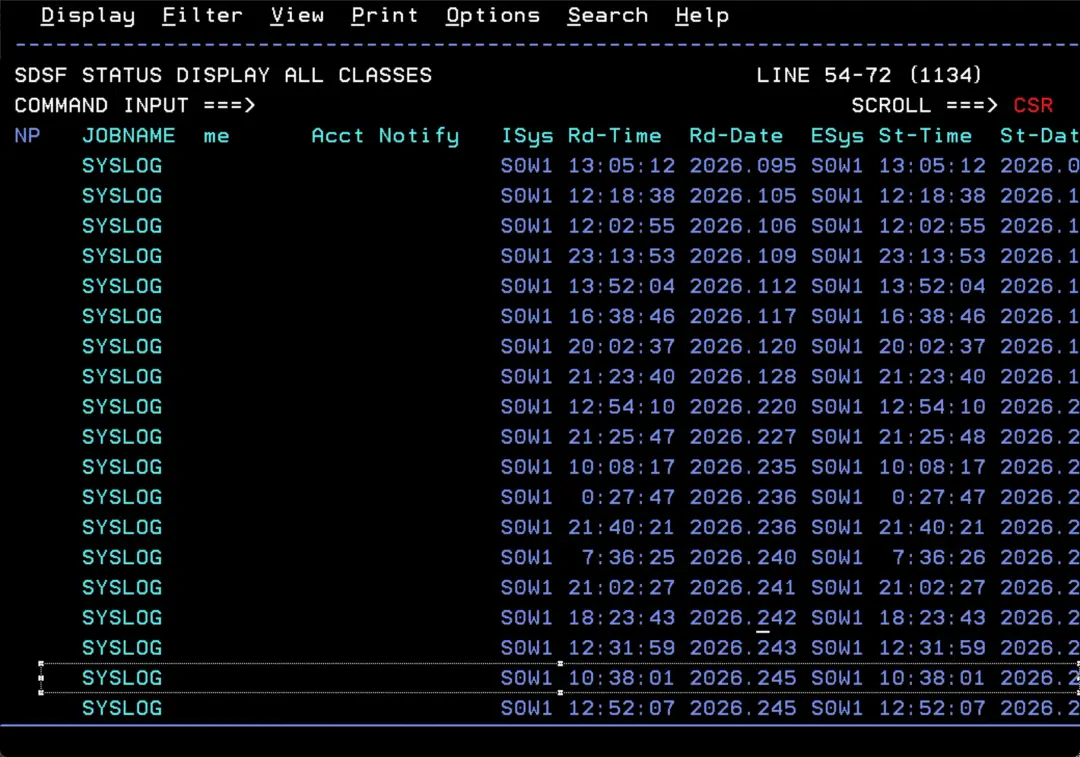
If we are archiving the active SYSLOG, its DDNAME (SYSLOG00 here) is not deleted until it has been written out completely. So, if it fails for lack of space (B37), we could delete the USER.SYSLOG.ARCHIVE data set and create a new, bigger one.
To be on the safe side, rename it instead of deleting it. Once the new data set is complete, compare both and delete what is no longer needed.

Stop XWTR
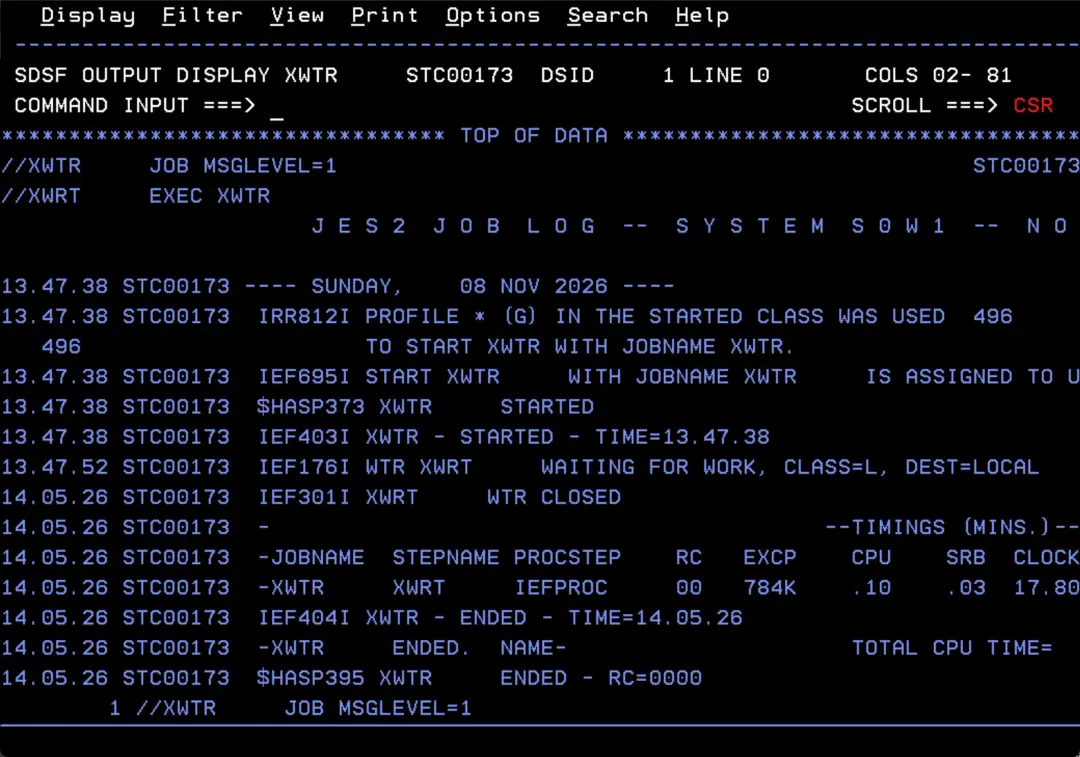
Once it has captured the log without errors, it waits for the next “WRITELOG L” command to capture the log again.
If we do not want it to keep running, we stop the XWTR STC. Also, before saving the log to the GDG, we must stop this task first.
We can start it again after issuing the “WRITELOG L” command.
P XWTR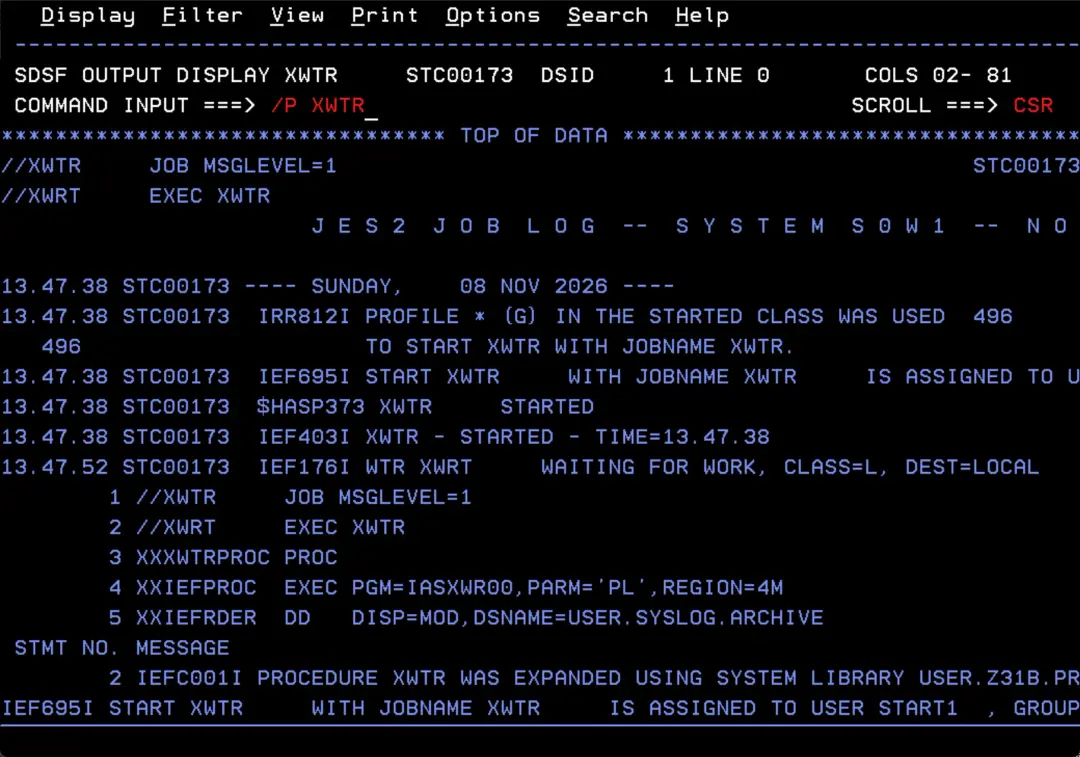
Keep the daily log in a GDG
With the XWTR task, the USER.SYSLOG.ARCHIVE data set keeps collecting the log. So that a single day is not split across different data sets, once a day (when the day is complete) we copy its contents to a new generation of a GDG, then delete the ARCHIVE and create it again, empty.
Create the GDG
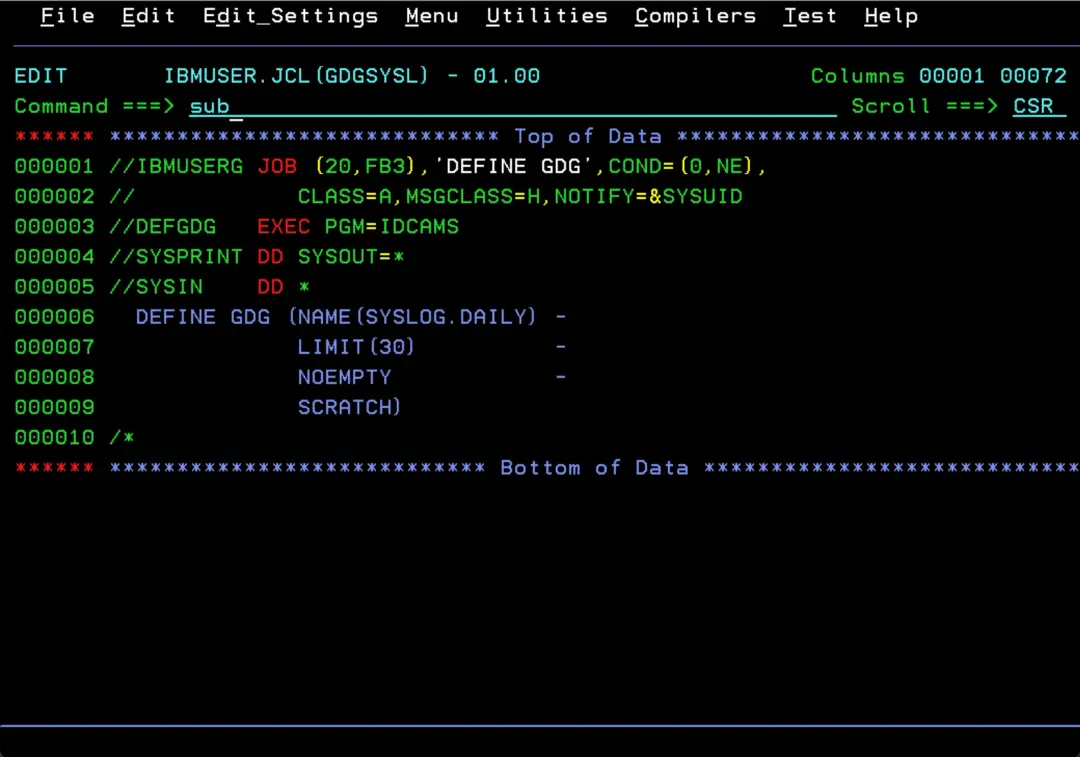
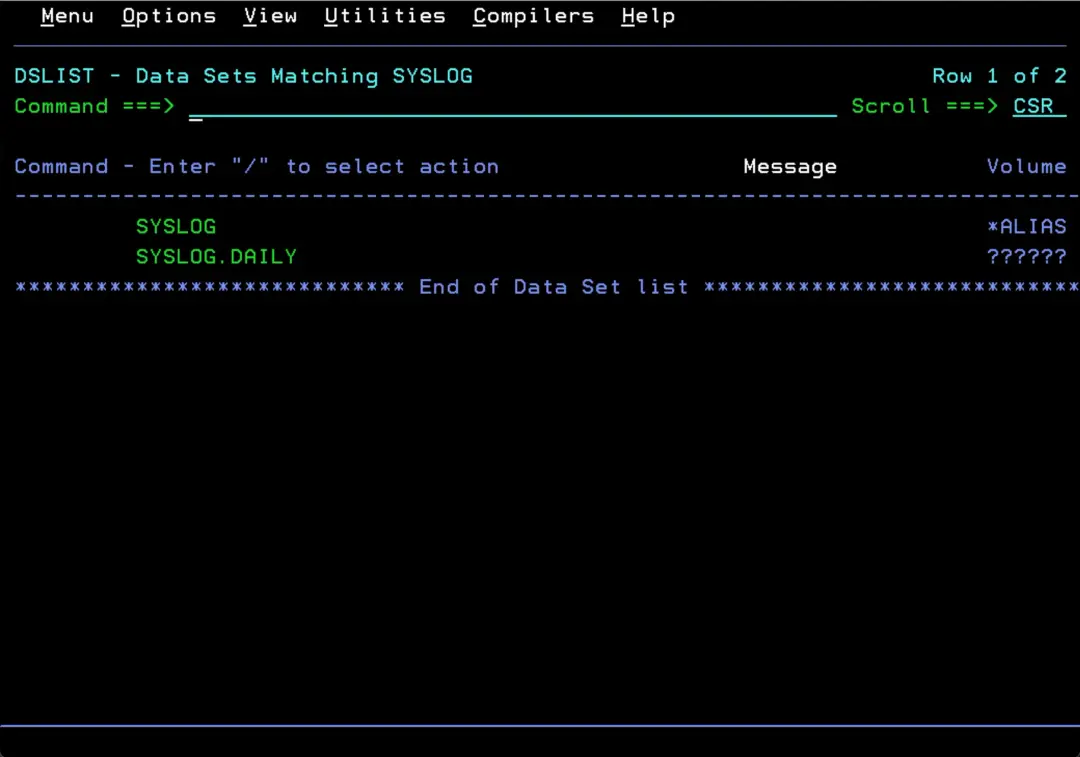
This job only runs once. Since the name starts with SYSLOG, it is cataloged in the USERCAT.VSLOG00 catalog thanks to the ALIAS we created earlier.
//IBMUSERG JOB (20,FB3),'DEFINE GDG',COND=(0,NE),
//            CLASS=A,MSGCLASS=H,NOTIFY=&SYSUID
//DEFGDG   EXEC PGM=IDCAMS
//SYSPRINT DD SYSOUT=*
//SYSIN    DD *
  DEFINE GDG (NAME(SYSLOG.DAILY) -
              LIMIT(30)          -
              NOEMPTY            -
              SCRATCH)
/*
With LIMIT(30) we keep 30 generations, that is, 30 days of log. When generation 31 is created, the oldest one is deleted automatically (NOEMPTY and SCRATCH). We can raise the number of days if needed.
Copy the ARCHIVE to the GDG
This job has three steps:
- Copies USER.SYSLOG.ARCHIVE to a new generation of SYSLOG.DAILY on the SLOG00 volume.
- Deletes USER.SYSLOG.ARCHIVE.
- Creates it again, empty, so XWTR keeps saving the log.
//IBMUSERD JOB (20,FB3),'SYSLOG DAILY',COND=(0,NE),
//            CLASS=A,MSGCLASS=H,NOTIFY=&SYSUID
//*-----------------------------------------------------------------
//* 1) COPY TODAY'S ARCHIVE TO A NEW GDG GENERATION
//*-----------------------------------------------------------------
//COPY     EXEC PGM=IEBGENER
//SYSPRINT DD SYSOUT=*
//SYSIN    DD DUMMY
//SYSUT1   DD DSN=USER.SYSLOG.ARCHIVE,DISP=OLD
//SYSUT2   DD DSN=SYSLOG.DAILY(+1),STORCLAS=SCNOSMS,
//            DISP=(NEW,CATLG,DELETE),
//            UNIT=3390,VOL=SER=SLOG00,
//            SPACE=(CYL,(100,50),RLSE),
//            DCB=(DSORG=PS,RECFM=FB,LRECL=133,BLKSIZE=0)
//*-----------------------------------------------------------------
//* 2) DELETE THE ARCHIVE (ONLY IF THE COPY ENDED RC=0)
//*-----------------------------------------------------------------
//DELETE   EXEC PGM=IDCAMS
//SYSPRINT DD SYSOUT=*
//SYSIN    DD *
  DELETE USER.SYSLOG.ARCHIVE NONVSAM
/*
//*-----------------------------------------------------------------
//* 3) CREATE AN EMPTY ARCHIVE AGAIN
//*-----------------------------------------------------------------
//CREATE   EXEC PGM=IEFBR14
//ARCHIVE  DD DSN=USER.SYSLOG.ARCHIVE,
//            DISP=(NEW,CATLG),
//            UNIT=3390,
//            SPACE=(TRK,(500,300)),
//            DCB=(DSORG=PS,RECFM=FB,LRECL=133,BLKSIZE=133)
With COND=(0,NE) on the JOB card, if the copy fails (for example, for lack of space on SLOG00), the delete and create steps do not run. That way we do not lose that day's log.
I use STORCLAS=SCNOSMS because, without it, SMS ignores VOL=SER and the data set is created on a USERxx volume.
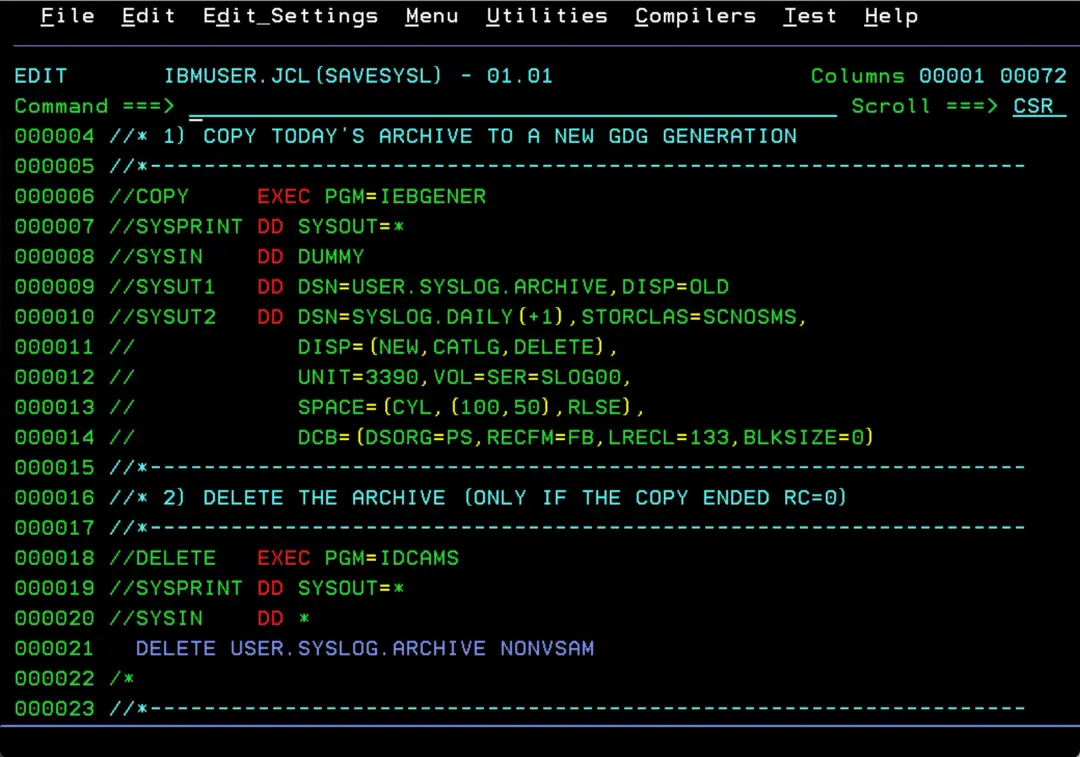
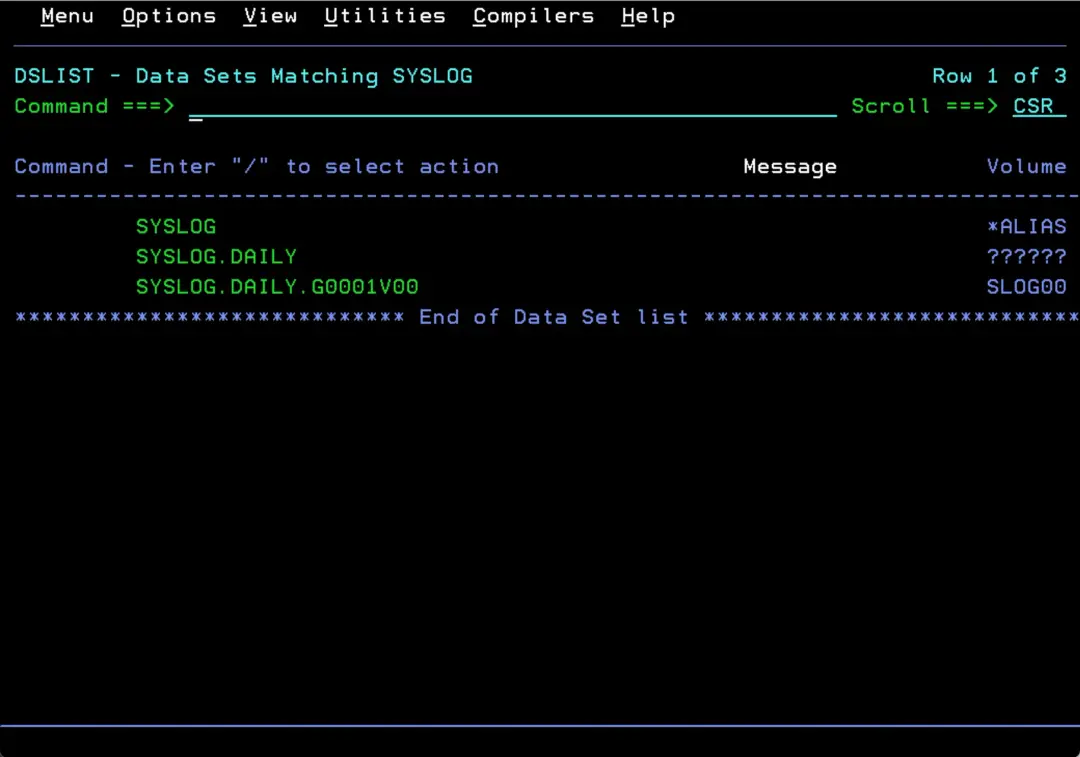
When it ends, we have a new generation (for example, SYSLOG.DAILY.G0001V00) with the complete log for the day, and an empty USER.SYSLOG.ARCHIVE data set.
These steps can be automated with JES2 automatic commands ($TA), which issue commands at a set time. For example:
$TA,T=00.05,'$VS,''W L'''