IBM COBOL for Linux on x86: install the trial version on Red Hat Enterprise Linux
IBM COBOL for Linux on x86 is IBM's COBOL compiler for Linux on x86 processors. It includes the compiler, the runtime library and a debugger. IBM offers a free 60-day trial for non-production use.
IBM documentation for the product: IBM COBOL for Linux on x86 1.2
In this article I install the trial version (version 1.2) on a virtual machine with Red Hat Enterprise Linux (RHEL) and check that it works by compiling a Hello World.
Requirements
According to the IBM documentation, version 1.2 works on these distributions:
- Red Hat Enterprise Linux (RHEL) 8.5 or later and 9.0 or later
- SUSE Linux Enterprise Server (SLES) 15 SP3 or later
- Ubuntu Server 20.04 LTS or 22.04 LTS
Also, the processor must support the AVX2 instruction. IBM recommends about 260 MB for the product packages and 2 GB of RAM as a minimum (4 GB or more recommended).
IBM documentation: System prerequisites
Check the virtual machine
I install it on a virtual machine with RHEL 10.2. This version is not in IBM's list.
The virtual machine is not registered with Red Hat: it uses local repositories with the packages from the RHEL 10.2 ISO, mounted on /mnt/rhel10 (RHEL 10 Local BaseOS and RHEL 10 Local AppStream, defined in /etc/yum.repos.d/local.repo). This is why dnf shows the warning "This system is not registered", which does not matter here. Without a repository it can reach, dnf cannot install packages.
How to mount the ISO as a local repository
If the virtual machine is not registered with Red Hat, you can use the packages from the RHEL ISO. In my case, the ISO is copied to my home directory on the virtual machine (/home/jav/rhel-10.2-x86_64-dvd.iso). I mount it on /mnt/rhel10 in read-only mode:
sudo mkdir -p /mnt/rhel10
sudo mount -o loop,ro /home/jav/rhel-10.2-x86_64-dvd.iso /mnt/rhel10
I create the file /etc/yum.repos.d/local.repo with the two repositories from the ISO, BaseOS and AppStream. With tee and sudo I write it in one go, without opening an editor:
sudo tee /etc/yum.repos.d/local.repo > /dev/null <<'EOF'
[local-baseos]
name=RHEL 10 Local BaseOS
baseurl=file:///mnt/rhel10/BaseOS
enabled=1
gpgcheck=1
gpgkey=file:///mnt/rhel10/RPM-GPG-KEY-redhat-release

[local-appstream]
name=RHEL 10 Local AppStream
baseurl=file:///mnt/rhel10/AppStream
enabled=1
gpgcheck=1
gpgkey=file:///mnt/rhel10/RPM-GPG-KEY-redhat-release
EOF
I check that dnf sees them:
dnf repolistTo mount the ISO automatically at boot, I add this line at the end of /etc/fstab:
/home/jav/rhel-10.2-x86_64-dvd.iso /mnt/rhel10 iso9660 loop,ro 0 0As the /etc/fstab file itself says, after editing it you have to run:
sudo systemctl daemon-reloadFirst I check the version:
cat /etc/os-release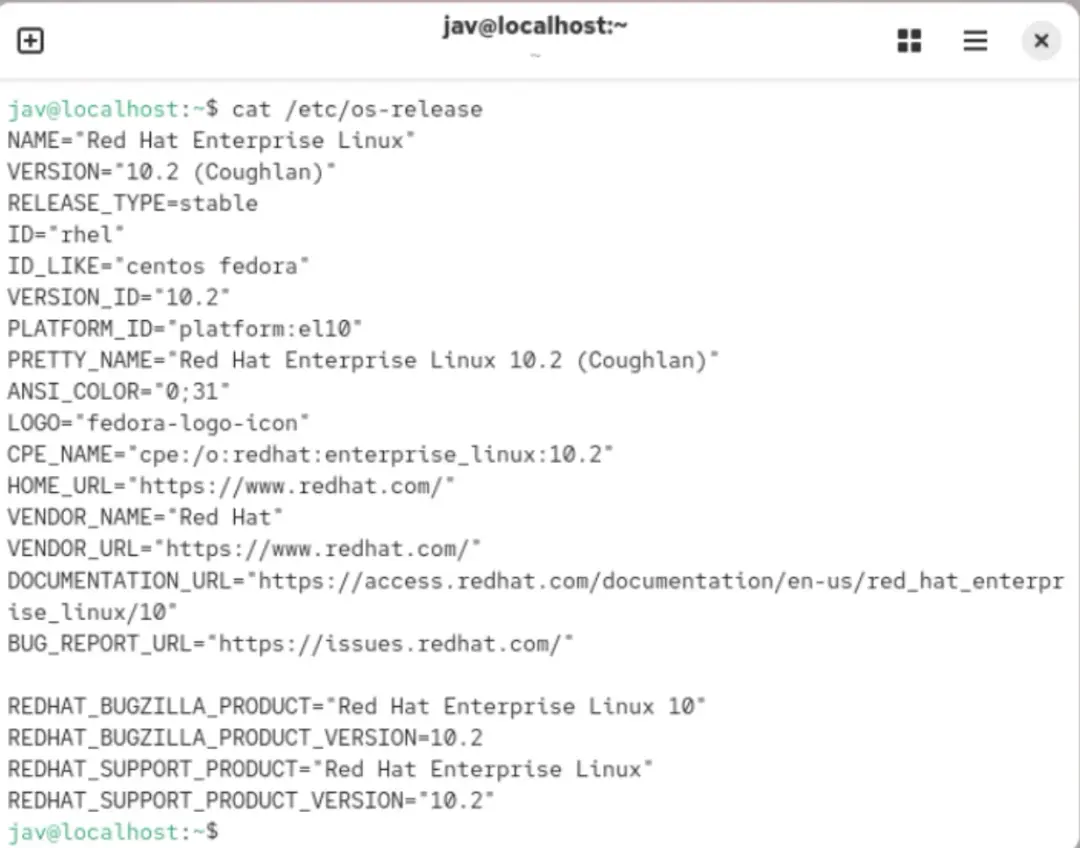
And that the processor supports AVX2. As it is a virtual machine, I check it inside the virtual machine, because that is what the system sees. If the command returns a number greater than 0, it is supported:
grep -c avx2 /proc/cpuinfo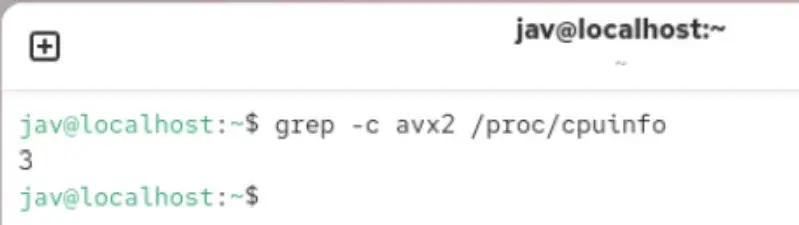
Request the trial version
On the product page, IBM COBOL for Linux on x86, we click "Try it free". It asks you to log in with your IBMid (or create one) and fill in a form.

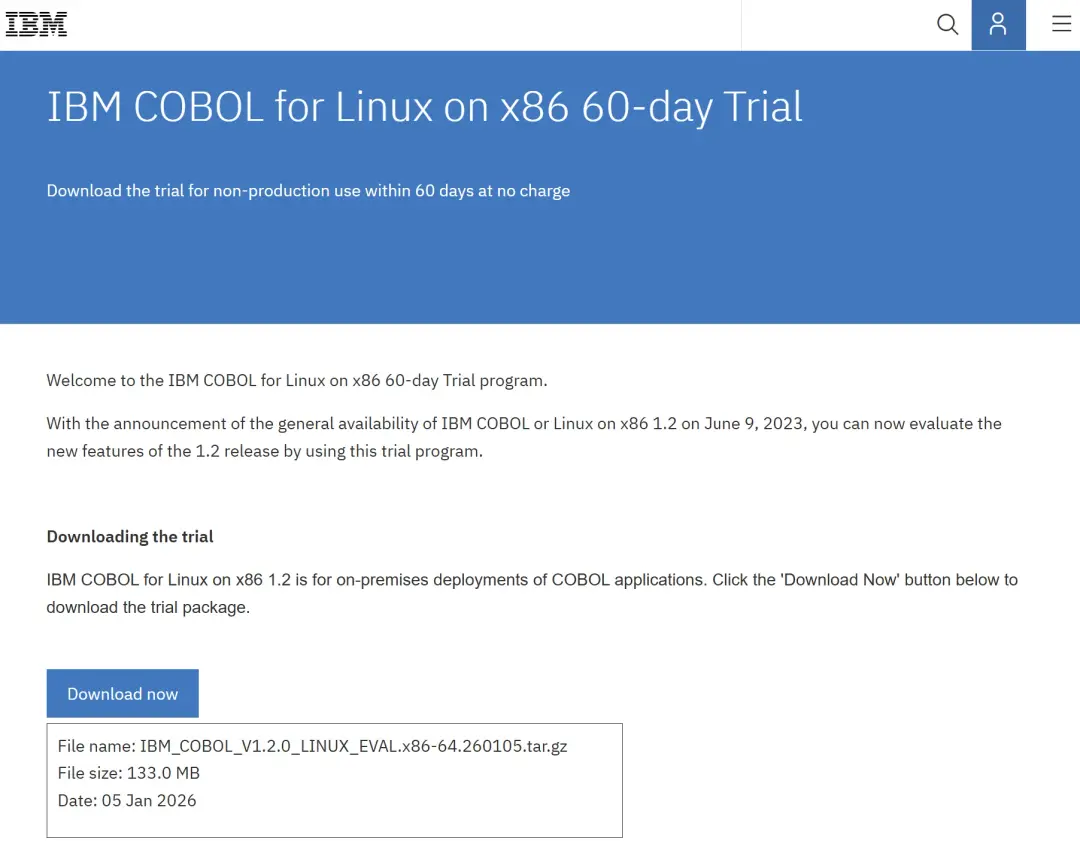
Then we download the package for Linux x86. It is a .tar.gz file.

Copy the package to the virtual machine
First, inside the virtual machine, I create a folder in my home directory to extract the package into. This way its files are not left loose in the home directory:
mkdir -p ~/cobol-install
Then I copy the package to my home directory on the virtual machine. From the computer where I downloaded it, with scp:
scp <paquete>.tar.gz <usuario>@<ip-de-la-vm>:~In my case:
scp IBM_COBOL_V1.2.0_LINUX_EVAL.x86-64.260105.tar.gz jav@192.168.10.118:~
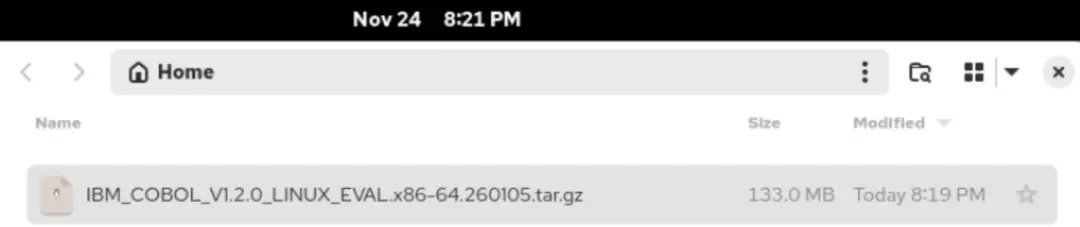
And inside the virtual machine I check that the package is in the home directory:
Install
I extract the package into the cobol-install folder with the -C option. This way the package stays in the home directory and its files go to the folder:
tar -xvzf ~/<paquete>.tar.gz -C ~/cobol-installIn my case:
tar -xvzf ~/IBM_COBOL_V1.2.0_LINUX_EVAL.x86-64.260105.tar.gz -C ~/cobol-install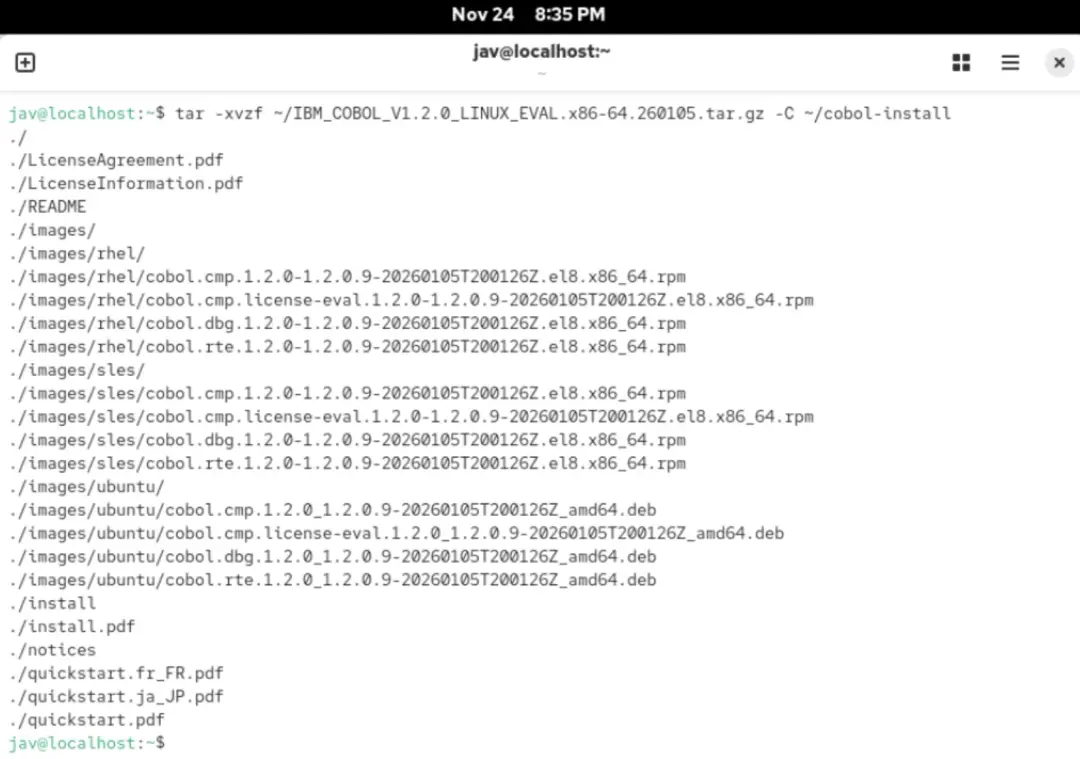
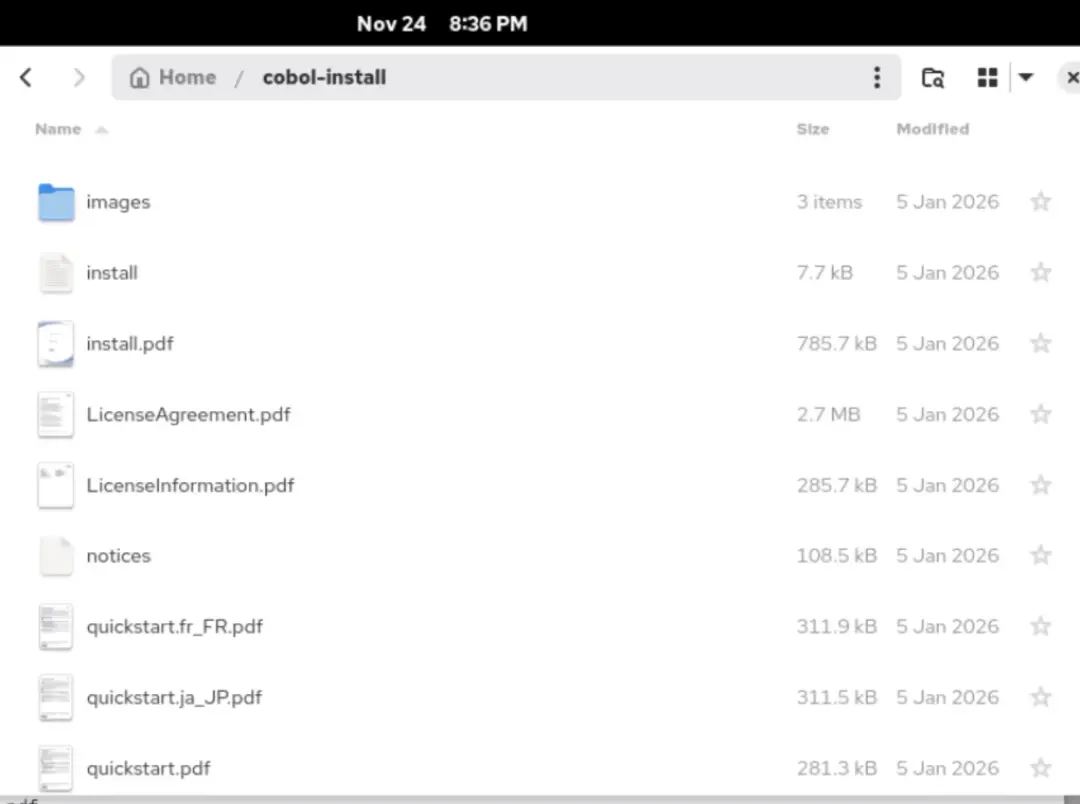
Then I go into the folder and run the install program (install) with sudo:
cd ~/cobol-install

sudo ./install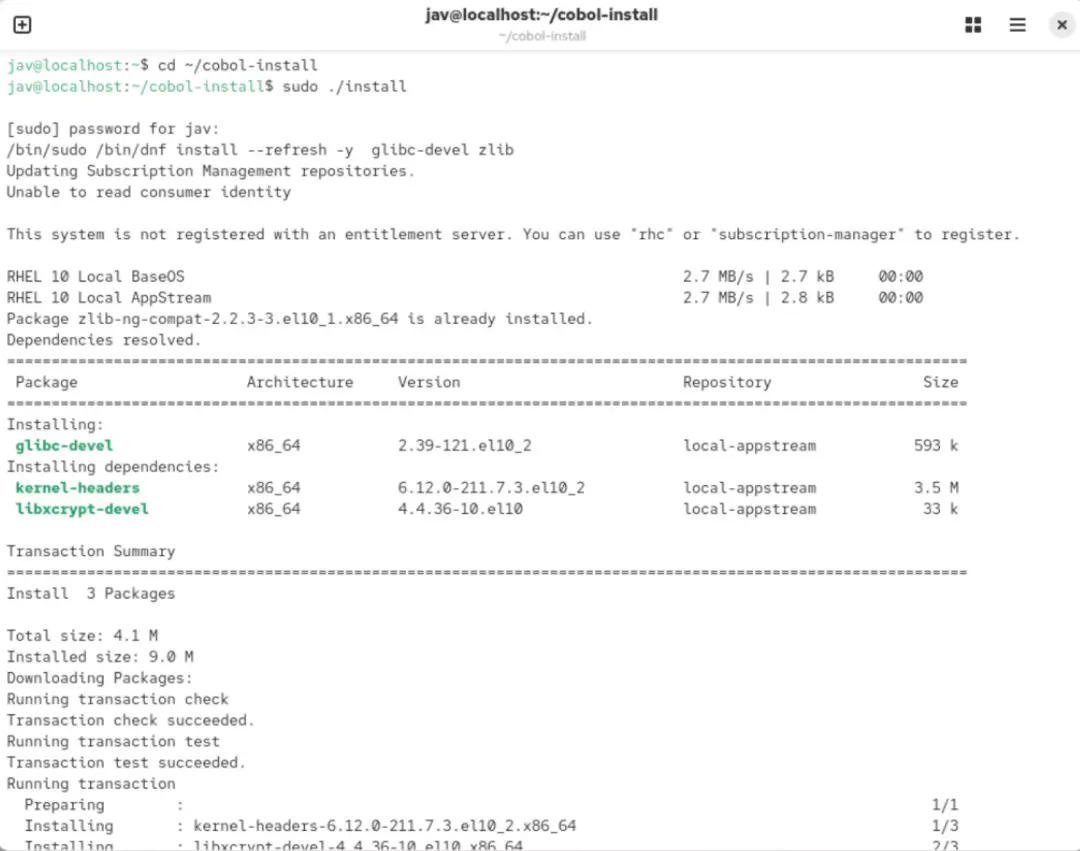
Error: gcc is missing
In my case, the installation failed with this error:
Complete!
/bin/sudo rpm -Uvh ./images/rhel/*.rpm
error: Failed dependencies:
    gcc >= 8.5.0 is needed by cobol.cmp.1.2.0-1.2.0.9-20260105T200126Z.el8.x86_64
The compiler needs gcc 8.5.0 or later, and it was not installed on the virtual machine. According to the documentation, the program installs the packages it needs with dnf, but in my case it installed glibc-devel (and checked that zlib was already there) and not gcc; that is why it failed.
To see which package provides gcc and which repository it is in:
sudo dnf provides '*bin/gcc'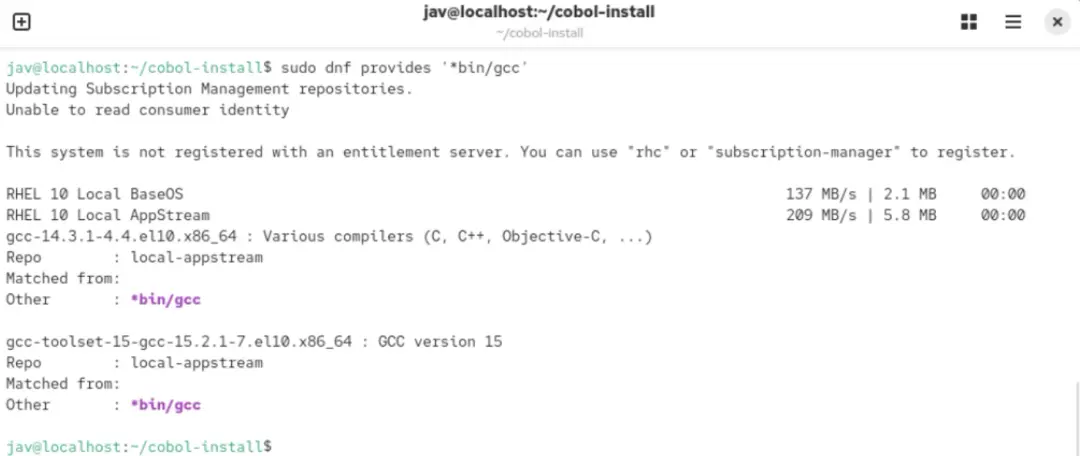
gcc can be installed on its own (I have not tried it in this installation), with:
sudo dnf install gccThis time I install the "Development Tools" package group (to show more alternatives, but be aware that this installs a lot of new packages), which already contains gcc and also other development tools, such as make, gdb or git:
sudo dnf group install "Development Tools"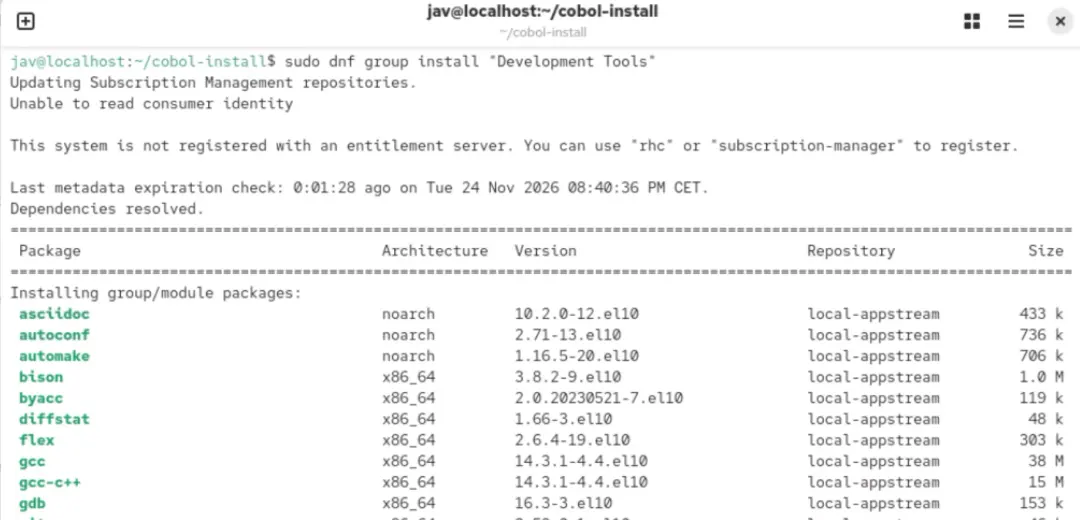
And I run the install program again:
sudo ./installThis time it installs four packages: the evaluation license, the runtime, the compiler and the debugger. The compiler is installed in /opt/ibm/. At the end this message appears:
Installation and configuration successful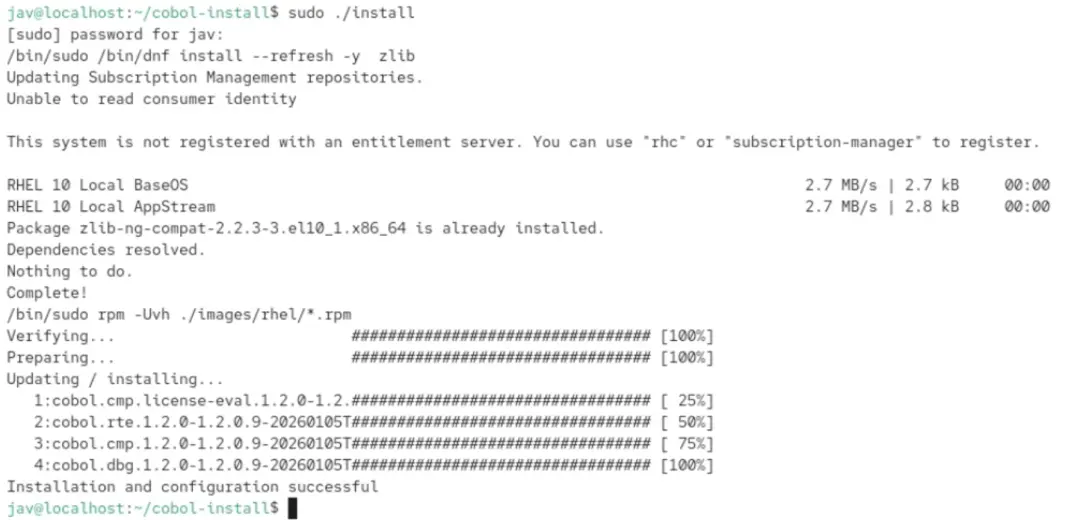
The documentation says that the program asks you to read and accept the license; in my installation no question appeared.
IBM documentation: Running the install utility
Use cob2 from any directory
The compiler is called with the cob2 command, which is in /opt/ibm/cobol/1.2.0/usr/bin. The installation does not create links in /usr/bin or in /etc, so I create them myself, as the documentation says:
sudo ln -s /opt/ibm/cobol/1.2.0/usr/bin/cob2 /usr/bin/cob2
sudo ln -s /opt/ibm/cobol/1.2.0/etc/cob2.cfg /etc/cob2.cfg
As an alternative to the links, the documentation says you can add the compiler directory to the PATH: Setting environment variables
Test with a Hello World
To check the installation I use the sample program from the IBM documentation.
IBM documentation: Compiling a Hello World program to test the compiler installation
I create a directory to keep the COBOL program.
mkdir -p ~/cobol-test

cd ~/cobol-test

nano hello.cbl
With this content:
000100 IDENTIFICATION DIVISION.
000200 PROGRAM-ID.  HELLO.
000300 AUTHOR.      JOE PROGRAMMER.
000400 ENVIRONMENT DIVISION.
000500 DATA DIVISION.
000600 PROCEDURE DIVISION.
000700 MAINLINE.
000800     DISPLAY 'Hello World!'.
000900     STOP RUN.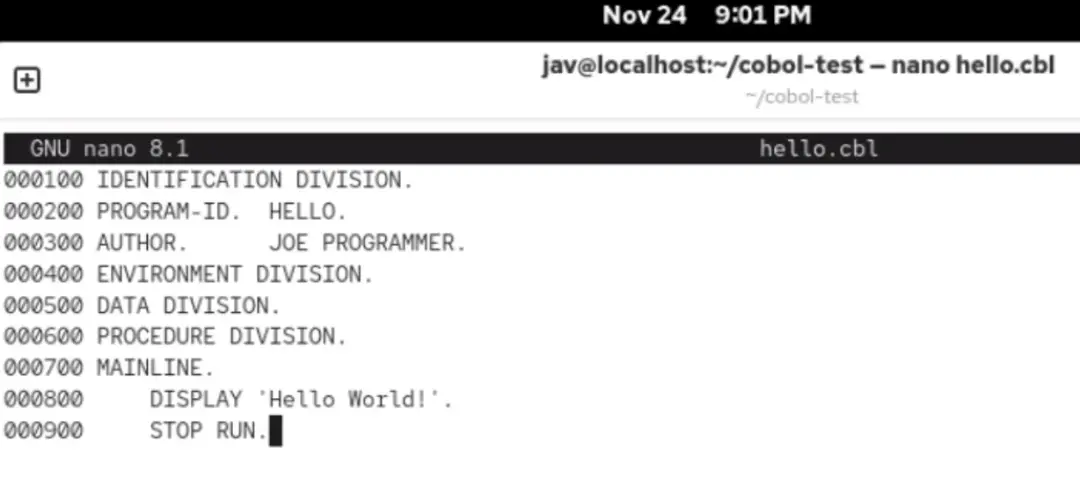
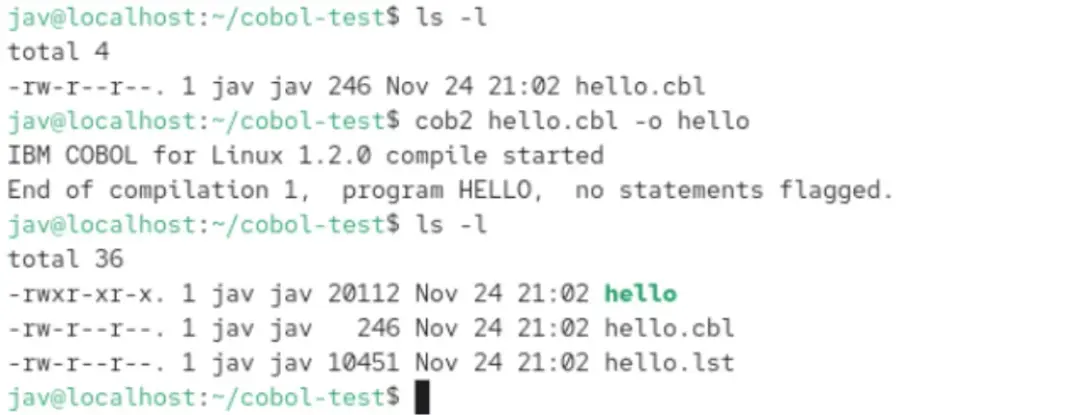
I compile it with cob2. With the -o option I give the name of the executable. Before and after compiling I run ls -l, to compare the files in the folder with the ones created by the compilation:
ls -l

cob2 hello.cbl -o hello

ls -l
The compilation ends with no warnings ("no statements flagged") and leaves two new files: the executable hello and the compilation listing, hello.lst.
And I run it:
./hello
echo $?
It must show "Hello World!" and the return code must be 0.

With this we have IBM's COBOL compiler working on RHEL. The documentation says RHEL 8.5 or later and 9.0 or later; RHEL 10 is not in the list. I installed it on RHEL 10.2 and both the installation and the Hello World worked.
The trial version lasts 60 days. According to the documentation, to install the evaluation version again and extend the trial period, you first have to uninstall it.