System Automation 4.3 - INGLKUP: exclude tasks
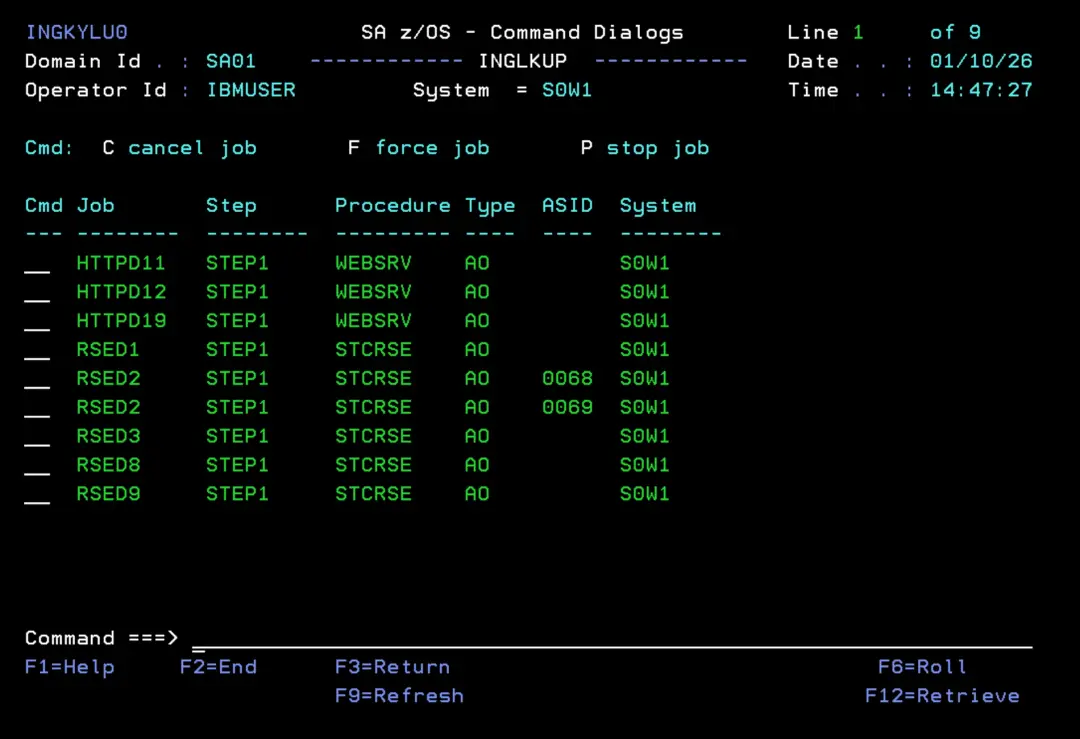
With the INGLKUP command we can see the tasks (STCs) and jobs that run on the system but that we have not defined in the automation.
The usual thing is to include the STCs in the automation, but some STCs have several "subtasks" linked to the main task, and these still appear in the INGLKUP result.
For example, the HTTPD1 task has the tasks HTTPD11, HTTPD12 and HTTPD19 linked to it.
In the automation we defined the main STC, HTTPD1. For this reason it does not appear in INGLKUP, but its subtasks do.
This section shows how to exclude the subtasks from the result of the INGLKUP command.
IBM documentation with more details:
https://www.ibm.com/docs/en/z-system-automation/4.3.0?topic=commands-inglkup
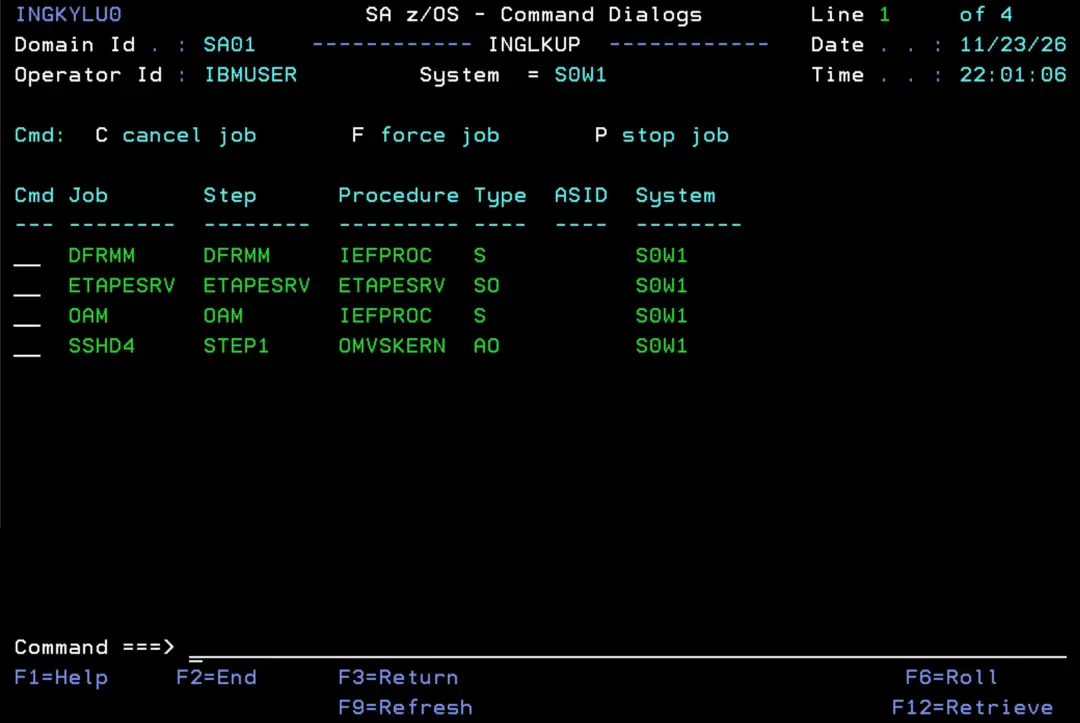
In the case of SSHD4, the "main task" is SSHD.
The tasks DFRMM, OAM and ETAPESRV are tasks that I have not added to the System Automation PDB, and for this reason they appear in INGLKUP.
Modify the PDB
We modify the automation policy database (PDB).
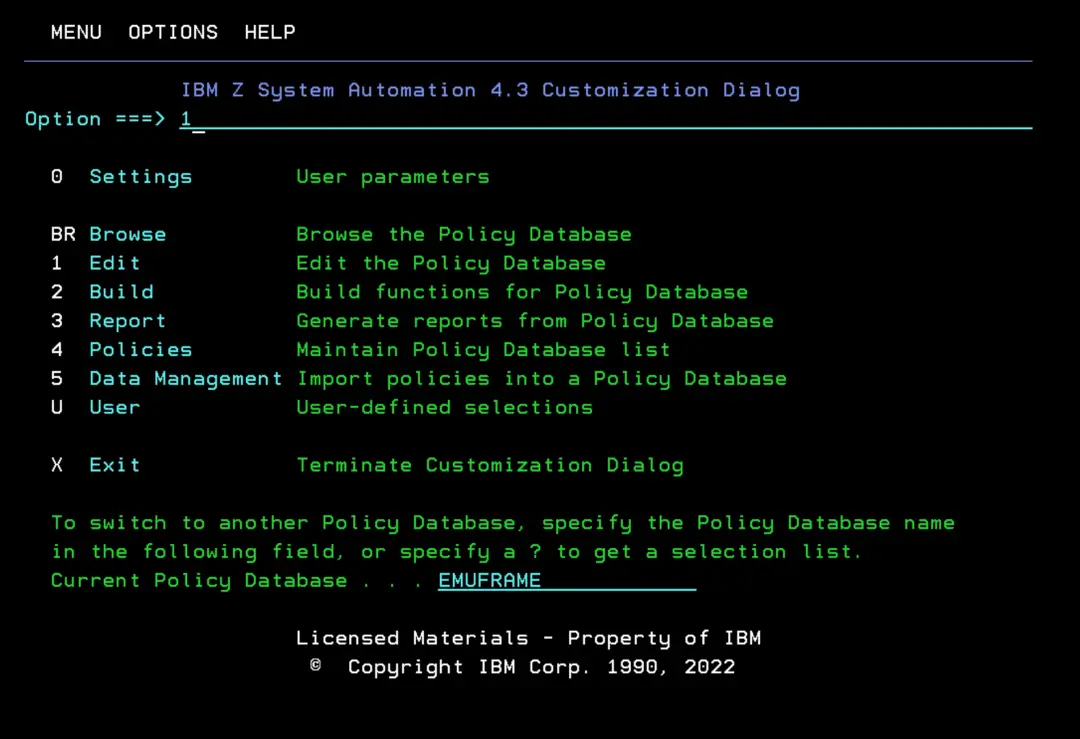
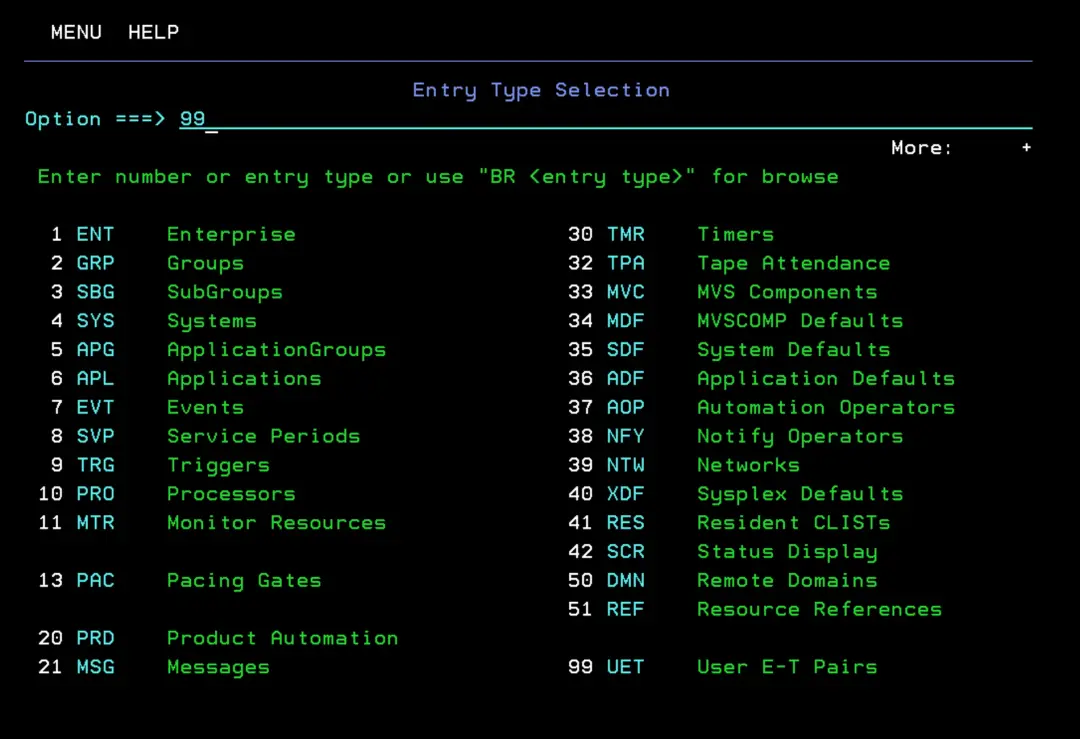
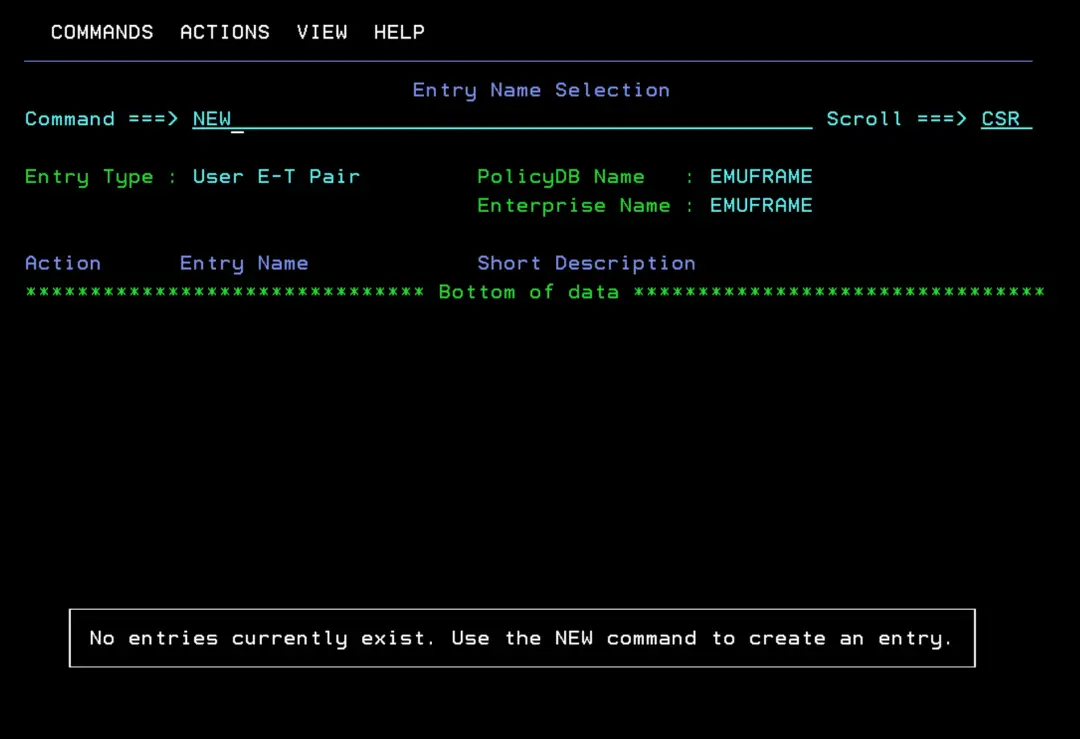
We go into option "99 - User E-T Pairs".
With the NEW command we create a new entry.
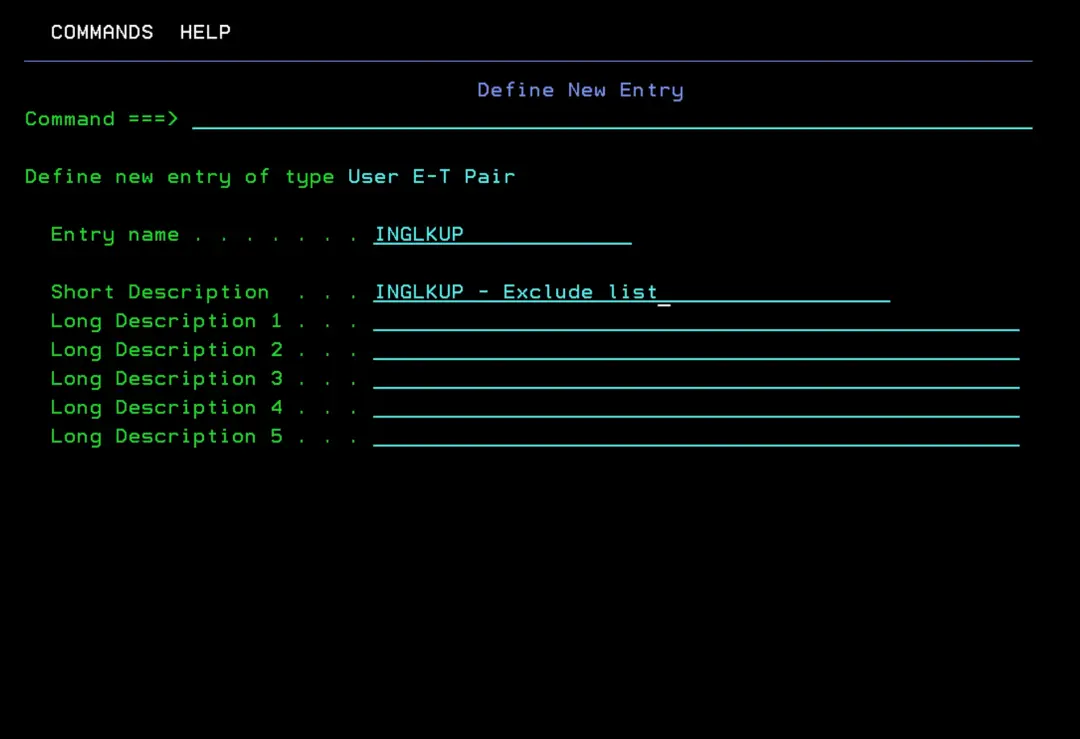
We type the entry name and a description.
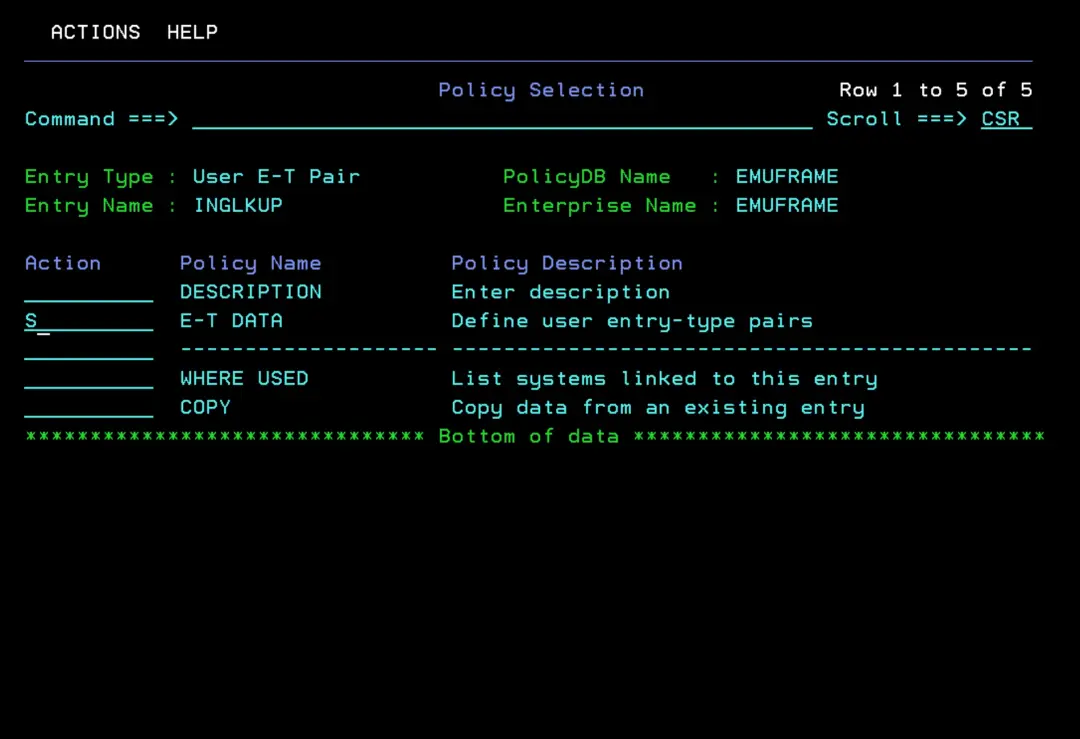
Go into "E-T DATA".
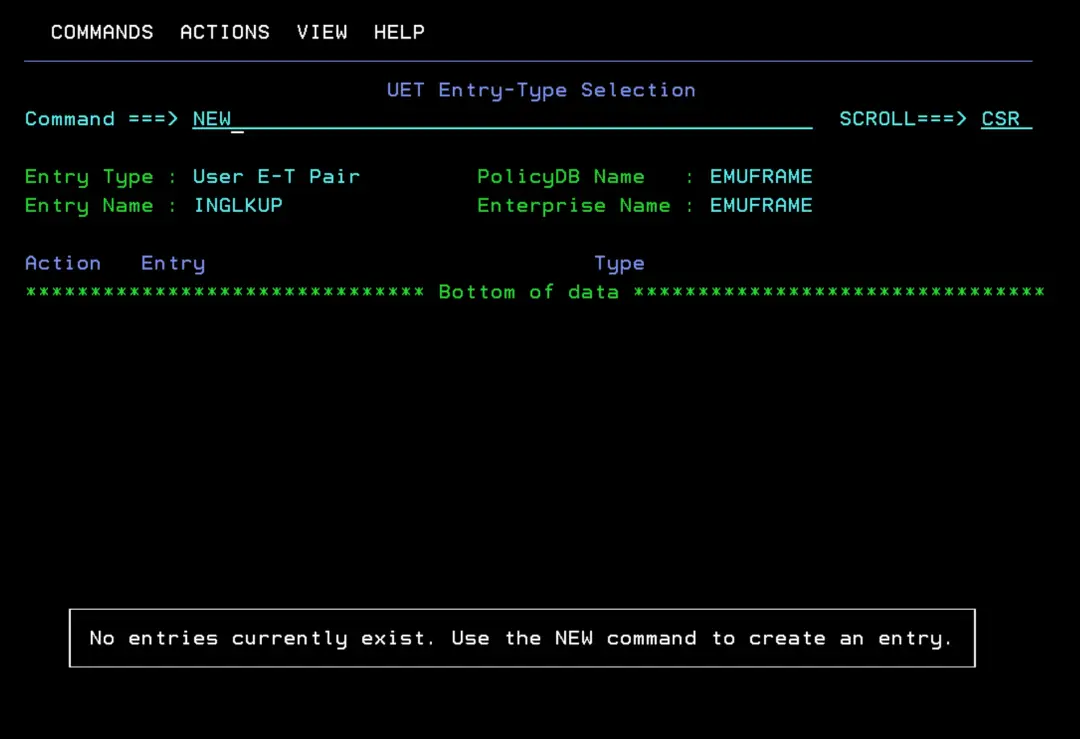
With the NEW command, we create a new entry.
IMPORTANT!
The entry name must be INGLKUP and the type EXCLUDE.
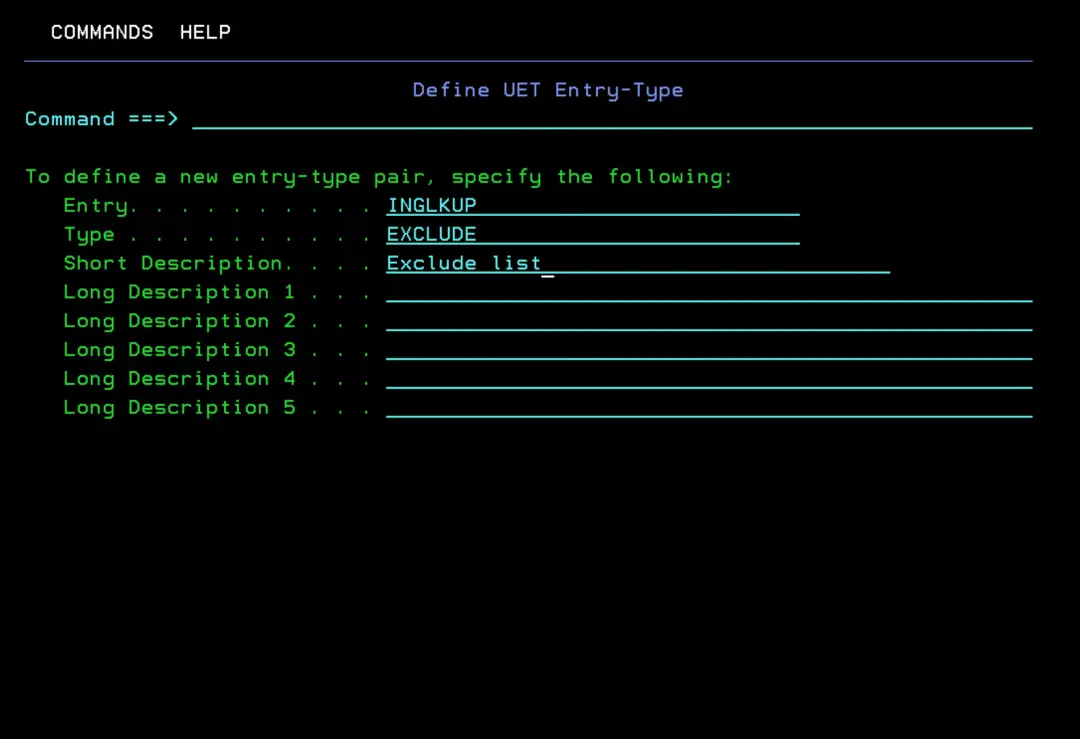
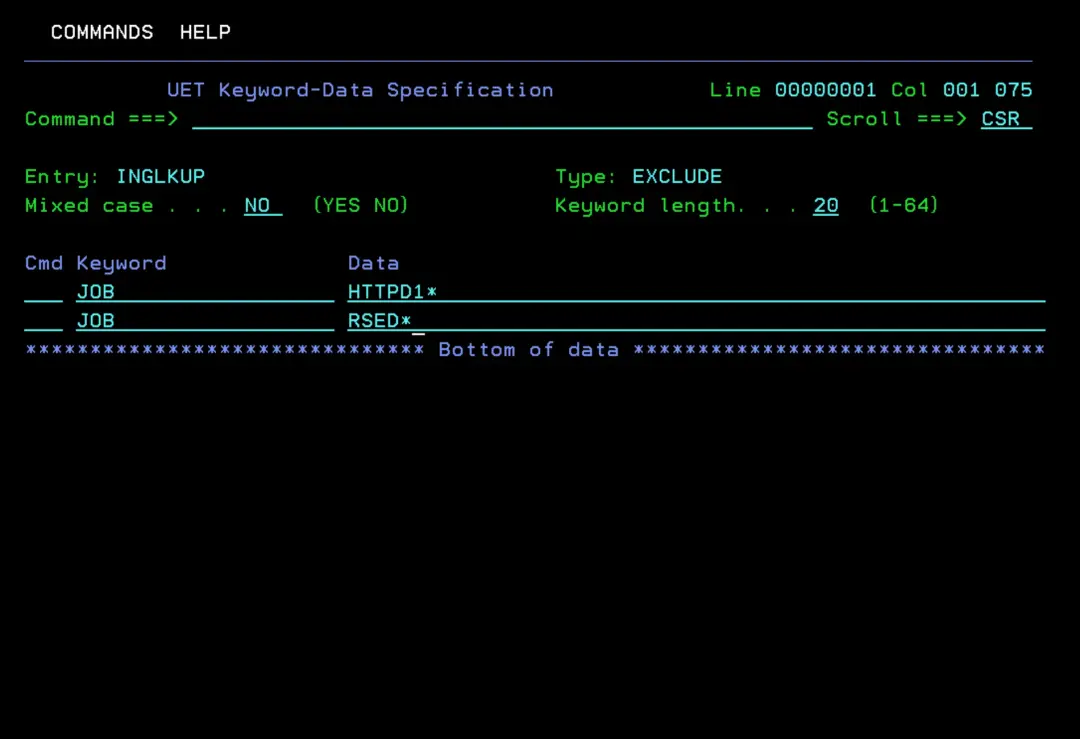
I added the following entries to the list.
IMPORTANT! The type must be JOB.
Keyword              Data
JOB                  HTTPD1*
JOB                  RSED*
SSHD4 would be excluded in the same way, by adding the entry JOB SSHD*.
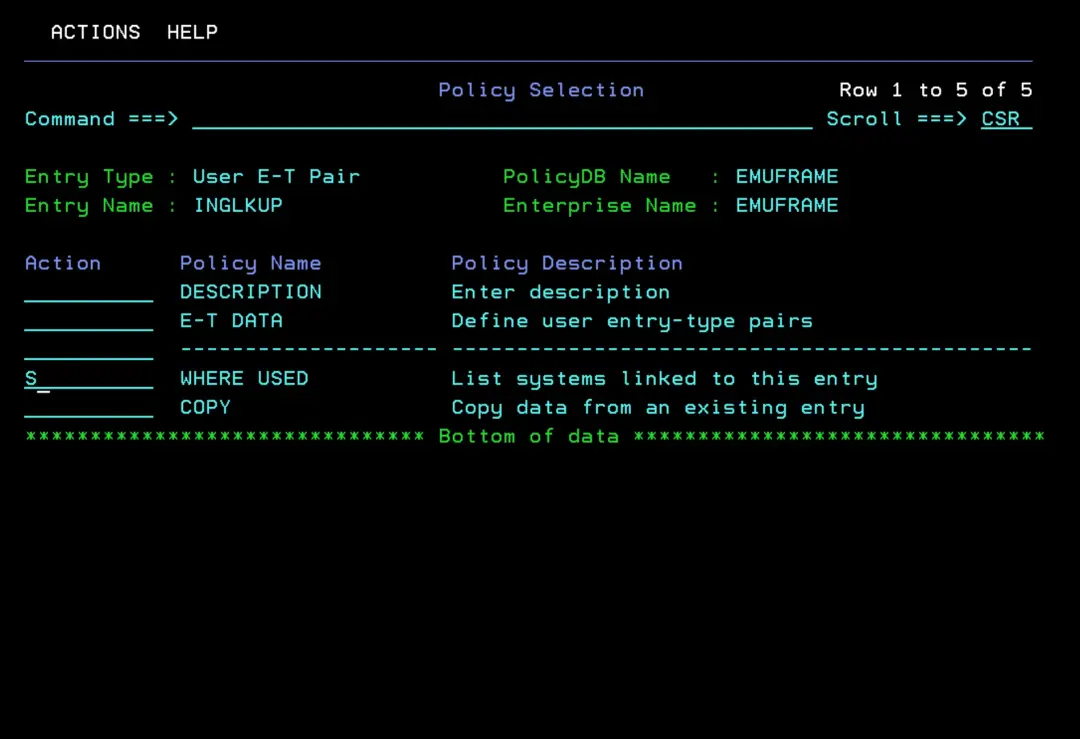
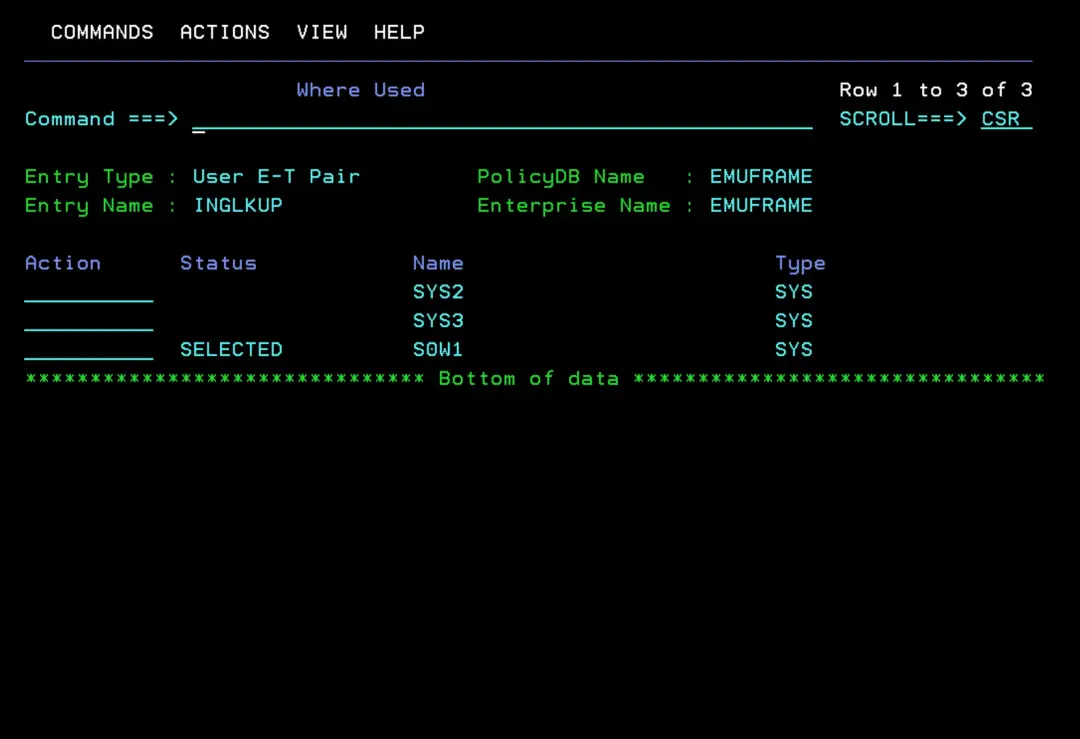
Finally, in the WHERE USED section, we select the systems.
Build the configuration file
Now we build the configuration file again to include the changes.
Option 2 - Build
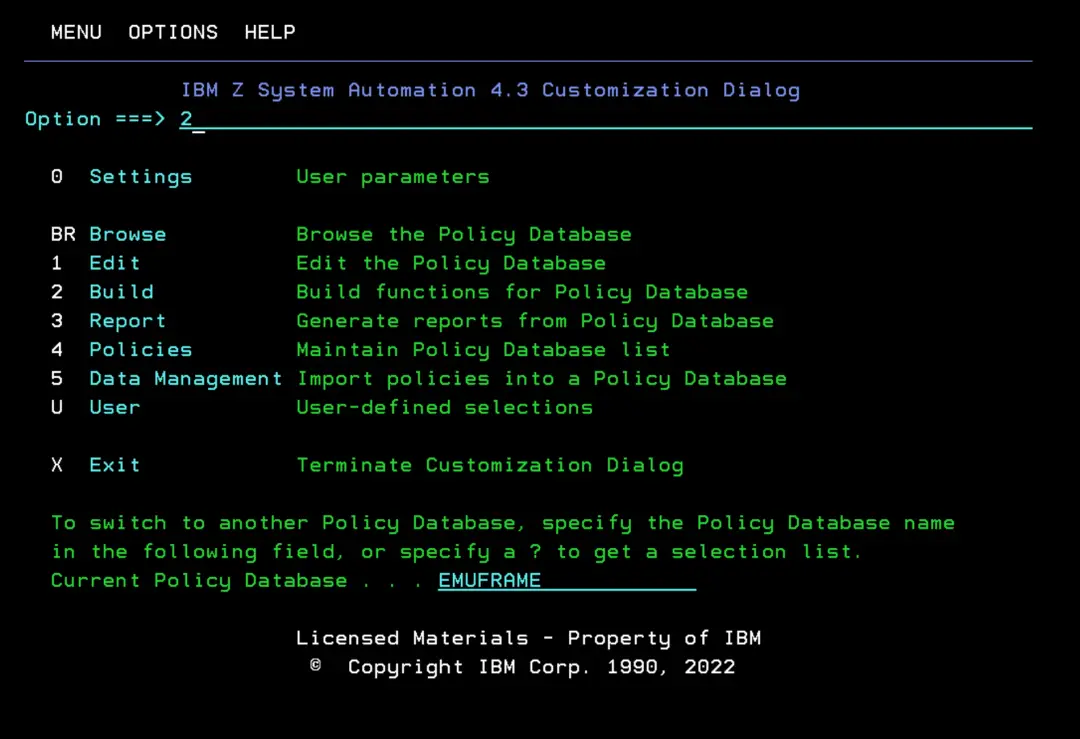
Option 2 - Build sysplex group or stand alone system
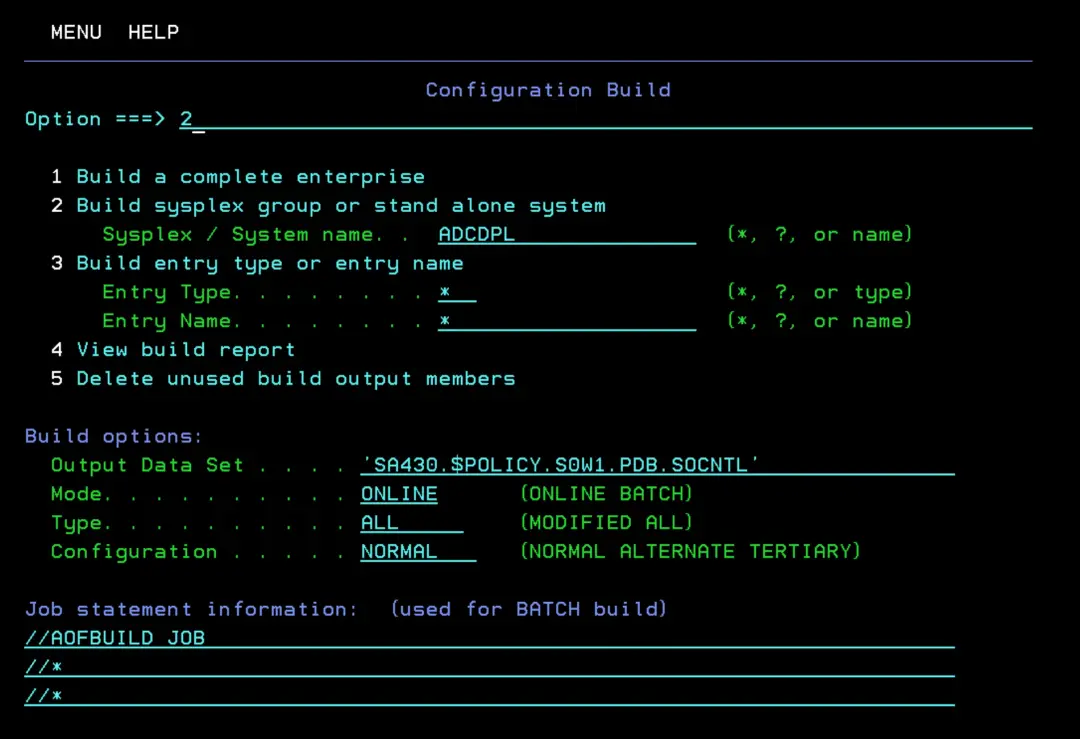
We check that the message "Build Successful" appears.
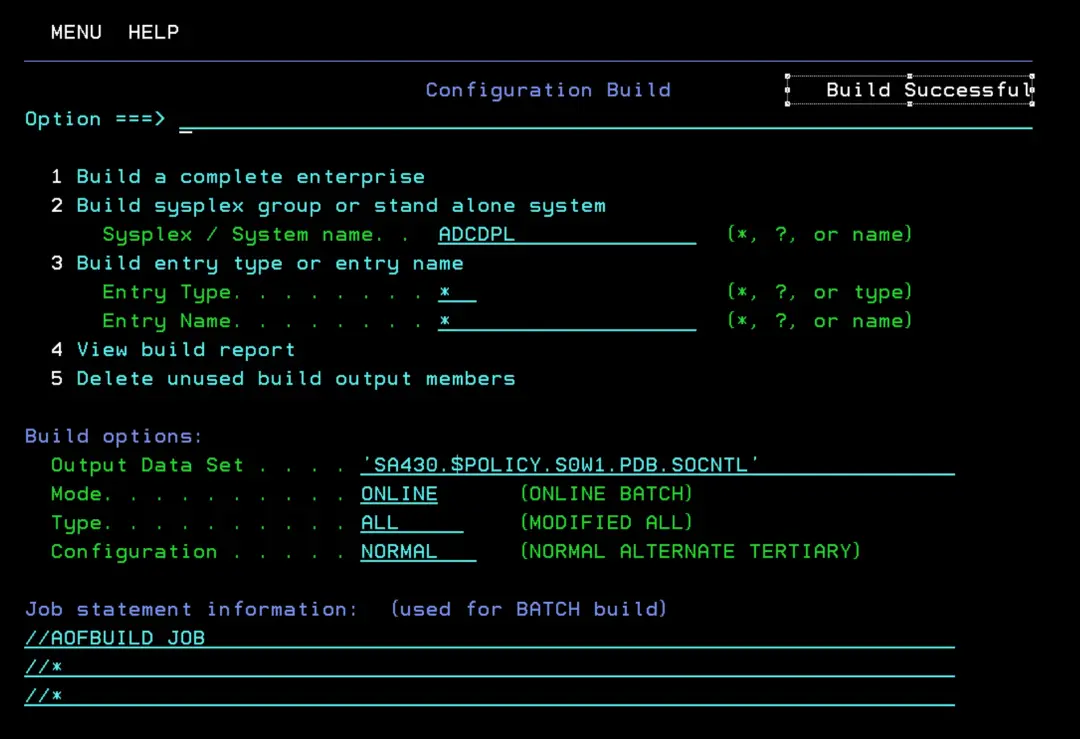
Refresh the configuration
We go to NetView and refresh the configuration with the command:
INGAMS REFRESH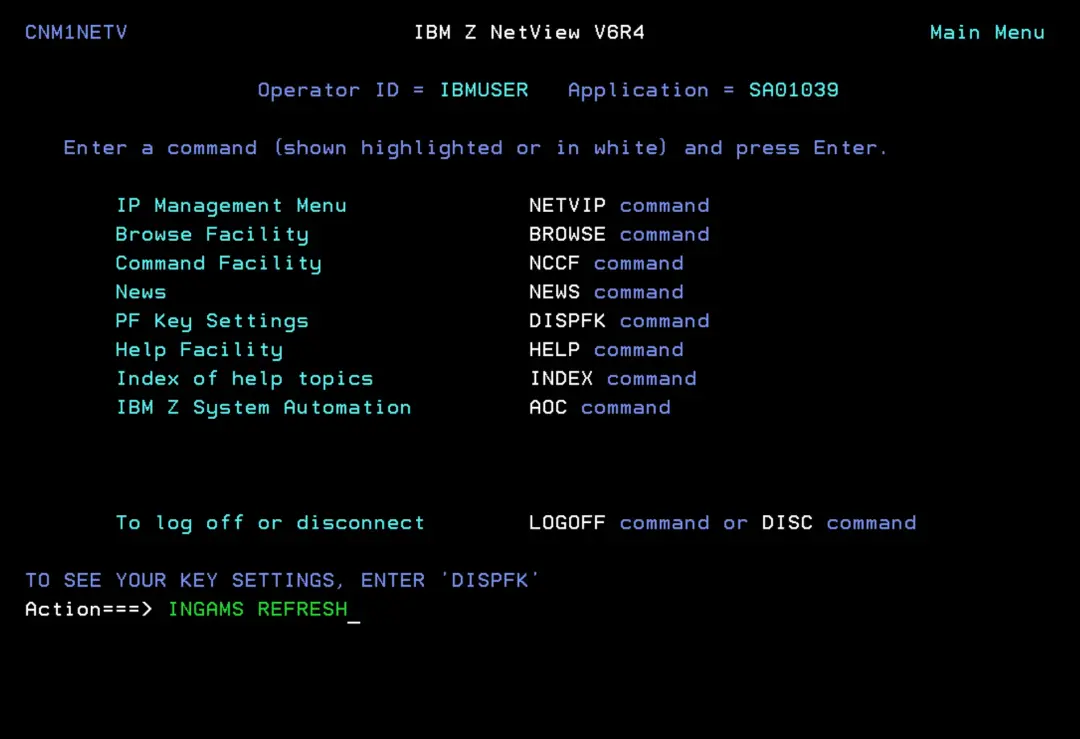
With the asterisk "*" we tell it to use the current configuration data set.
We press Enter and this message appears:
ING004I REQUEST TO REFRESH CONFIGURATION SUBMITTED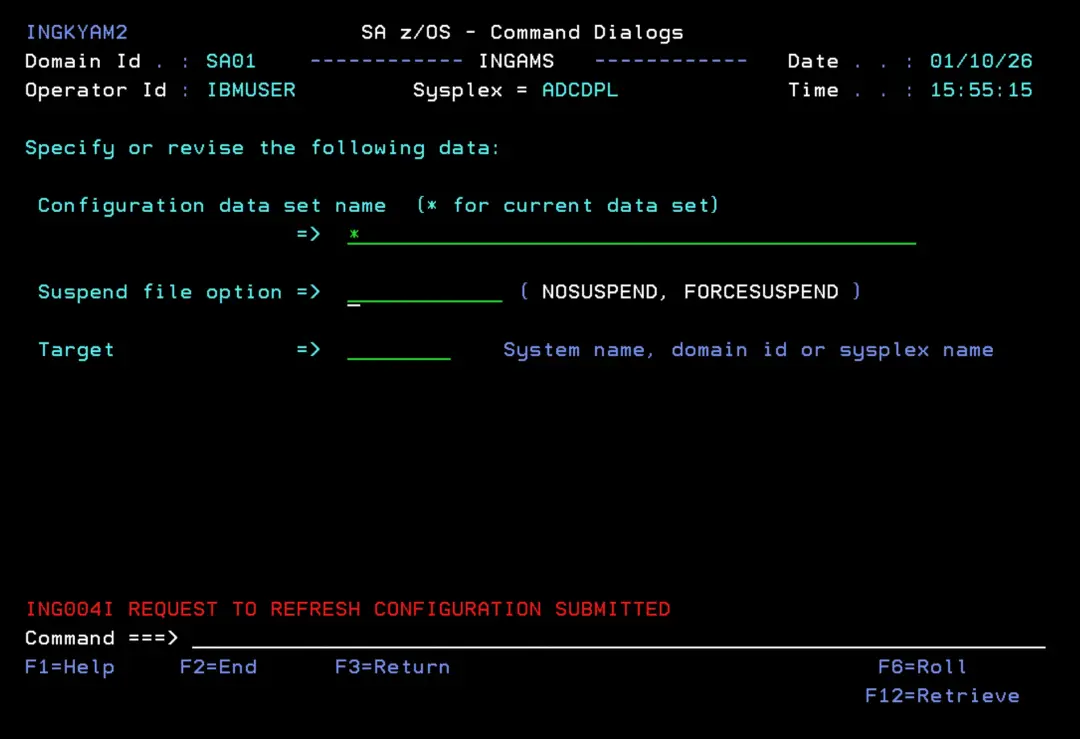
With the BLOG command, we check in the NetView log that the command was processed.
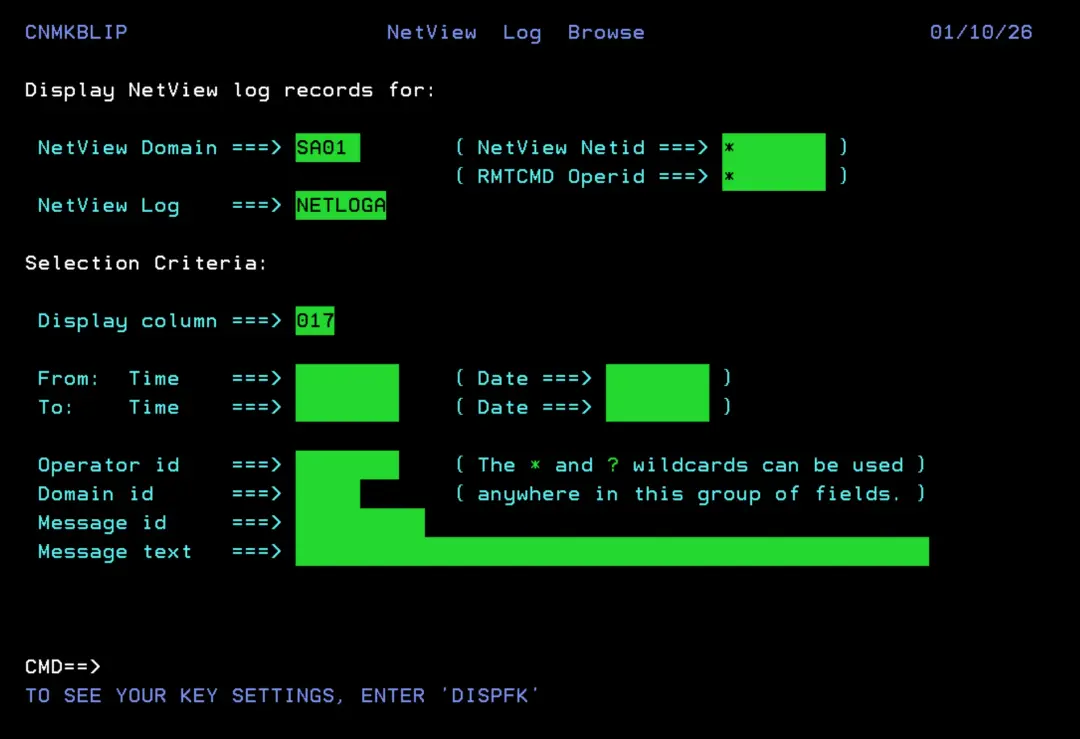
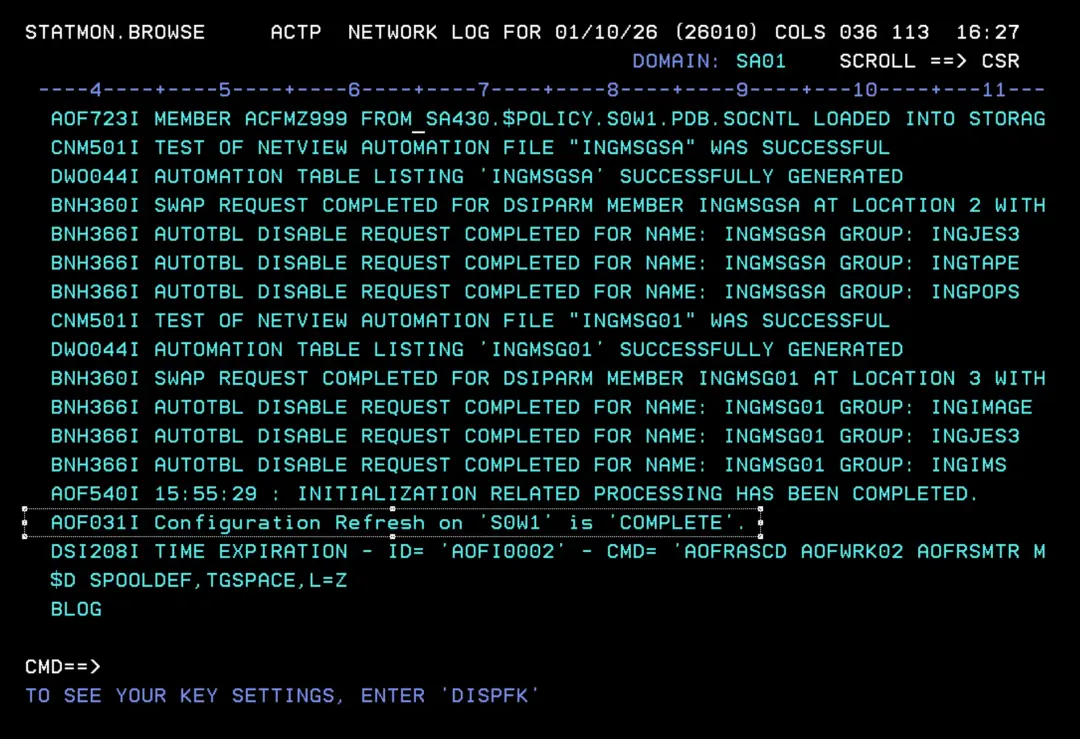
If we run the INGLKUP command again, we see that no tasks are shown now.
You may see tasks that are not in your automation and that you have not excluded either.
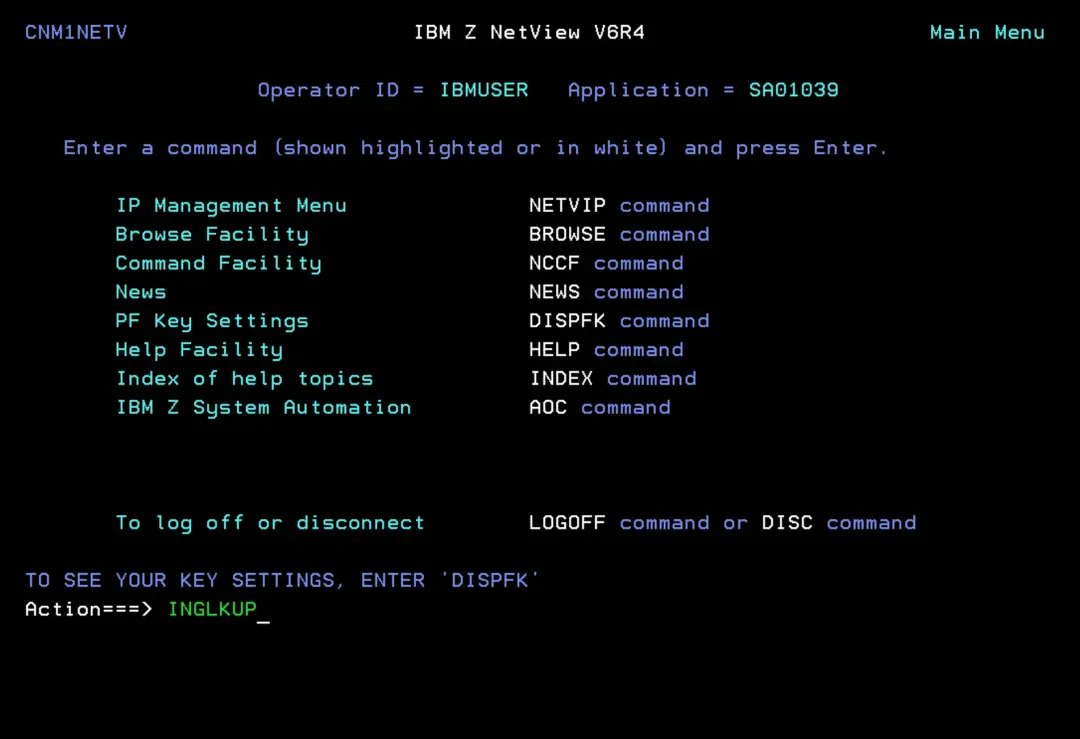
This message appears:
AOF343I NOTHING TO DISPLAY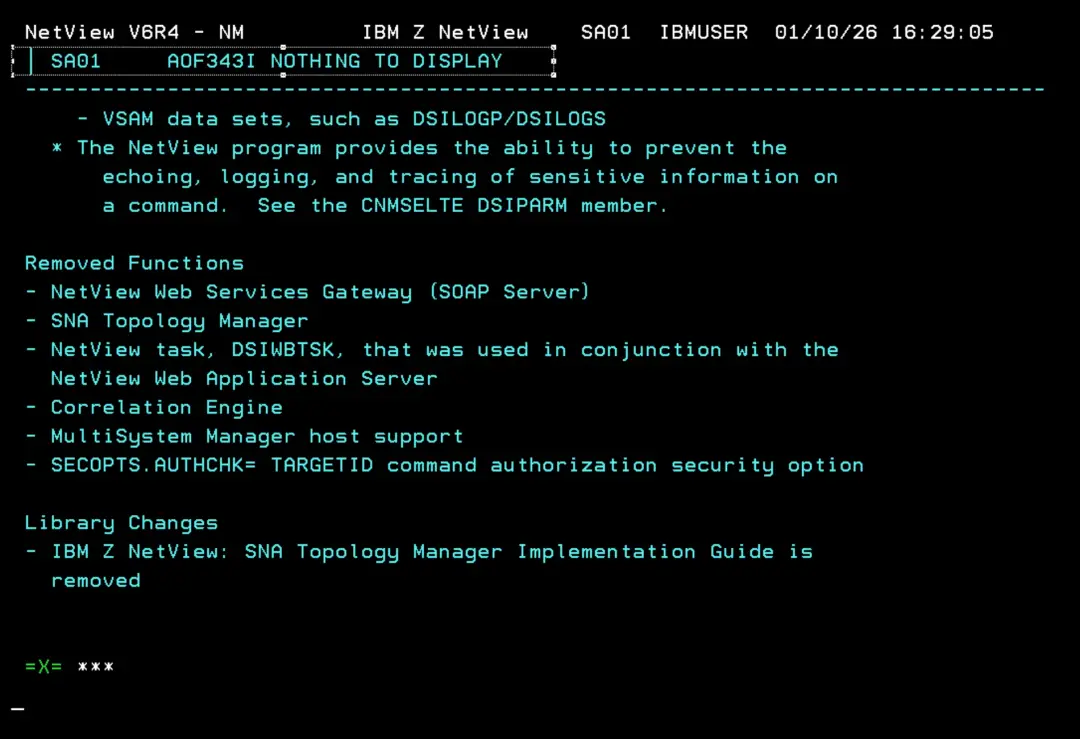
In this way you can exclude tasks from INGLKUP so that it only shows the resources we do not control, and avoid confusion for the teams that monitor the system.