IBM Bob with COBOL and Podman on RHEL
In another article I put IBM COBOL for Linux on x86 in a container with a small pipeline that compiles, runs and tests a program: IBM COBOL for Linux on x86 in a container: compile and test with Podman.
In this article I give that environment to IBM Bob. I give it a COBOL program with errors and ask it to fix it: Bob fixes the program and runs the container until the test passes.
This is a lab idea: a way to try, in isolation, something that occurred to me. There are probably better or more complete ways to do it. The idea is to see that it works and that everyone adapts it to what they need, always taking into account what the IBM licenses allow.
IBM Bob is IBM's AI development assistant. It can be used as a development environment (Bob IDE) or from the terminal (Bob Shell), and in both cases, besides writing code, it can run commands. That is what I use here: Bob runs the same container that I ran by hand. I do the test with both.
Request the Bob trial
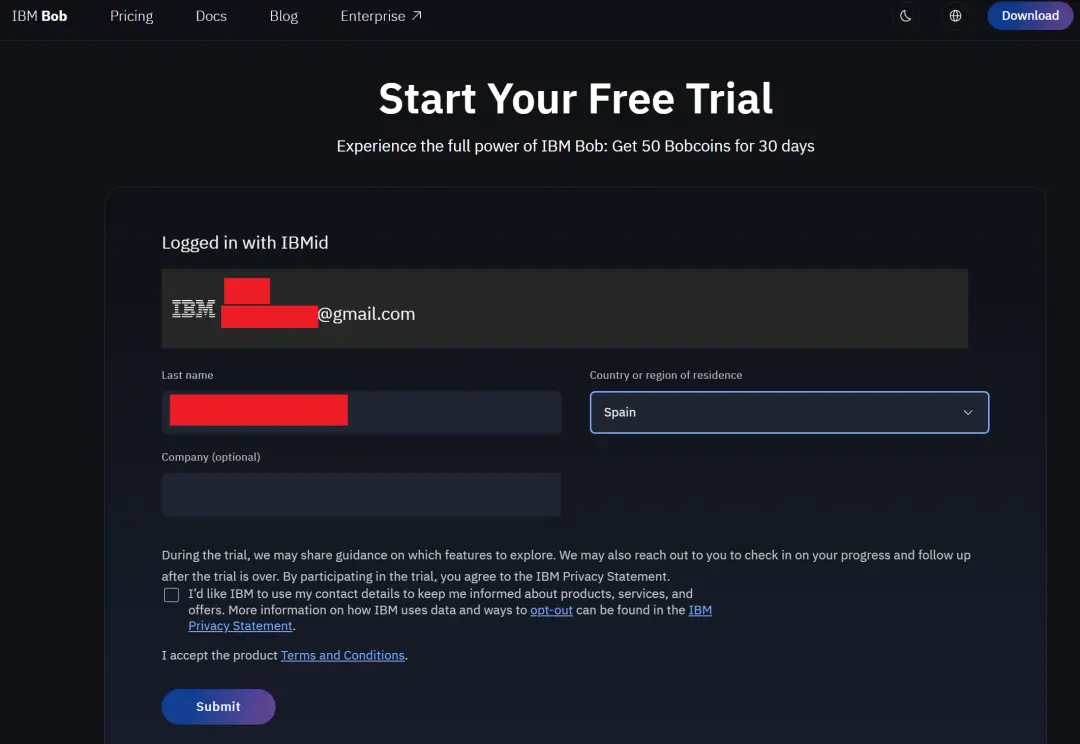
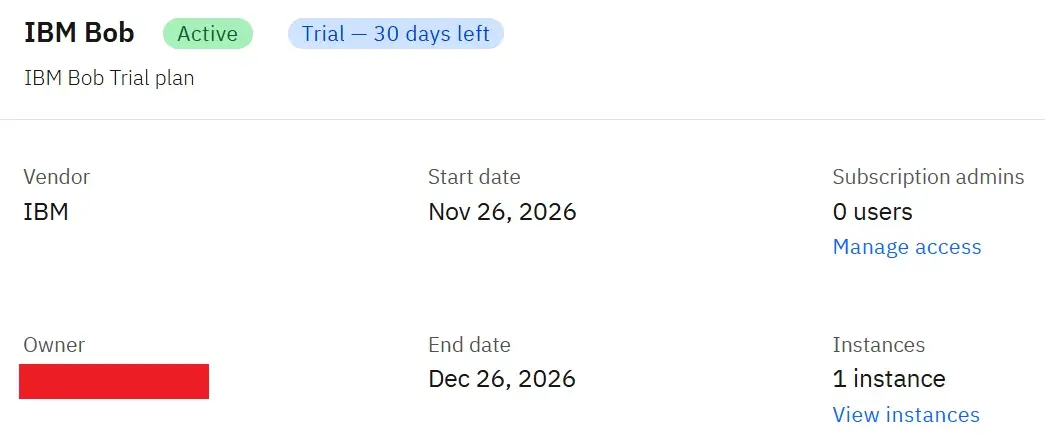
I use the Bob trial, which is free, does not ask for a payment method and gives 50 Bobcoins for 30 days: IBM Bob trial. According to that page, when the trial ends you have to move to one of the paid plans (Pro, Pro+ or Ultra) to keep using Bob.
I request it from that page, signing in with my IBMid:
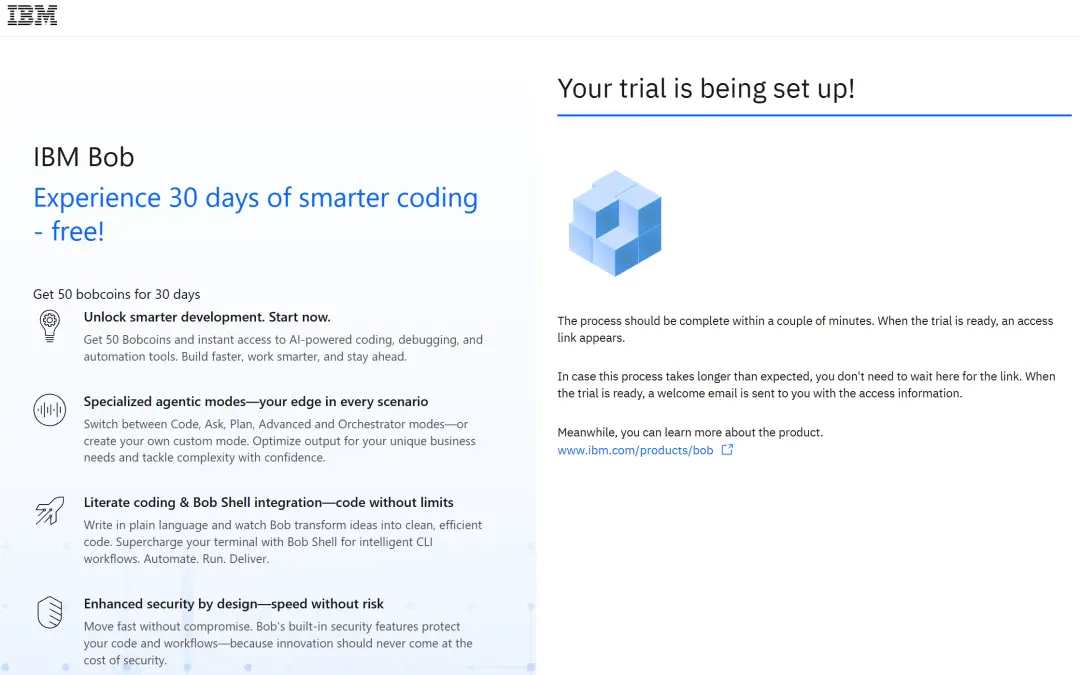
In my case it took a while to activate: on the first day Bob showed "Account Not Ready Yet" and the next day it already worked.
Install Bob IDE
I install Bob on the same virtual machine with RHEL where I have the container. That way Bob runs podman directly in its terminal.
According to the IBM documentation, Bob needs at least 4 GB of RAM (8 GB recommended), 500 MB of disk and an Internet connection. My virtual machine has 14 GB of RAM:
free -h
IBM documentation: Install Bob IDE
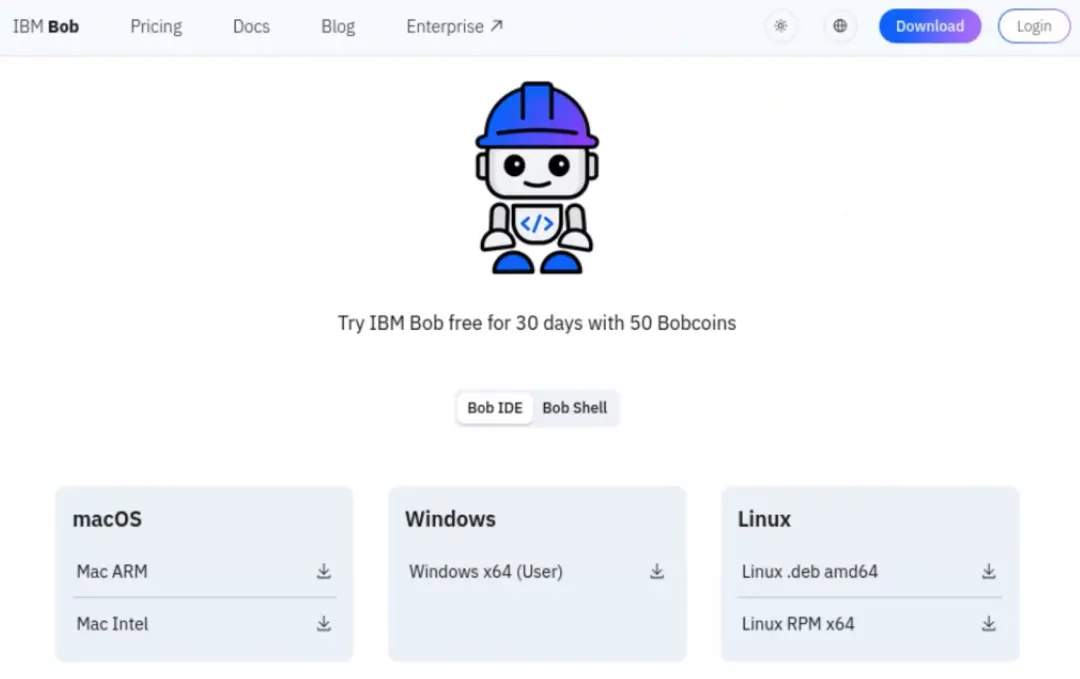
On the virtual machine, I download the RPM package for Linux x64 from the Bob downloads page: bob.ibm.com/download
I install it with dnf, which also installs the dependencies from the repositories:
cd ~/Downloads
sudo dnf install ./IBM-Bob-linux-x64-1.126.0+bob2.3.0.rpm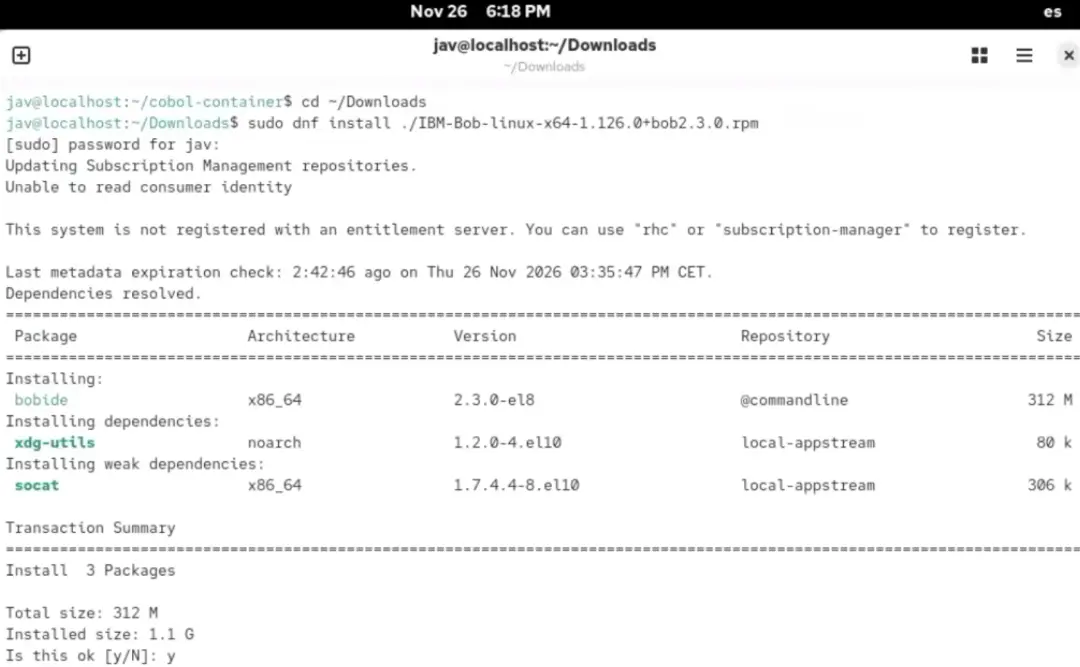
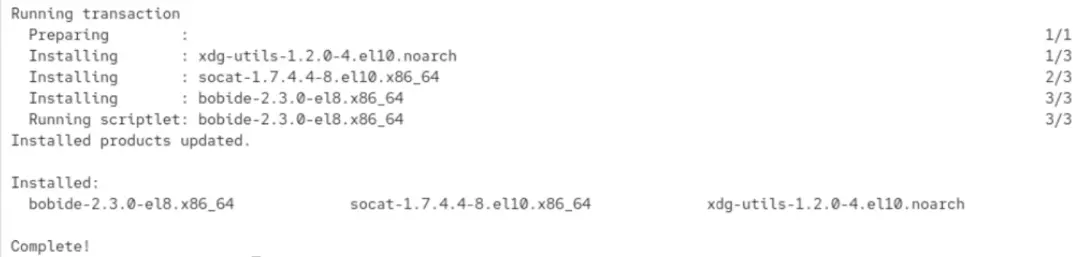
When Bob opens, it asks whether we want to import data from other editors (VS Code, Cursor, Windsurf…). In my case, “Skip for now”.
We sign in with the IBMid.
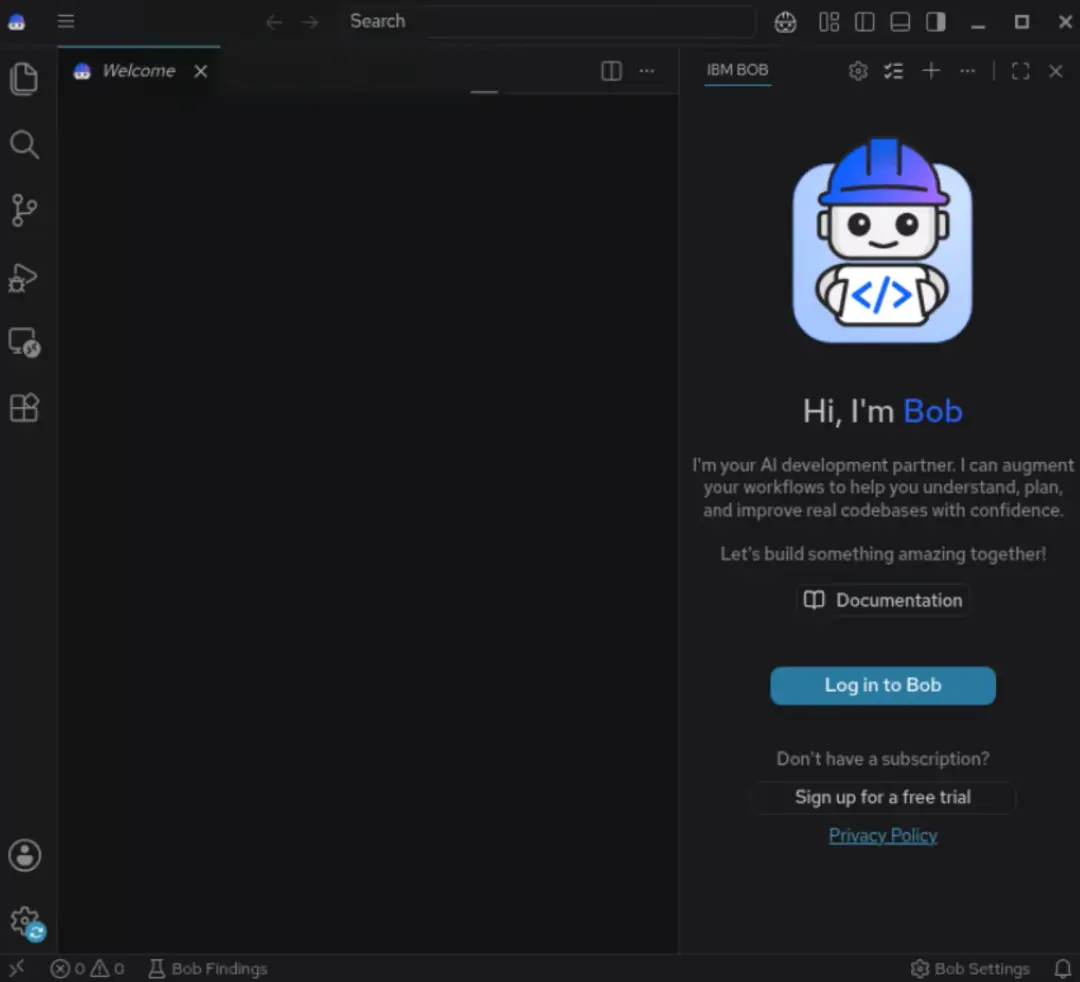
Now we can start working with IBM Bob.
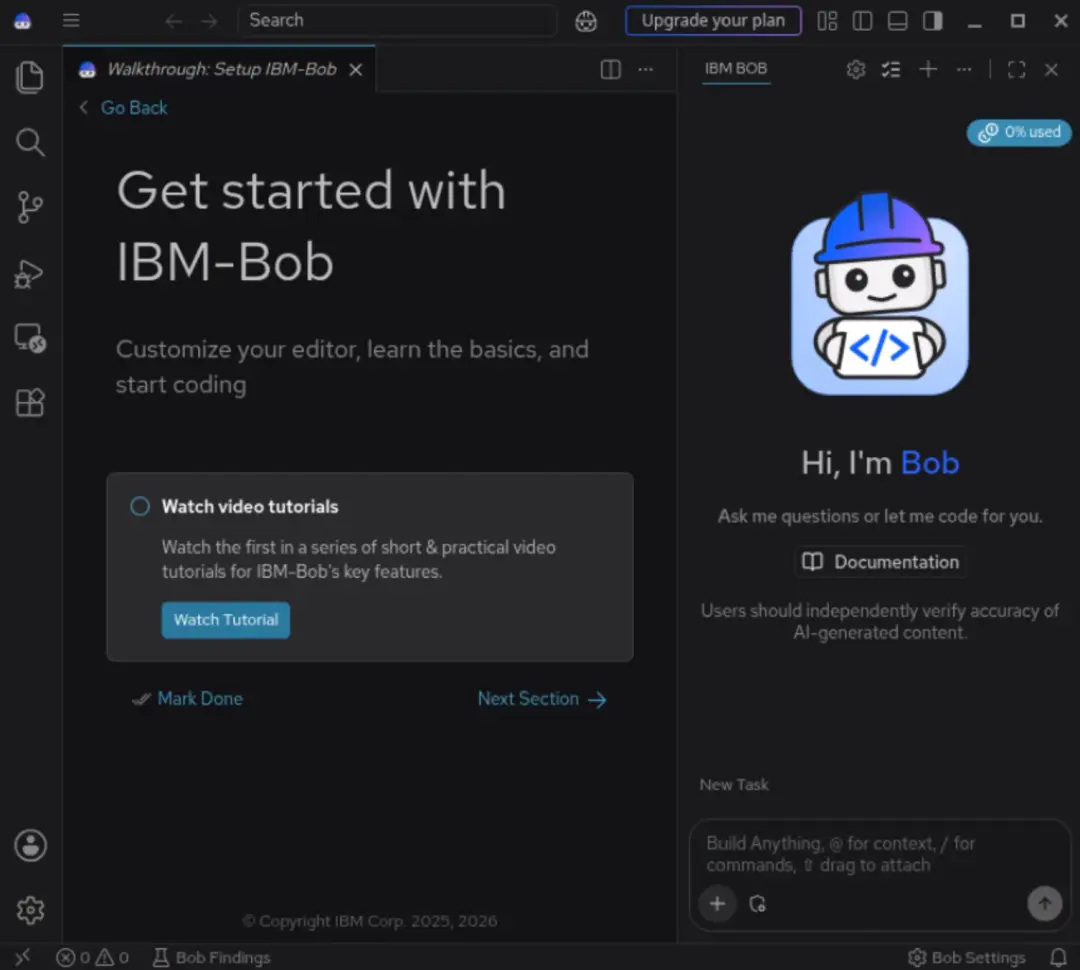
Install Bob Shell
Bob Shell is the terminal version of Bob. According to the IBM documentation, it needs the same as the IDE (at least 4 GB of RAM, 8 GB recommended, 500 MB of disk and an Internet connection) and also Node.js 24 or later: Installing Bob Shell
Node.js 24 is in the RHEL repositories, so I install it with dnf:
sudo dnf install nodejs24
node --version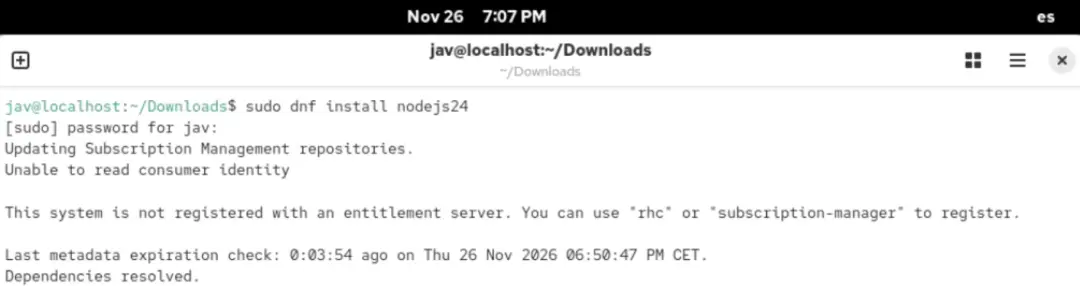

But node --version gives "command not found". The nodejs package, without a number, is version 22. In the RHEL 10.1 release notes, Node.js 24 appears as a Technology Preview, and the nodejs24 package only brings the commands with the version in the name (node-24, npm-24 and npx-24). According to Red Hat, the node command (/usr/bin/node) might come in a future update: RHEL 10.1 release notes: Technology Preview features
ls /usr/bin/node* /usr/bin/npm*
Red Hat suggests changing the first line (the shebang) of the scripts so that they use node-24. But the Bob Shell install script is from IBM and looks for the node command, so I create the node and npm links myself in my ~/.local/bin folder, without touching the system:
mkdir -p ~/.local/bin
ln -s /usr/bin/node-24 ~/.local/bin/node
ln -s /usr/bin/npm-24 ~/.local/bin/npm
node --version
npm --version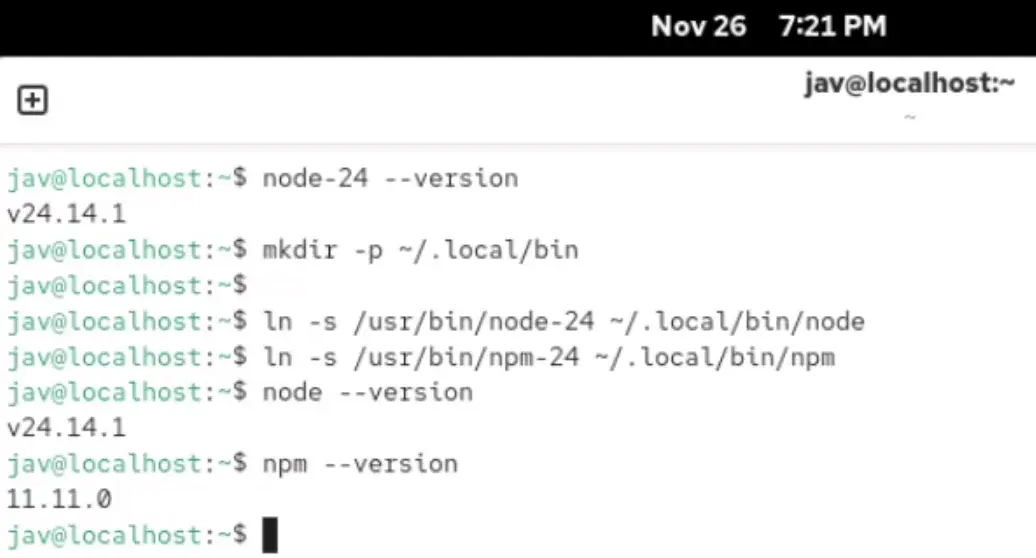
The Bob Shell install script installs it with npm as a global package. npm prefix -g shows where npm installs those packages, and by default it is /usr/local, where root is needed. To avoid using sudo, I tell npm to install them in my home folder:
npm prefix -g
npm config set prefix ~/.local
npm prefix -g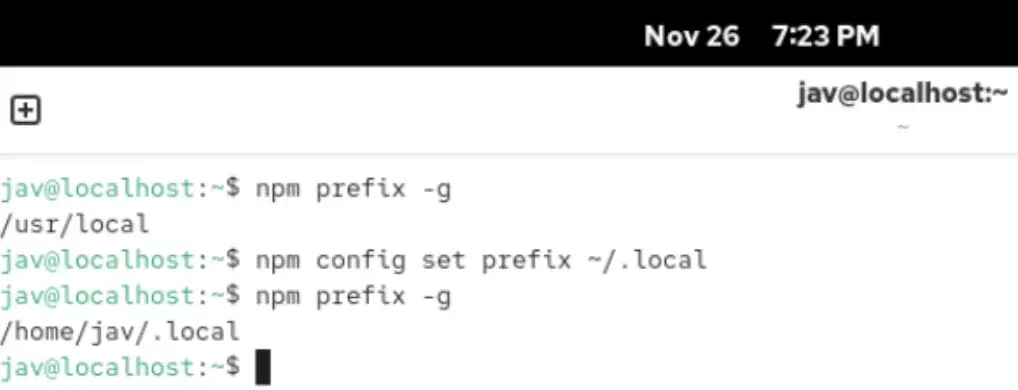
Then I run the install script that the documentation gives and check the version:
curl -fsSL https://bob.ibm.com/download/bobshell.sh | bash
bob --version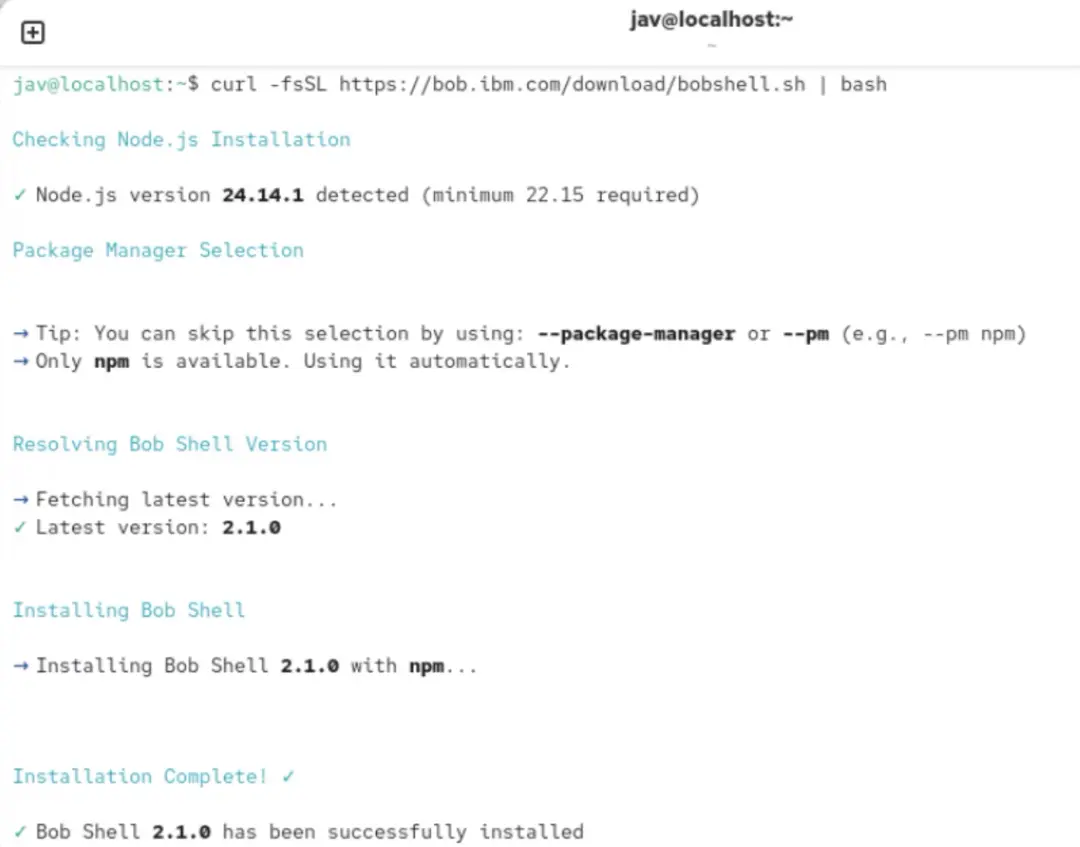
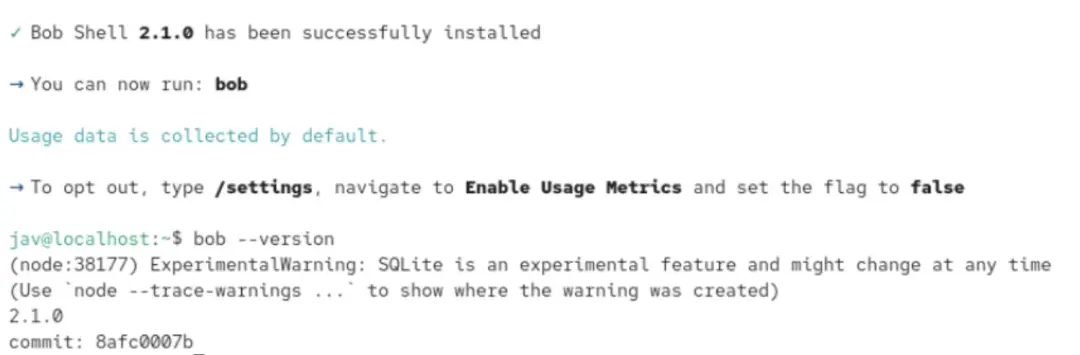
During the installation, the script says that the minimum Node.js version is 22.15, although the documentation asks for 24 or later.
At the end, the script warns that Bob Shell sends usage data by default. It can be turned off from Bob Shell with /settings, in Enable Usage Metrics.
bob --version shows the installed version (2.1.0) and, before it, a Node.js warning: "ExperimentalWarning: SQLite is an experimental feature". It is only a warning, not an error.
I create the project folder and start Bob Shell in it:
mkdir -p ~/cobol-bob/src
cd ~/cobol-bob
bob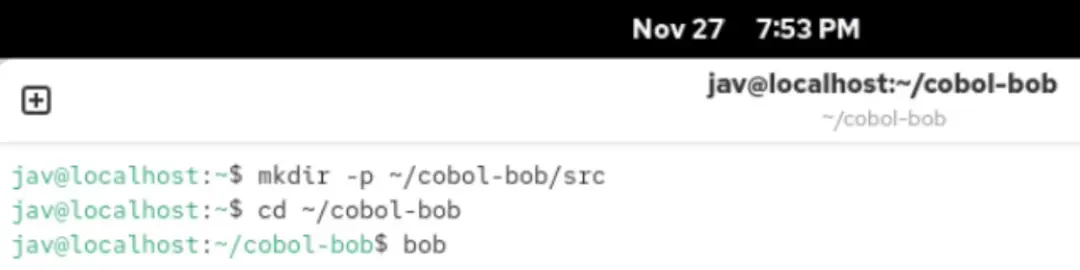
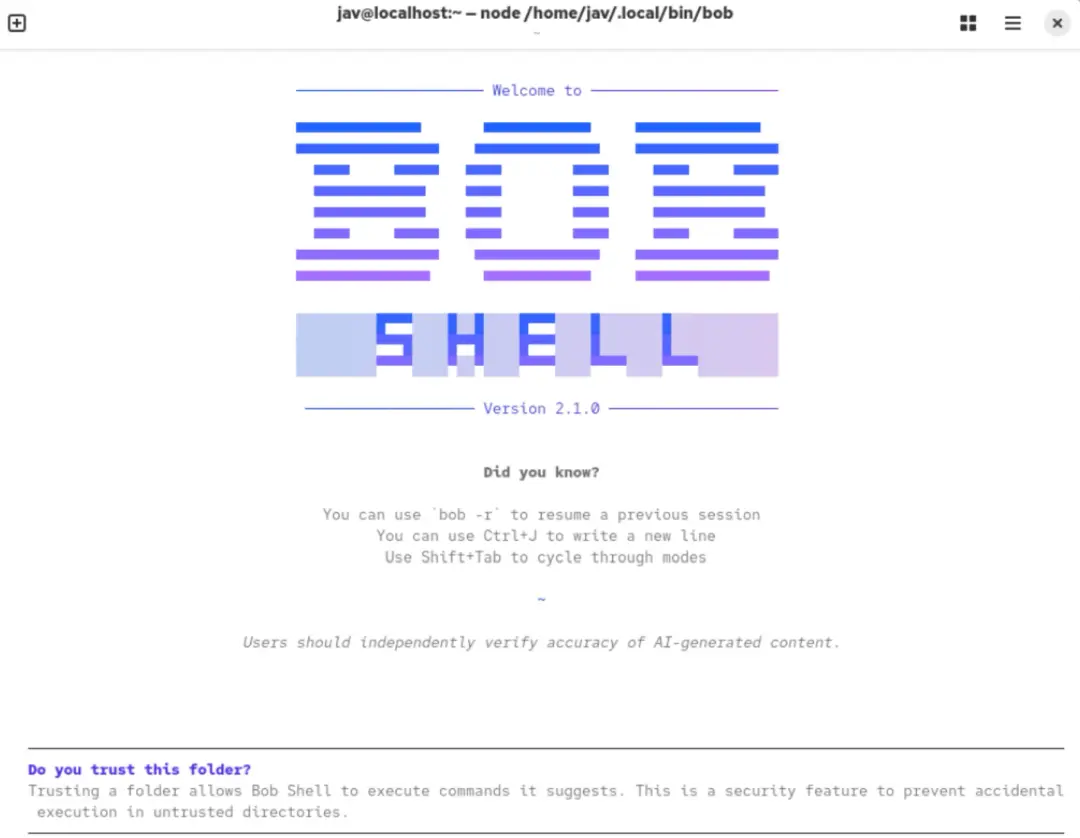
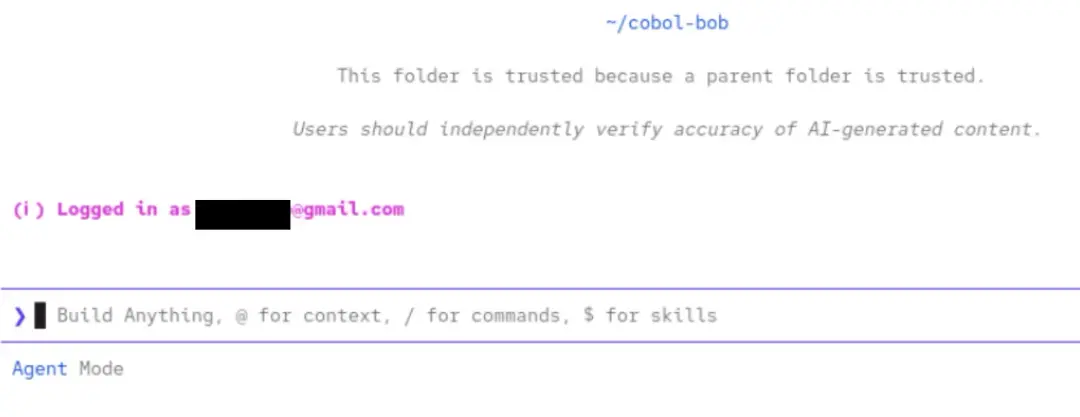
When it starts, Bob Shell asks whether I trust the folder: trusting it allows it to run the commands it suggests. The first time I started it was in my home folder (you can see it in the window title) and I trusted it. That is why, in ~/cobol-bob, Bob Shell says "This folder is trusted because a parent folder is trusted". It is better to trust only the project folder: according to the IBM documentation, the folder's trust level is shown and changed with the /trust command.
The first time it opens the browser to sign in with the IBMid:

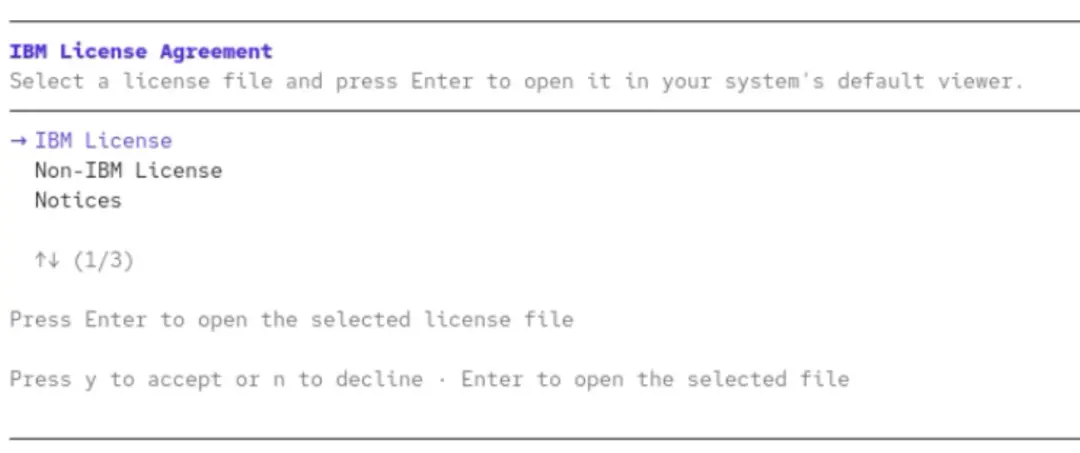
We must read and accept the license.
Prepare the folder
I use the cobol-linux image I built in the other article, so there is no need to build it again. I already created the project folder (~/cobol-bob, with its src subfolder) when I started Bob Shell. In src I copy the same pipeline.sh:
cp ~/cobol-container/src/pipeline.sh ~/cobol-bob/src/
In src I also create the program (invoice.cbl) and the expected result (expected.txt). The folder looks like this:
~/cobol-bob/
└── src/
    ├── invoice.cbl
    ├── expected.txt
    └── pipeline.sh
The program with errors
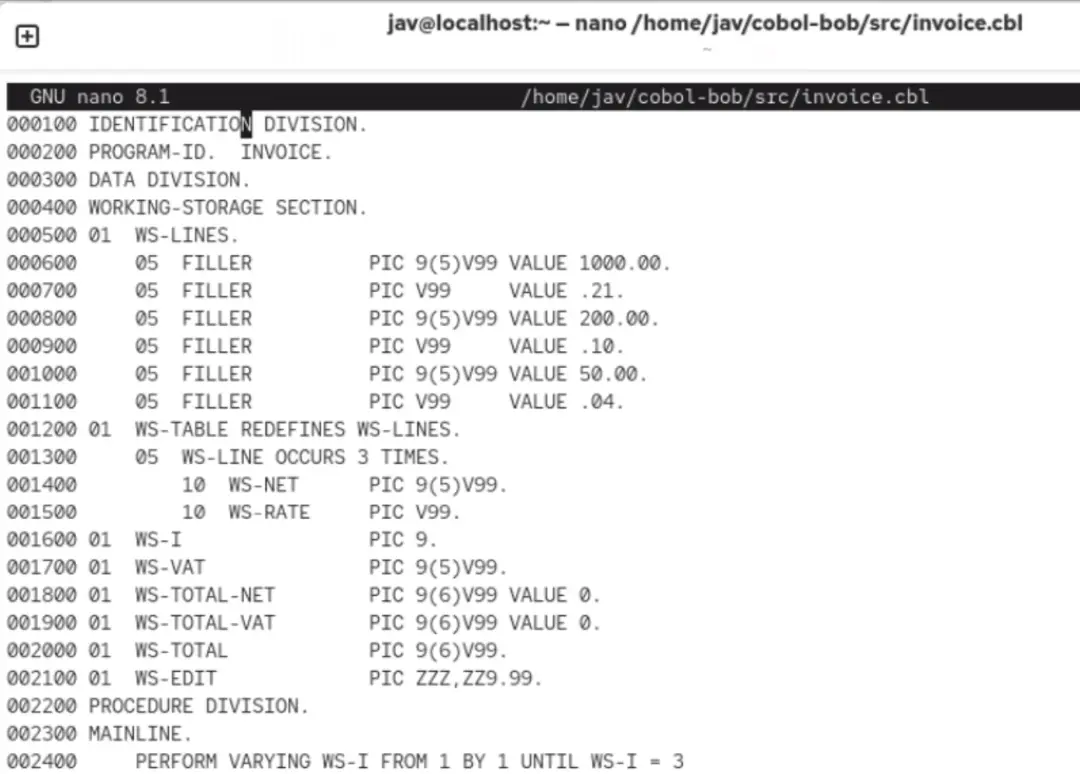
The program calculates an invoice with three lines, each one with its own VAT rate (21%, 10% and 4%), and shows the net amount, the VAT and the total. It has two errors: a compilation error and a logic error. I do not tell Bob what they are.
I create the file ~/cobol-bob/src/invoice.cbl:
000100 IDENTIFICATION DIVISION.
000200 PROGRAM-ID.  INVOICE.
000300 DATA DIVISION.
000400 WORKING-STORAGE SECTION.
000500 01  WS-LINES.
000600     05  FILLER          PIC 9(5)V99 VALUE 1000.00.
000700     05  FILLER          PIC V99     VALUE .21.
000800     05  FILLER          PIC 9(5)V99 VALUE 200.00.
000900     05  FILLER          PIC V99     VALUE .10.
001000     05  FILLER          PIC 9(5)V99 VALUE 50.00.
001100     05  FILLER          PIC V99     VALUE .04.
001200 01  WS-TABLE REDEFINES WS-LINES.
001300     05  WS-LINE OCCURS 3 TIMES.
001400         10  WS-NET      PIC 9(5)V99.
001500         10  WS-RATE     PIC V99.
001600 01  WS-I                PIC 9.
001700 01  WS-VAT              PIC 9(5)V99.
001800 01  WS-TOTAL-NET        PIC 9(6)V99 VALUE 0.
001900 01  WS-TOTAL-VAT        PIC 9(6)V99 VALUE 0.
002000 01  WS-TOTAL            PIC 9(6)V99.
002100 01  WS-EDIT             PIC ZZZ,ZZ9.99.
002200 PROCEDURE DIVISION.
002300 MAINLINE.
002400     PERFORM VARYING WS-I FROM 1 BY 1 UNTIL WS-I = 3
002500         COMPUTE WS-VAT = WS-NET(WS-I) * WS-RATE(WS-I)
002600         ADD WS-NET(WS-I) TO WS-TOTAL-NET
002700         ADD WS-VAT TO WS-TOTAL-VAR
002800     END-PERFORM
002900     COMPUTE WS-TOTAL = WS-TOTAL-NET + WS-TOTAL-VAT
003000     MOVE WS-TOTAL-NET TO WS-EDIT
003100     DISPLAY 'NET:    ' WS-EDIT
003200     MOVE WS-TOTAL-VAT TO WS-EDIT
003300     DISPLAY 'VAT:    ' WS-EDIT
003400     MOVE WS-TOTAL TO WS-EDIT
003500     DISPLAY 'TOTAL:  ' WS-EDIT
003600     STOP RUN.
I also save a copy of the program with errors outside src, so that I can repeat the test with Bob IDE:
cp ~/cobol-bob/src/invoice.cbl ~/cobol-bob/invoice-buggy.cbl
The expected result
As in the other article, I write the expected result myself, calculated by hand:
- Net: 1,000.00 + 200.00 + 50.00 = 1,250.00
- VAT: 210.00 + 20.00 + 2.00 = 232.00
- Total: 1,250.00 + 232.00 = 1,482.00
I create the file ~/cobol-bob/src/expected.txt:
NET:      1,250.00
VAT:        232.00
TOTAL:    1,482.00
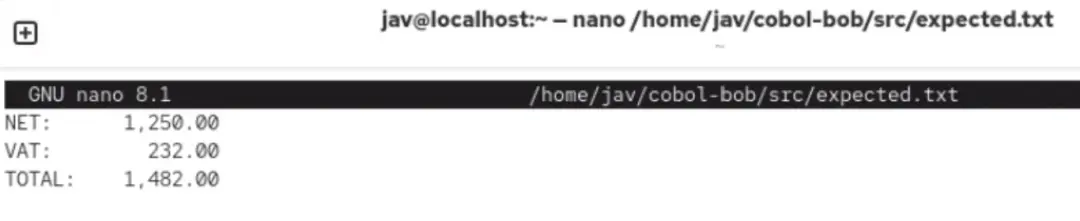
This file is the key: Bob can change the program, but not the expected result. If Bob wrote both the program and the test, the test would be worthless.
The instructions for Bob
I give Bob Shell and Bob IDE the same text:
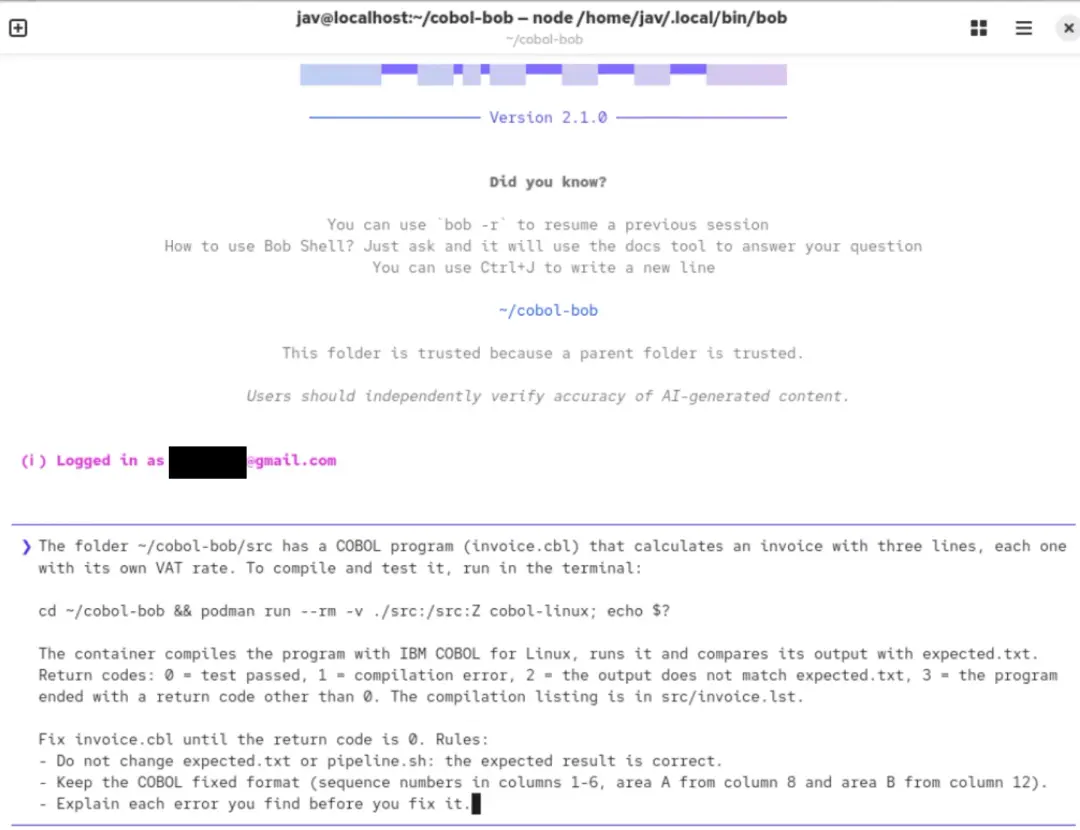
The folder ~/cobol-bob/src has a COBOL program (invoice.cbl) that calculates an invoice with three lines, each one with its own VAT rate. To compile and test it, run in the terminal:

cd ~/cobol-bob && podman run --rm -v ./src:/src:Z cobol-linux; echo $?

The container compiles the program with IBM COBOL for Linux, runs it and compares its output with expected.txt. Return codes: 0 = test passed, 1 = compilation error, 2 = the output does not match expected.txt, 3 = the program ended with a return code other than 0. The compilation listing is in src/invoice.lst.

Fix invoice.cbl until the return code is 0. Rules:
- Do not change expected.txt or pipeline.sh: the expected result is correct.
- Keep the COBOL fixed format (sequence numbers in columns 1-6, area A from column 8 and area B from column 12).
- Explain each error you find before you fix it.
Bob Shell fixes the program
I start Bob Shell in the project folder and paste the instructions:
cd ~/cobol-bob
bob
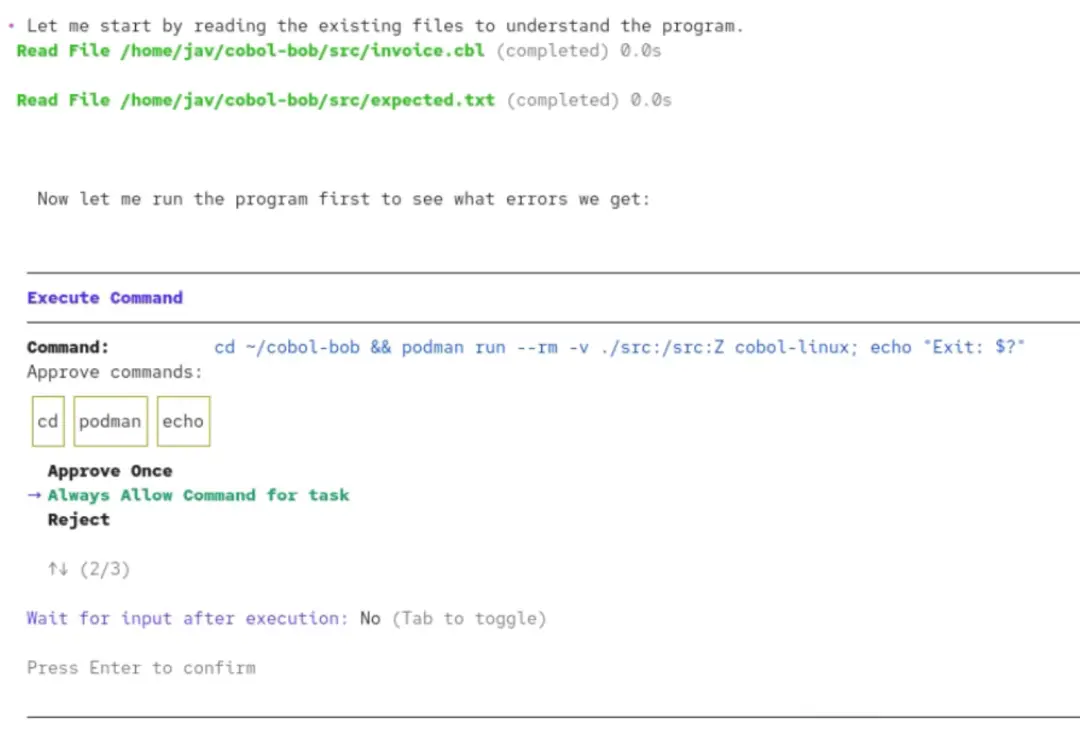
Bob Shell starts by reading invoice.cbl and expected.txt, and then runs the container with the command I gave it. Before running it, it asks for permission (Approve Once, Always Allow Command for task or Reject). The compilation fails with the error IGYPS2121-S ("WS-TOTAL-VAR" was not defined as a data-name) and the return code is 1.
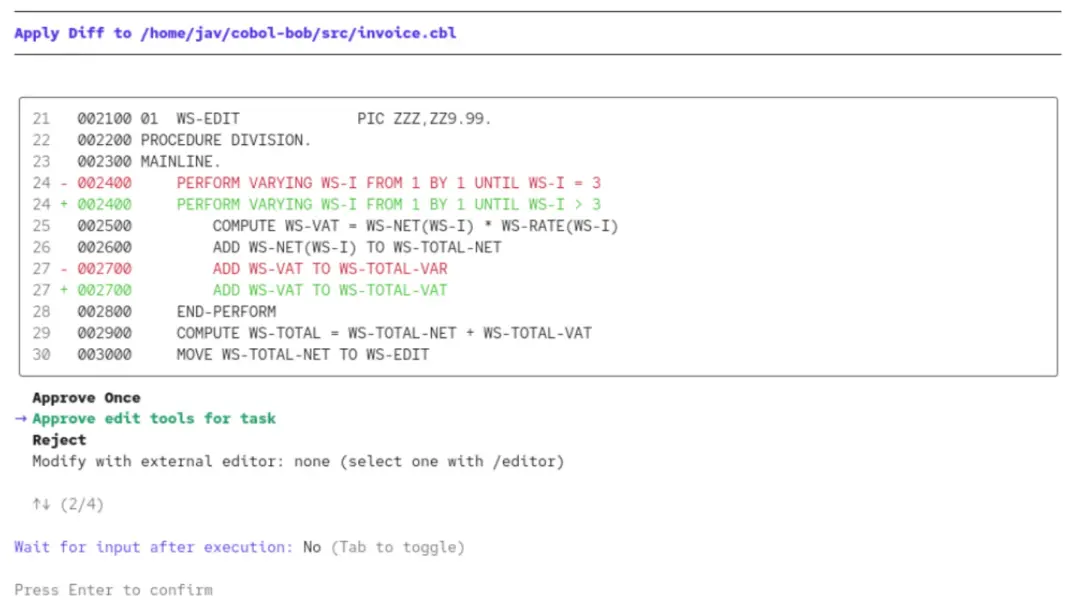
Before fixing anything, it explains the errors. It does not stop at the compilation error: it also finds the logic error without having run the program. It sees that with UNTIL WS-I = 3 the loop only processes the first two lines of the invoice, and it checks it against expected.txt: the net amount (1,250.00) and the VAT (232.00) only come out by adding all three.
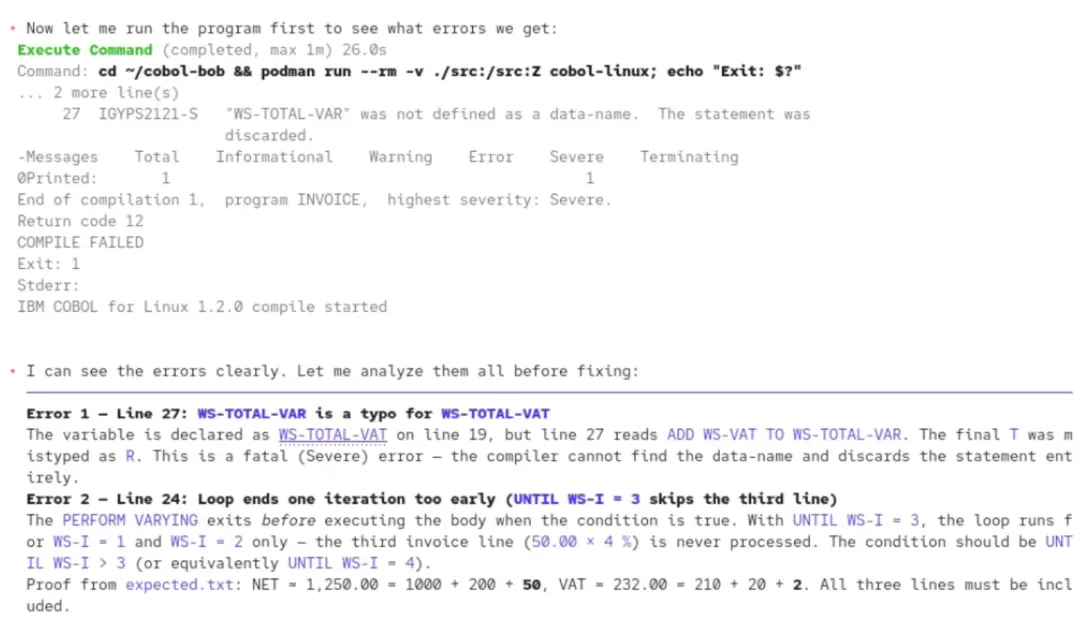
It fixes both in a single change: WS-TOTAL-VAR to WS-TOTAL-VAT and UNTIL WS-I = 3 to UNTIL WS-I > 3. Before changing invoice.cbl it also asks for permission.
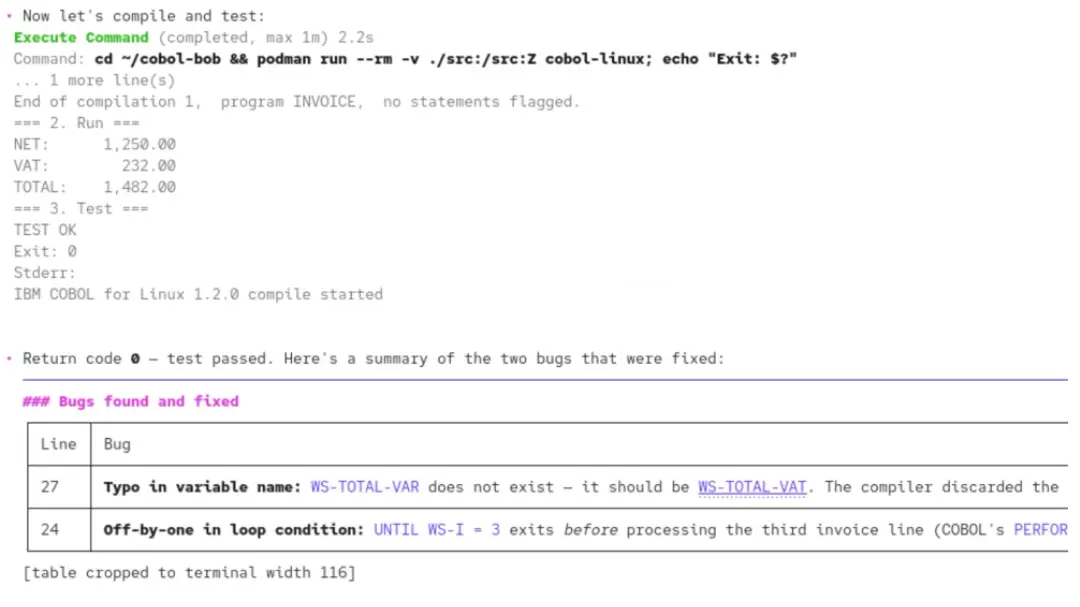
It runs the container again: the program compiles without warnings, shows the same amounts as expected.txt and the test passes with return code 0. At the end it summarizes the two errors in a table.
Bob IDE fixes the program
To repeat the test with Bob IDE, I put the program back with the errors and delete what the previous run generated:
cd ~/cobol-bob
cp invoice-buggy.cbl src/invoice.cbl
rm -f src/invoice src/invoice.lst src/output.txt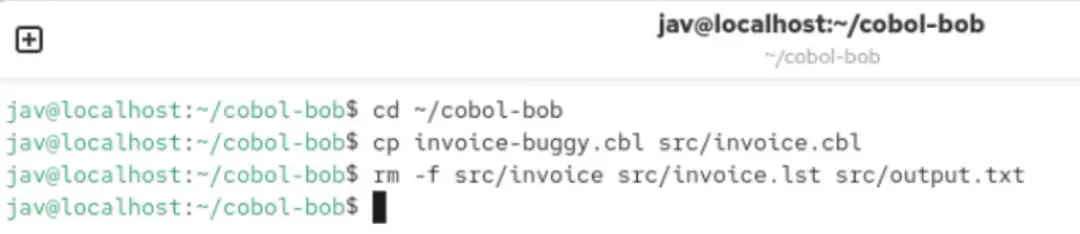
In Bob IDE I open the ~/cobol-bob folder.
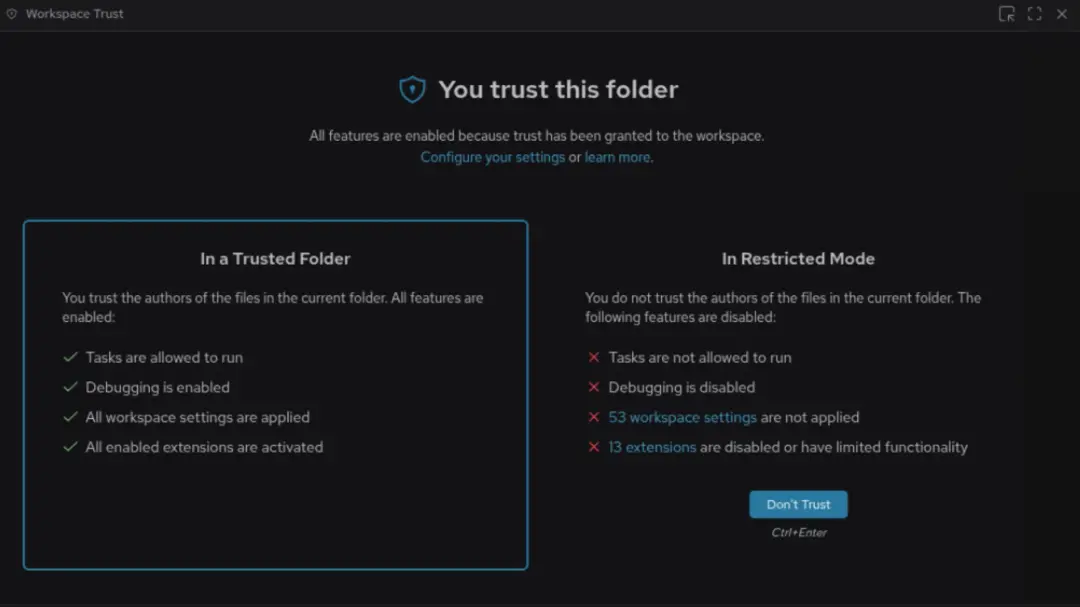
Mark the folder as “Trust”.
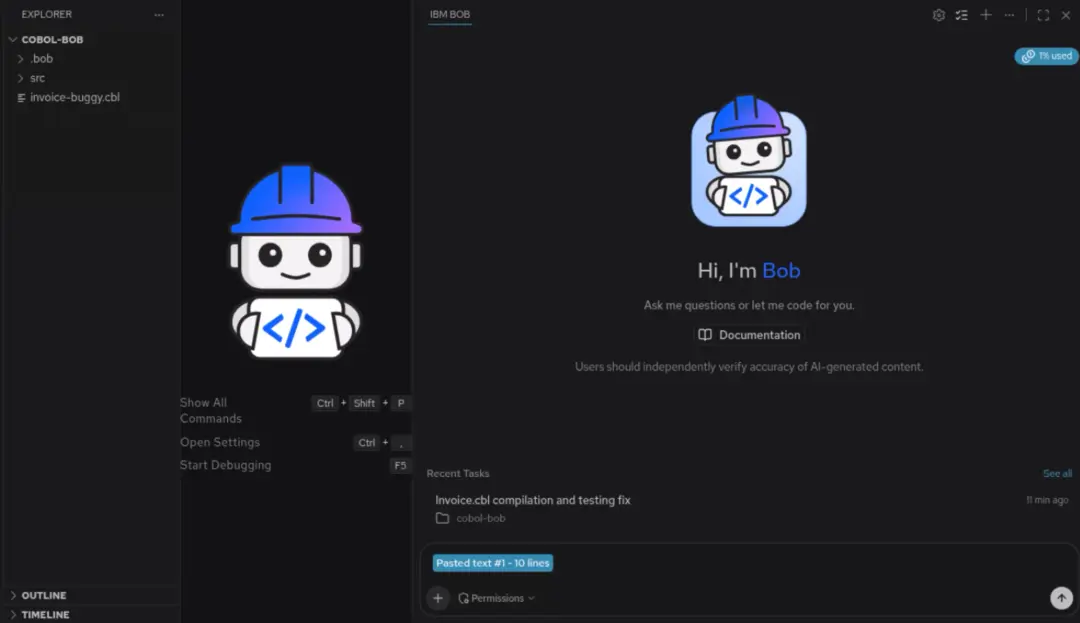
I use the same instructions again.
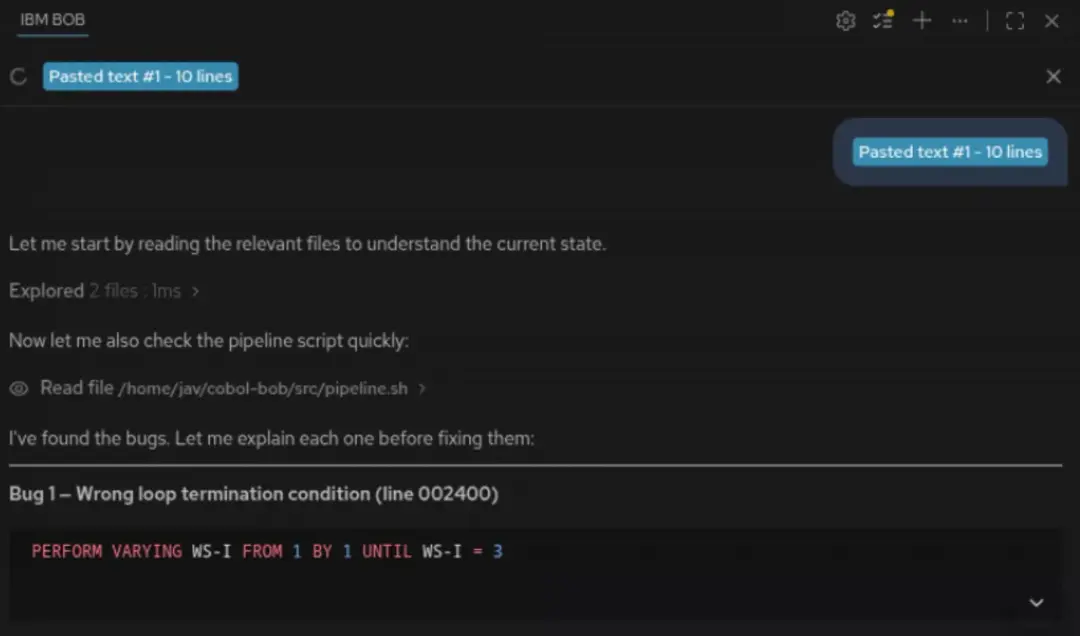
This time it detected the errors before running it.
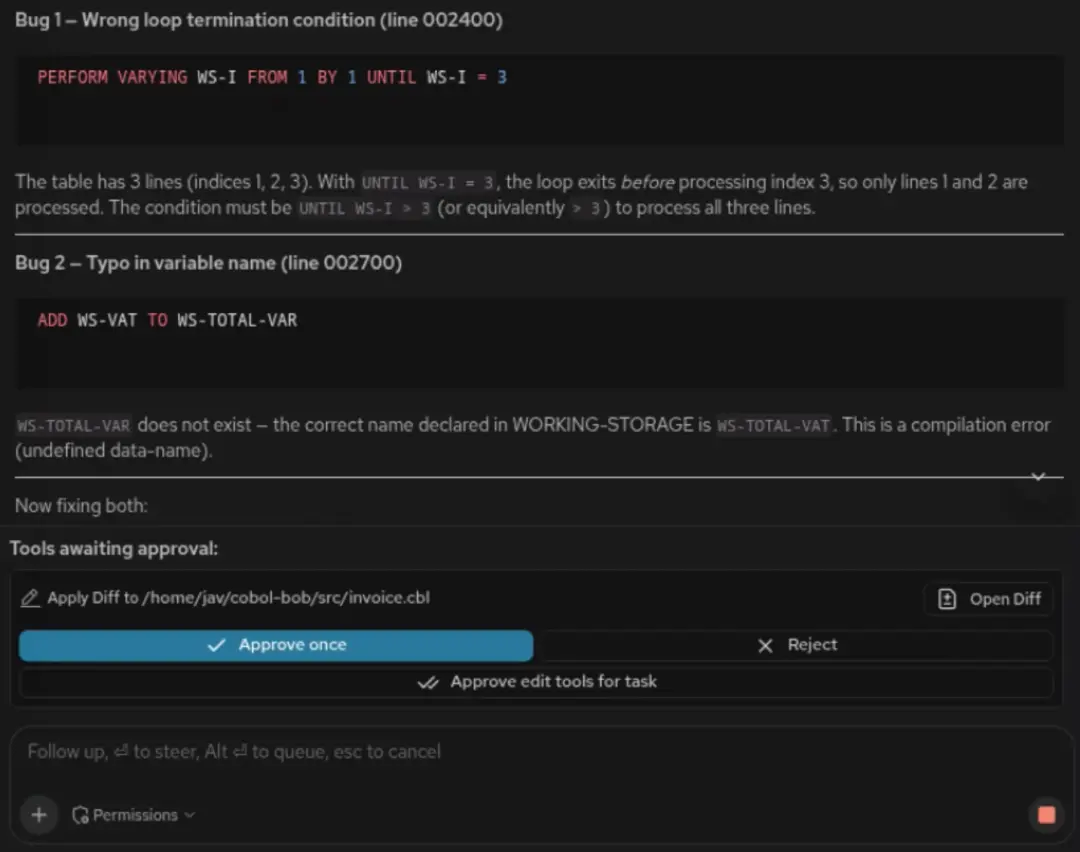
Before changing invoice.cbl it asks for approval (Approve once or Reject).
Now it has made the changes and compiled it. It shows the result and the explanation of the errors.
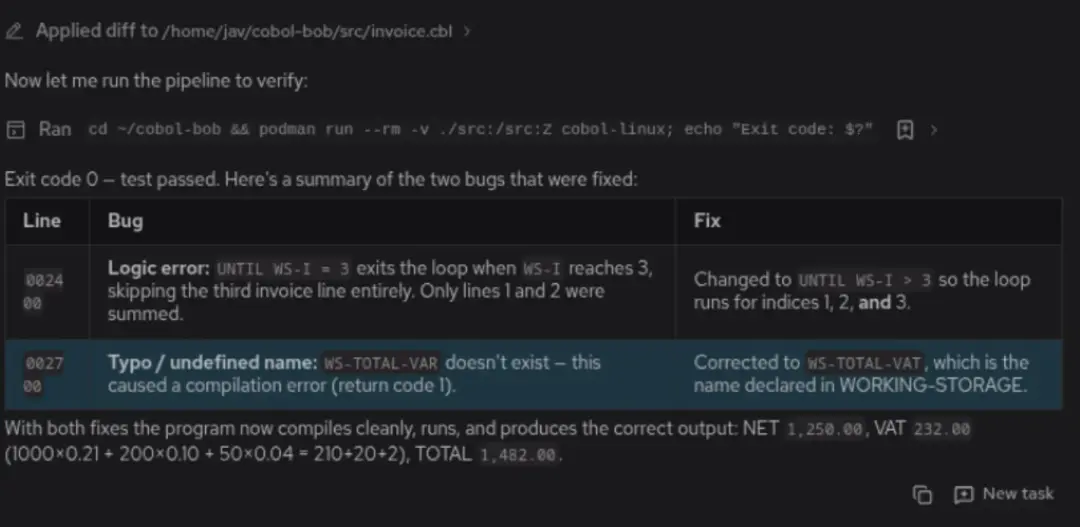
The result
Both find and fix the same two errors, and in both cases the test passes. The difference is the order: Bob Shell runs the container first and starts from the compilation error; Bob IDE reads the code, fixes it and then tests.
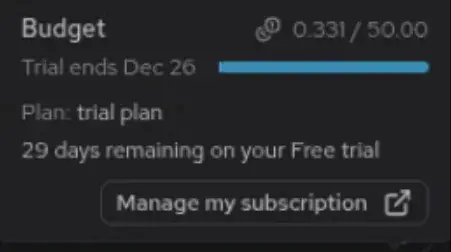
After the two tests I have spent 0.331 of the 50 trial Bobcoins:
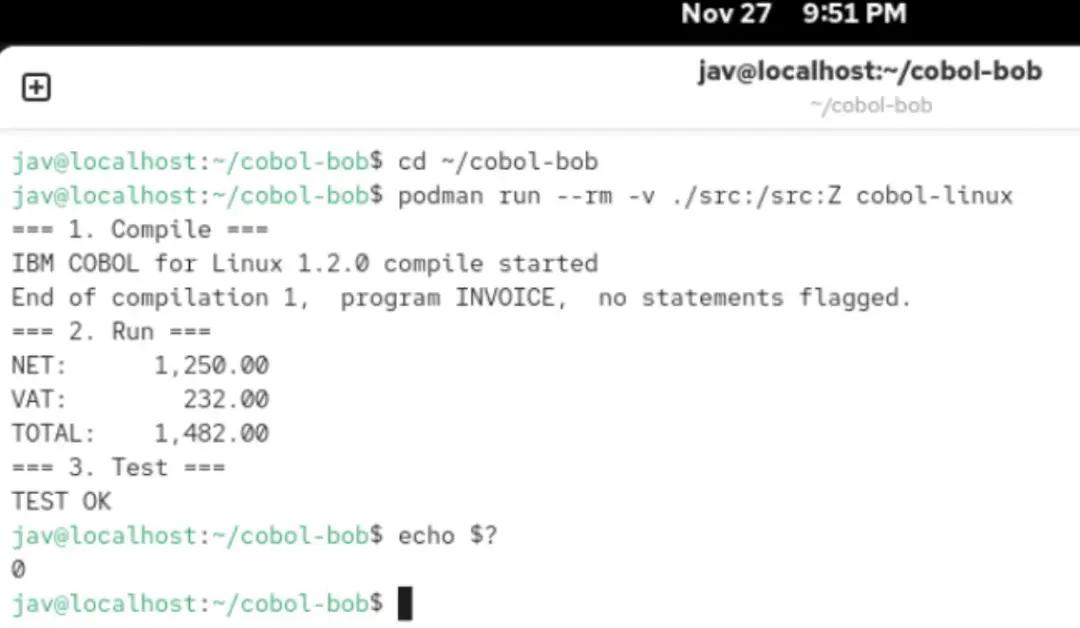
I also check the result myself, running the container by hand:
cd ~/cobol-bob
podman run --rm -v ./src:/src:Z cobol-linux
echo $?