Renew USB Token License
It’s preferable to do this a month or two in advance in case we have any problems generating the new license file. If there is any issue generating the new license, we would have time to contact support and have them review the case. We can even do this process every 6 months, since it doesn’t take much time.
In the terminal where I have the zPDT program active, I have already received warnings to renew the license.
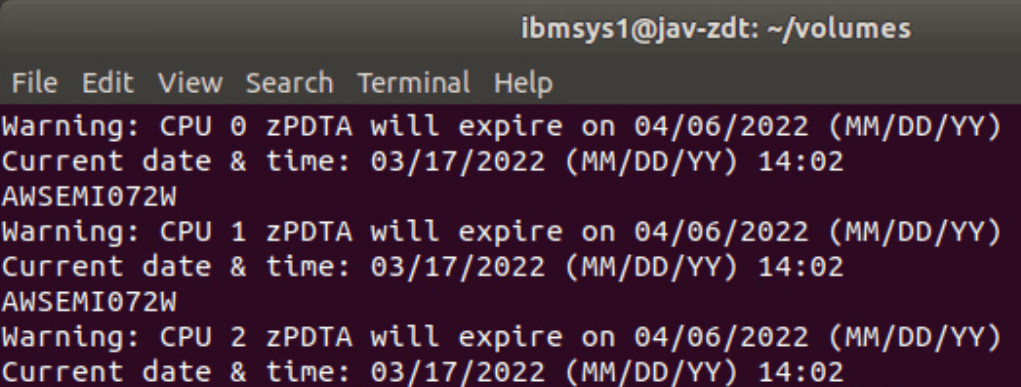
We will follow the following steps to generate the new license: https://www.ibm.com/docs/en/zdt/13.3.0?topic=key-returning-existing-license
Return Current License
To generate a new license file, we must first return the current license.
This consists of telling the system that we will no longer use that license, in order to generate a new one.
We enter:
https://licensing.flexnetoperations.com/
You can check the following link for more help:
https://www.ibm.com/support/pages/ibm-support-licensing-start-page
We go to View keys by host.
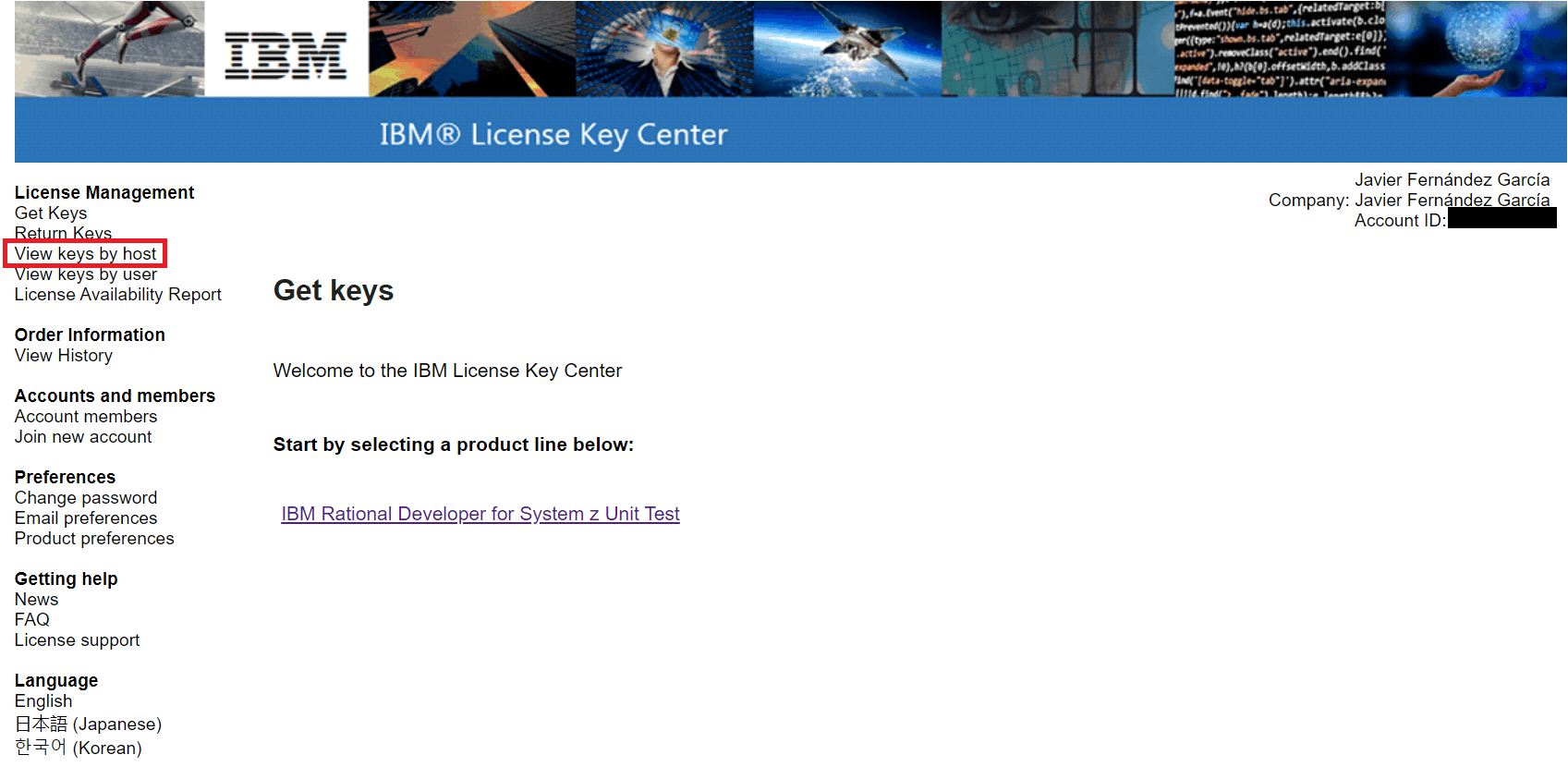
We enter the corresponding product. In my case, I only have one.
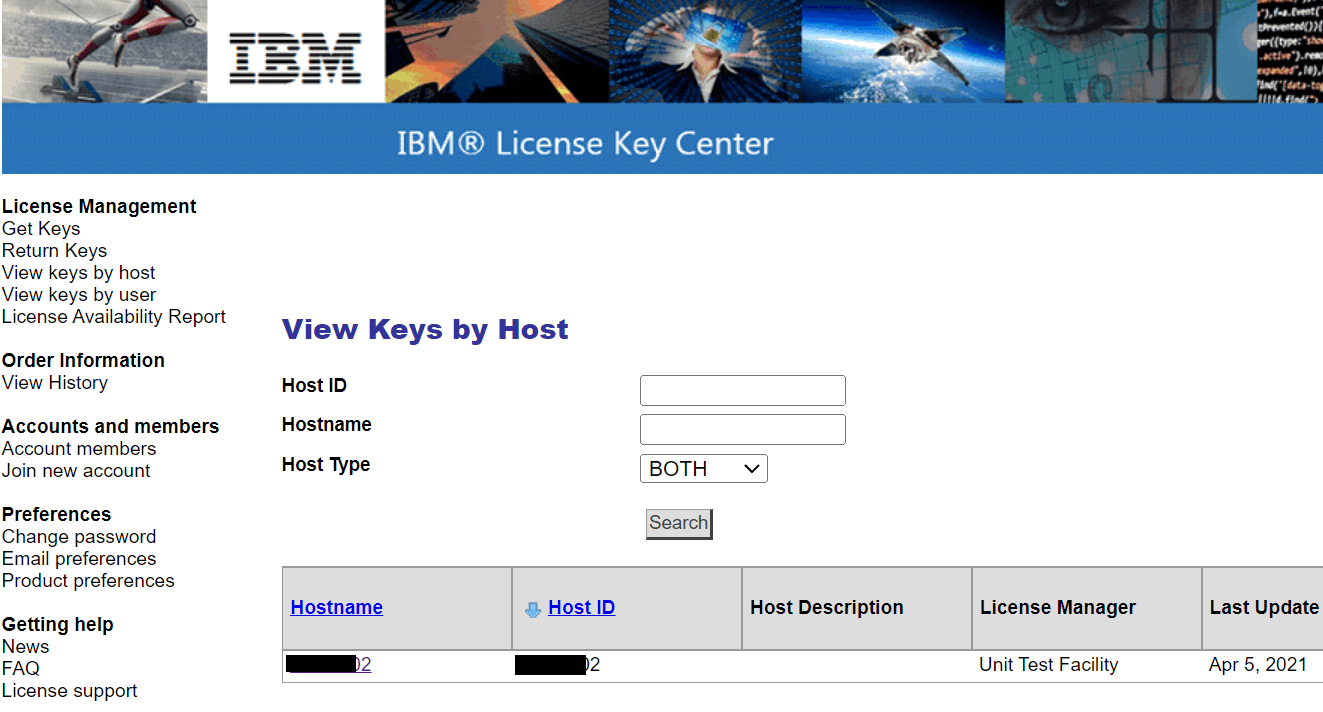
On the corresponding license, click Change. In my case, the license will expire on April 6, 2022.
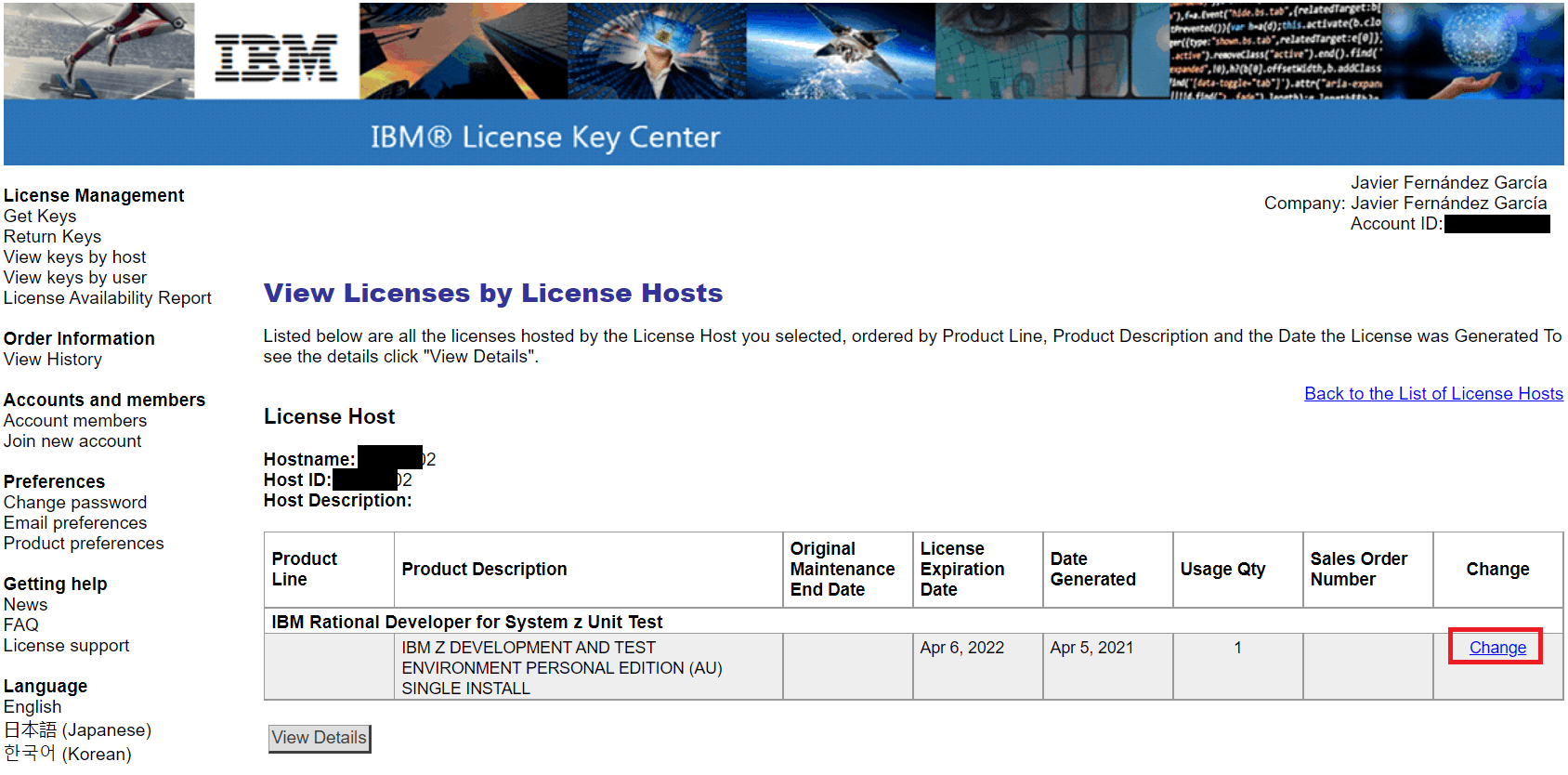
With the Return button we return the license
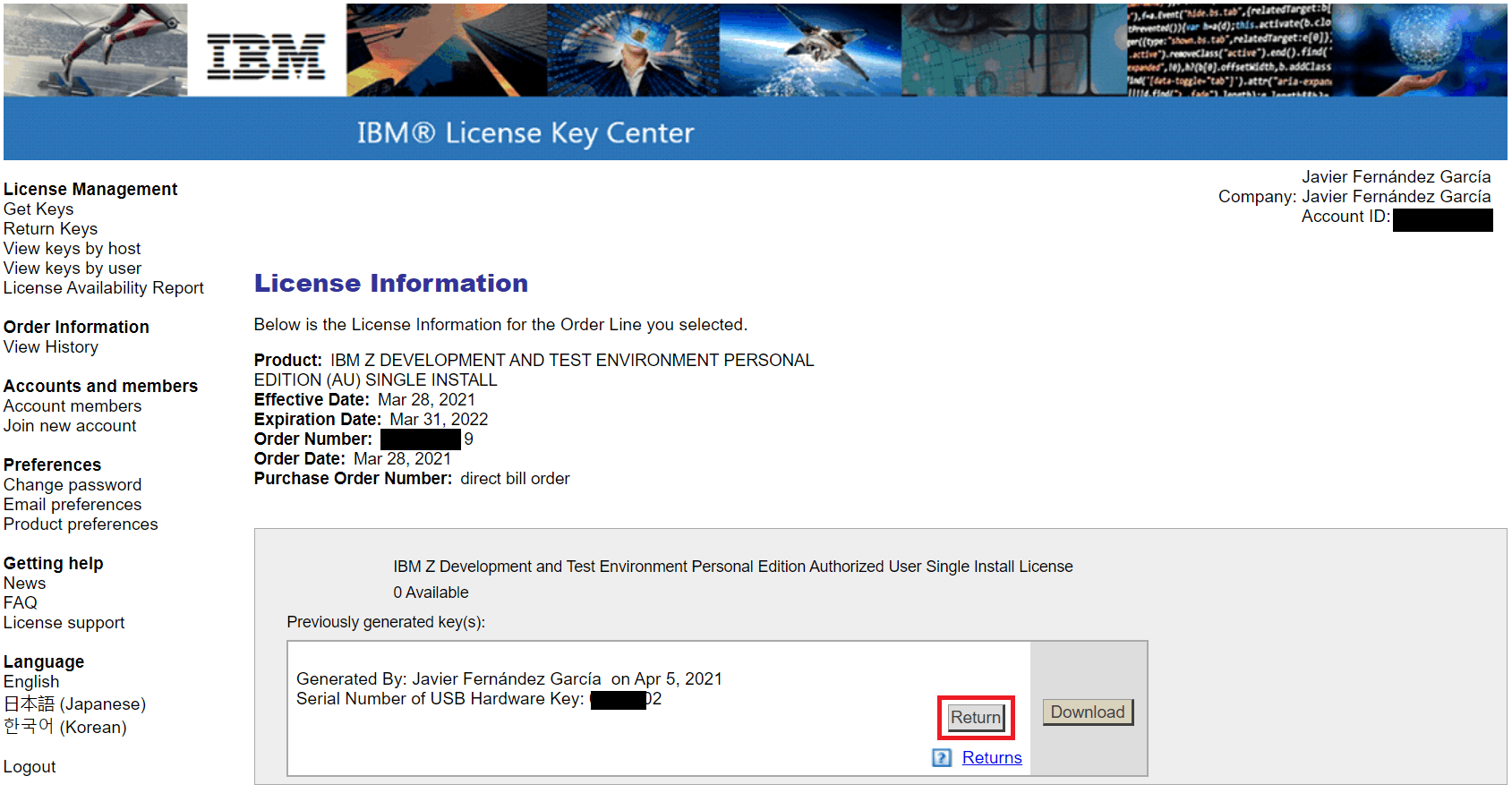
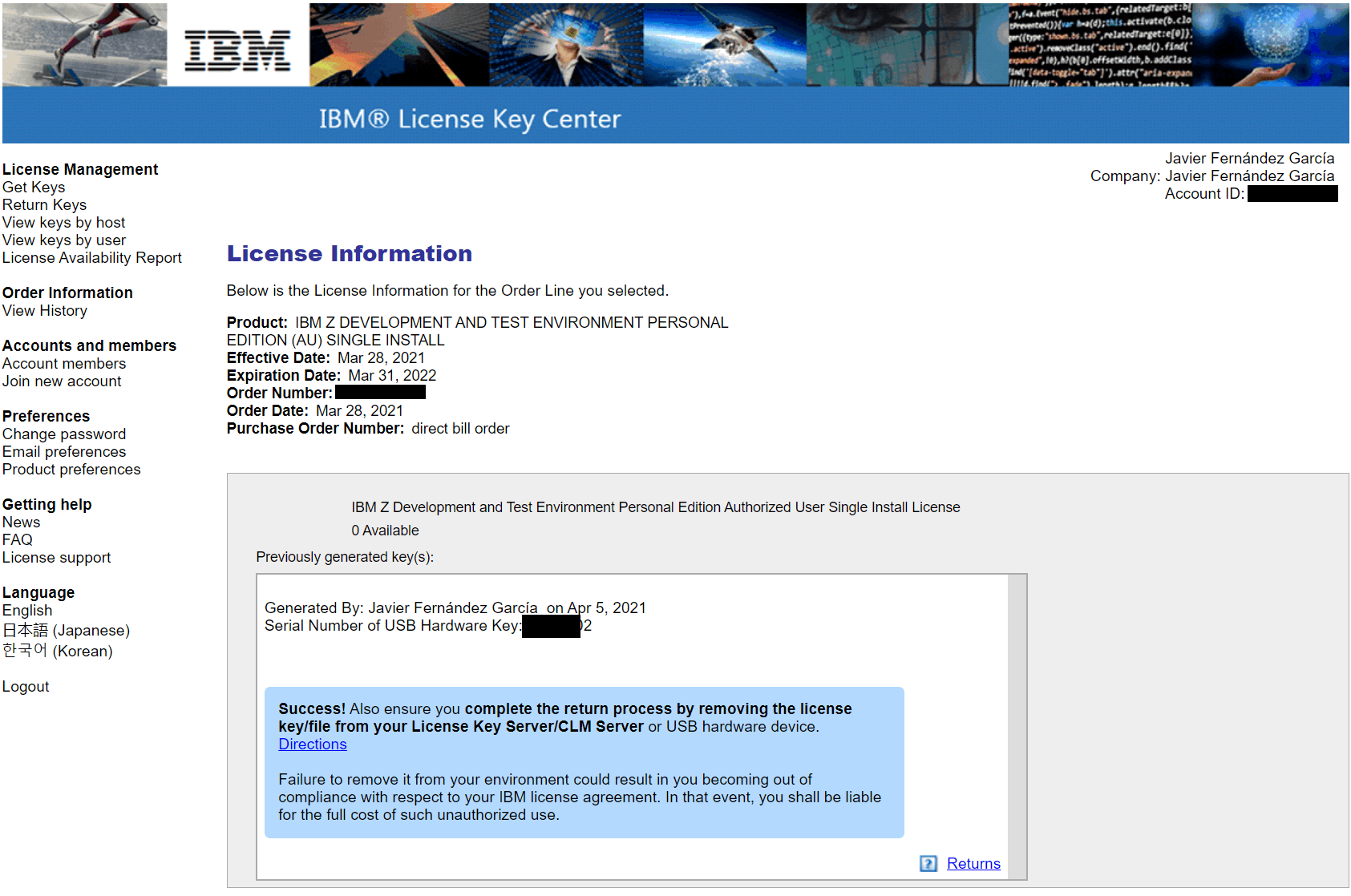
We will see the confirmation that it has been returned correctly.
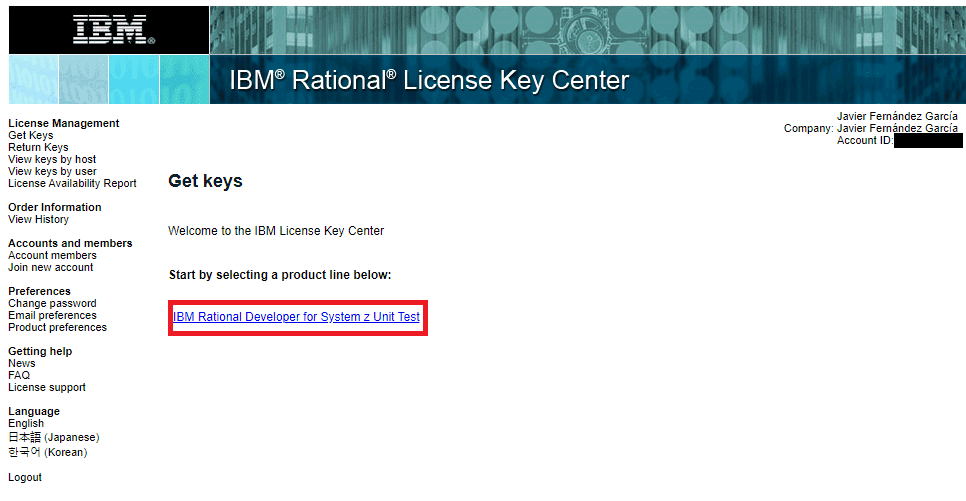
Generate New License File
Enter the product again.
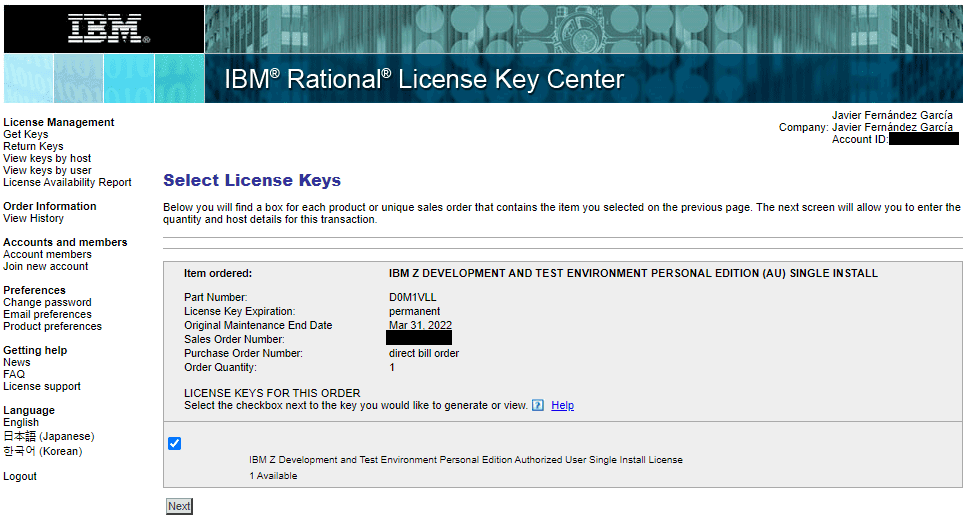
Enter the available license.
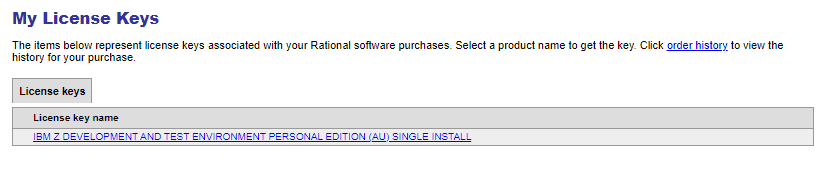
Click Next.
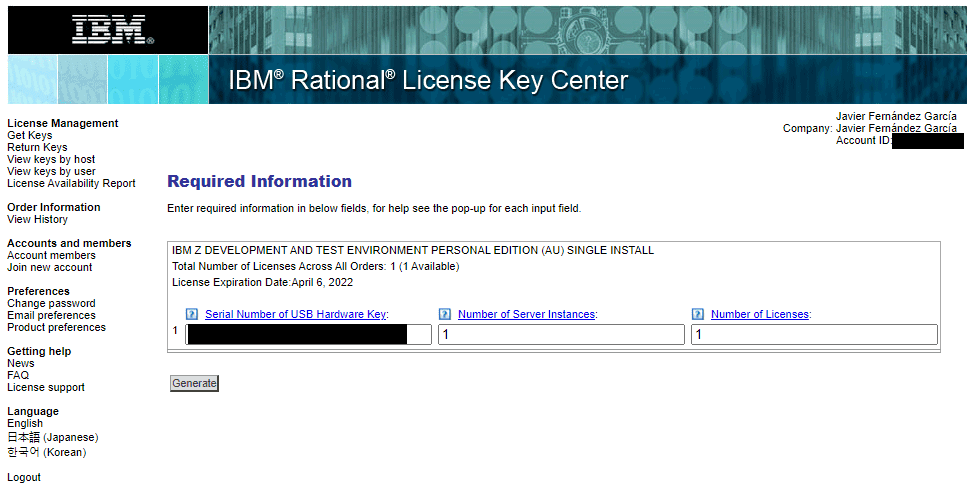
Enter the data.
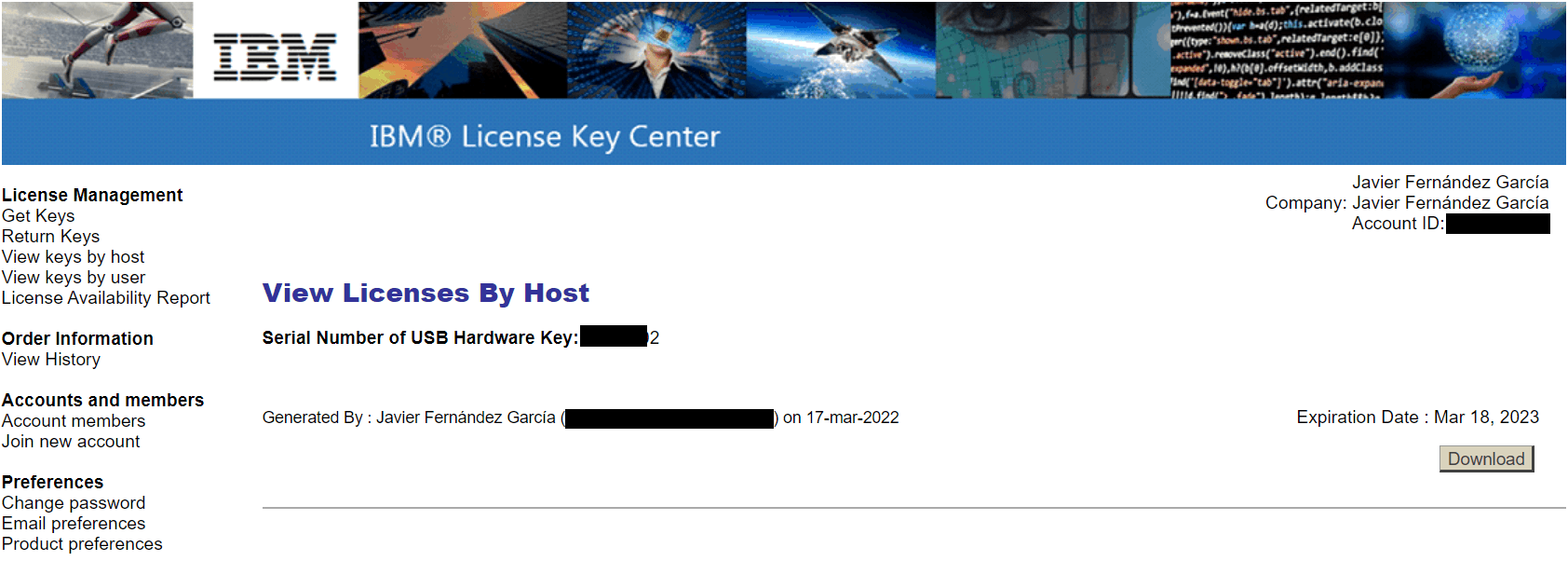
Download the license file.
Update License on USB Token
We transfer the license file to the system where we have ZDT installed. Go to the folder:
cd /usr/z1090/bin/Now we will issue the command to apply the license. In my case:
sudo ./Z1091_token_update -u /home/jav/Desktop/RDT-01302-202303182359-3CP-1I-0.zipWhen finished, you will need to disconnect the token for 10-15 seconds.
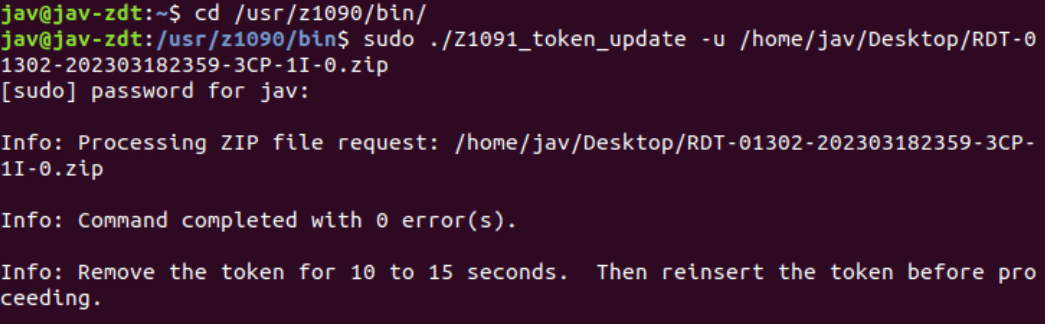
It’s also necessary to restart the license server, but in my case, since I had to restart the PC, I didn’t do it.
When we reconnect the token, we can check the license status with the command:
sudo ./Z1091_token_update -status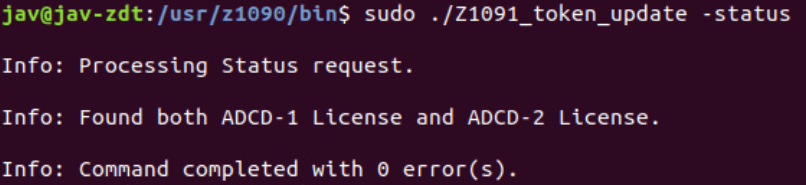
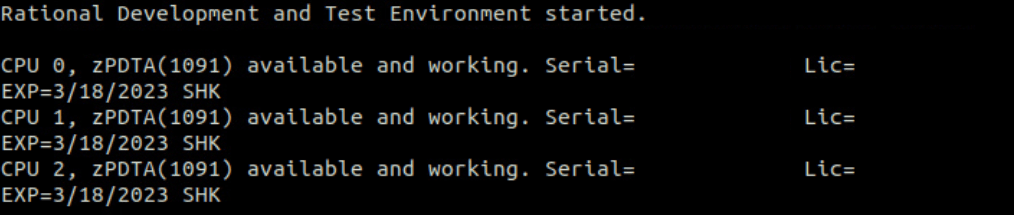
When starting the system we can check the new date on which the license will expire.